Introduction - Payments Received
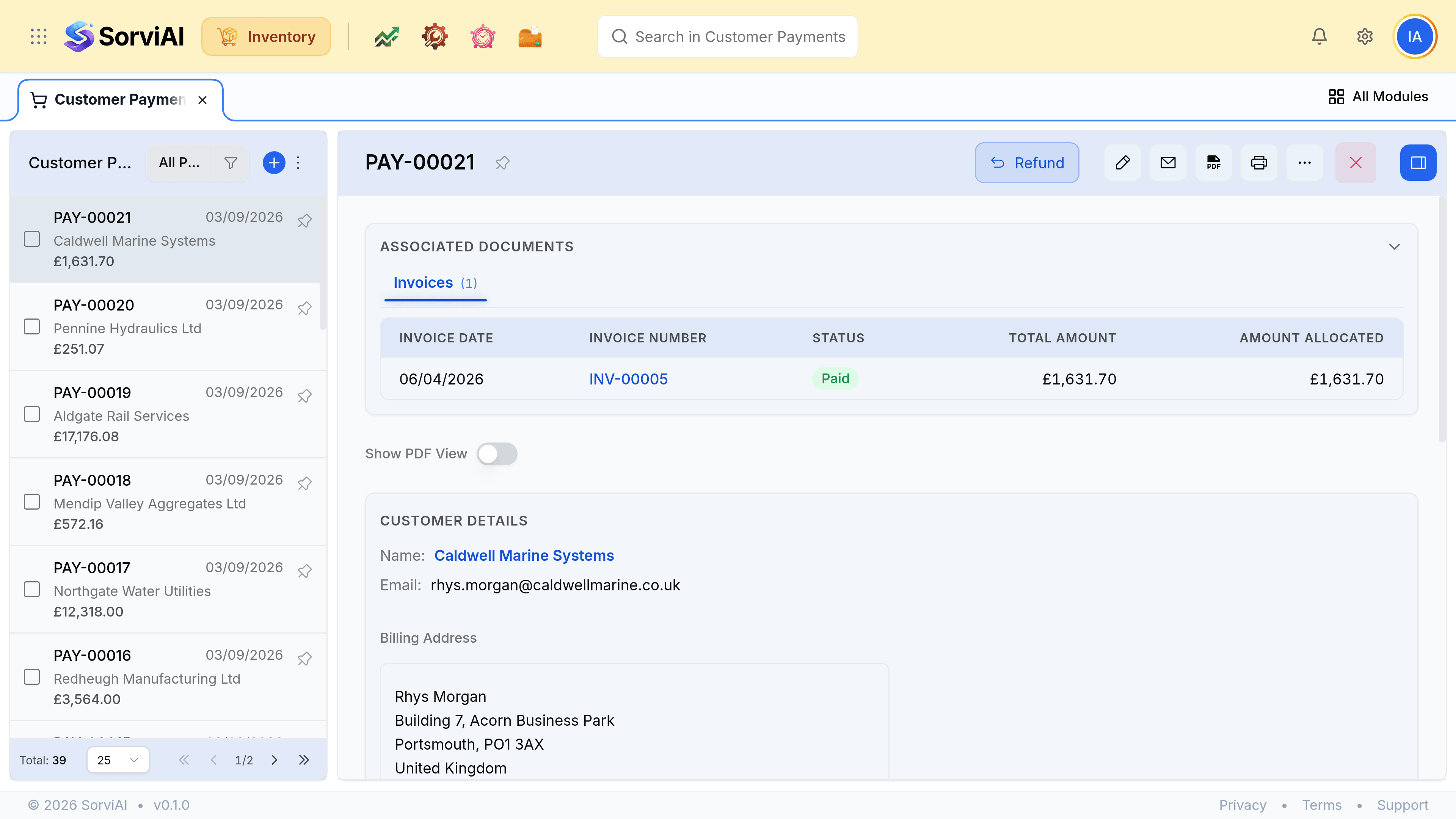
A payment received records what a customer has paid you and which invoices it settles.
It is the end of the sales chain and the only step in it that touches no stock at all. Recording one here keeps the customer's balance honest without anybody leaving Inventory to do it.
A payment and an allocation are two things
This distinction answers most awkward receipts questions.
- The paymentwhat arrived
- An amount, a date, a mode and the account it landed in. This is a fact about your bank.
- The allocationwhat it settles
- Which invoices that money is applied against, and how much of each. This is a decision, and it can be changed later.
A payment can arrive with no allocation at all: money on account, sitting as a credit against the customer until somebody decides which invoices it clears.
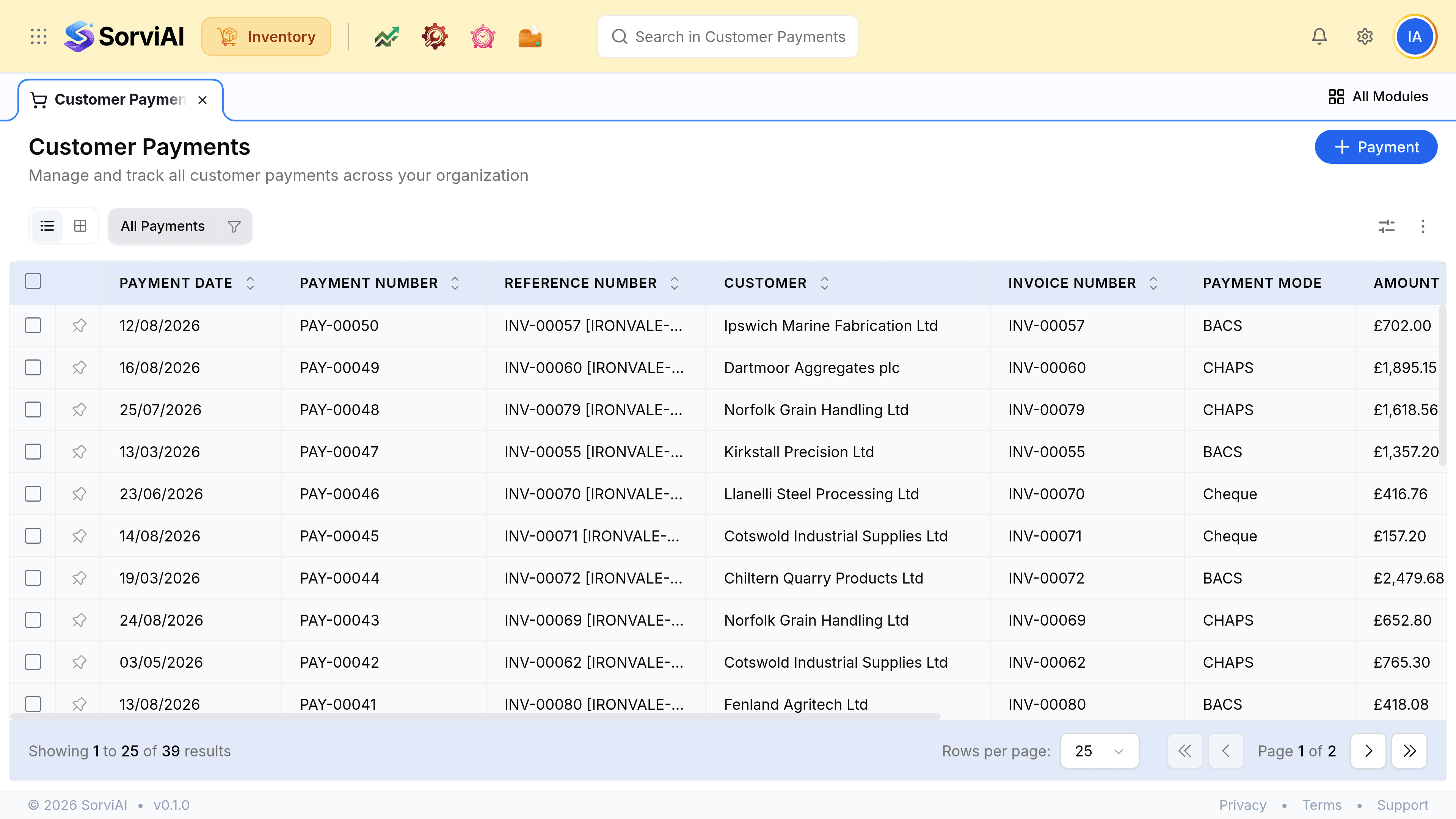
Payment modes
The mode is what the list is filtered by when somebody asks how a customer usually pays. Bank Transfer, BACS, CHAPS and Direct Debit sit alongside Cheque, Cash and card.