
Preferences
Two module switches, and the workspace defaults applied across documents and PDFs. The shortest screen in the rail and not the least consequential.
Preferences has two tabs. The first decides which modules Inventory offers at all; the second holds defaults documents and PDFs are built from.
Go to SettingsPreferences. Two tabs: Modules and Defaults.
Modules
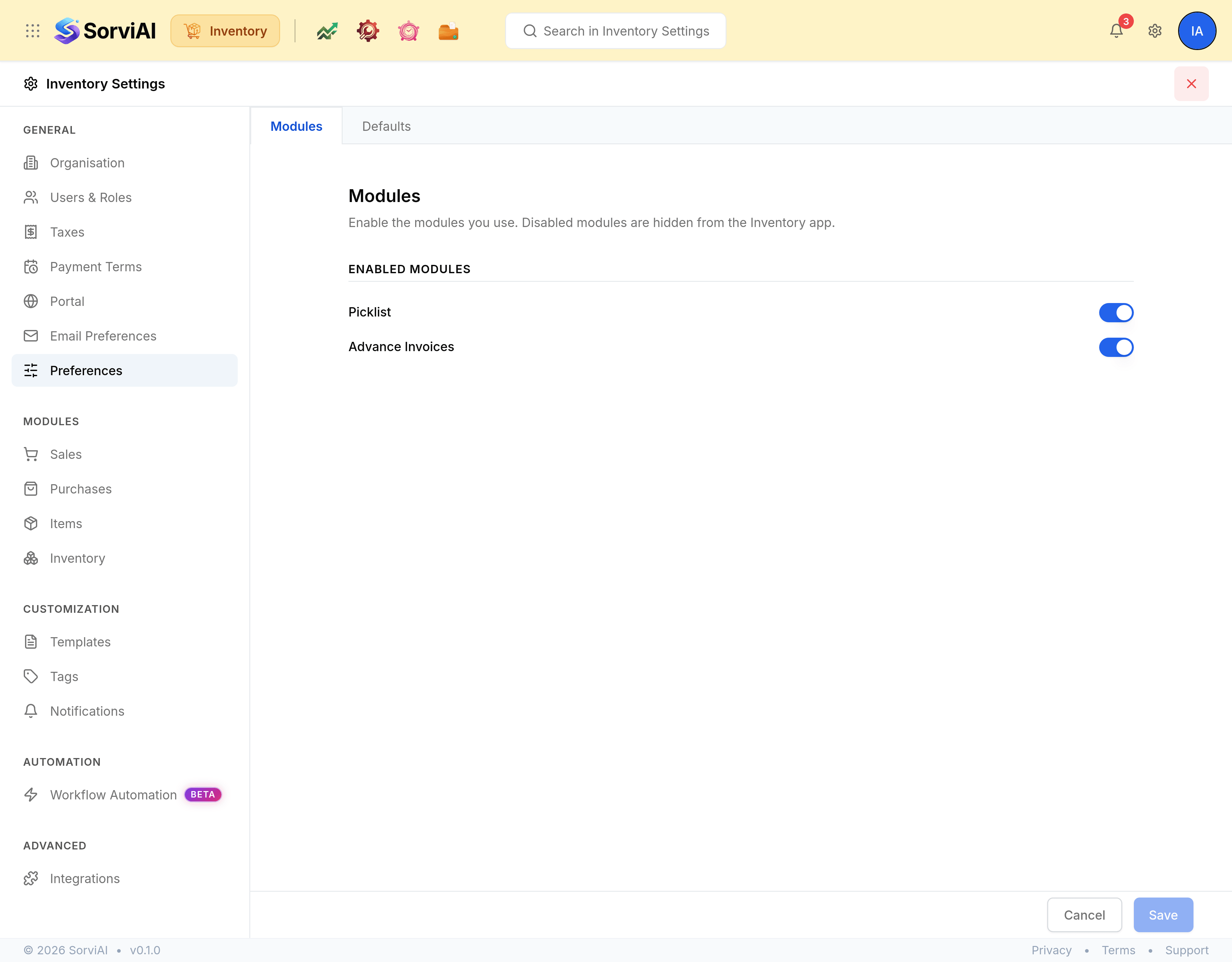
Enabled Modules holds two switches, and only two.
| Field | What it does |
|---|---|
| Picklist | Whether picking lists are offered at all. Off hides the Picklists module and its settings tab. |
| Advance Invoices | Whether advance invoices are offered on the sales side. |
Turning a module off hides it; it does not delete anything. Records already raised stay in the database and come back when the module is turned on again.
Defaults
| Field | What it does |
|---|---|
| Additional Charges | Adjustments and Shipping Charges. Each adds a line to the documents that offer it. |
| Billable Bills and Expenses | Default Markup Percentage, applied when a cost is rebilled to a customer. |
| Organisation Address Format | How your address is laid out on a PDF, built from placeholders. It changes printing only. |