
Allocate and Reallocate
Applying a receipt to the right invoices, and moving it when you got that wrong.
Allocation is the forgiving part of this module. The payment itself is a fact; what it settles can be changed as often as you need.
Allocate a payment
Open the payment
Its unallocated balance is shown against the customer's open invoices.
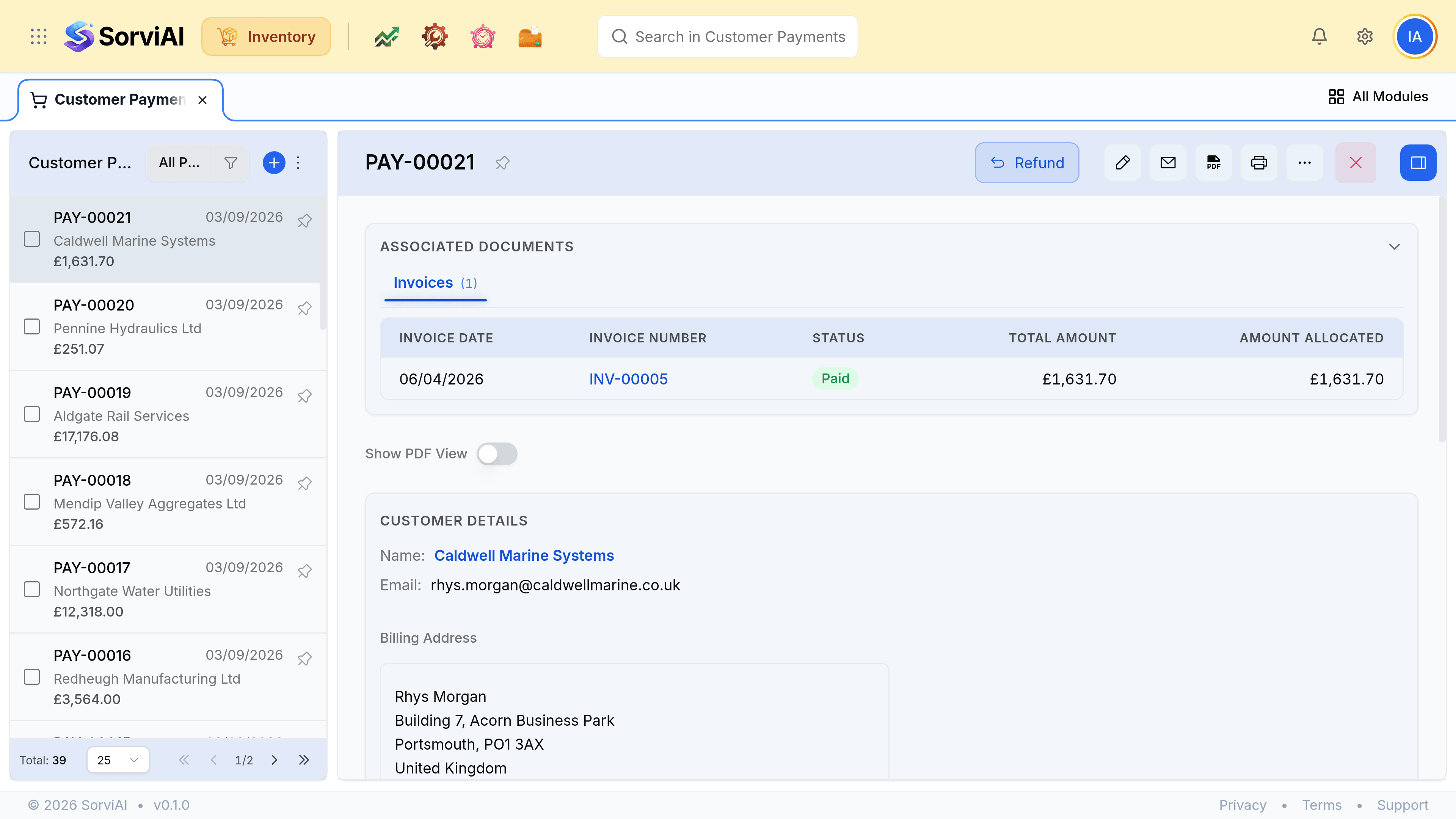
Enter an amount against each invoice
Part of an invoice is allowed. That invoice then reads Partially Paid and keeps its remaining balance due.
Save
The invoices move to paid or partly paid, and any remainder stays as an unallocated credit.
Reallocate one
Clear the wrong allocation
The invoice returns to outstanding and the payment's balance returns to unallocated.
Apply it where it belongs, then save
The payment record, its date and its amount are untouched throughout.
Reading an account
- Unallocated payments
- Money you hold that has not been placed against anything. It reduces what the customer owes overall while individual invoices still look unpaid.
- Partially paid invoices
- Something arrived and did not cover it. Worth checking against the delivery: a short payment often follows a short delivery.
- Paid in full
- Balance due is zero and the invoice is out of the way.