
Create a Bill
Raise it from the receive rather than the order, so you are billing what actually arrived.
A bill records what the vendor is charging. Raising it from the receive rather than the purchase order is the single habit that catches over-billing.
Raise one
Open the purchase receive and create a bill from it
The quantities come from what was received, not from what was ordered.
Enter the vendor's own bill number
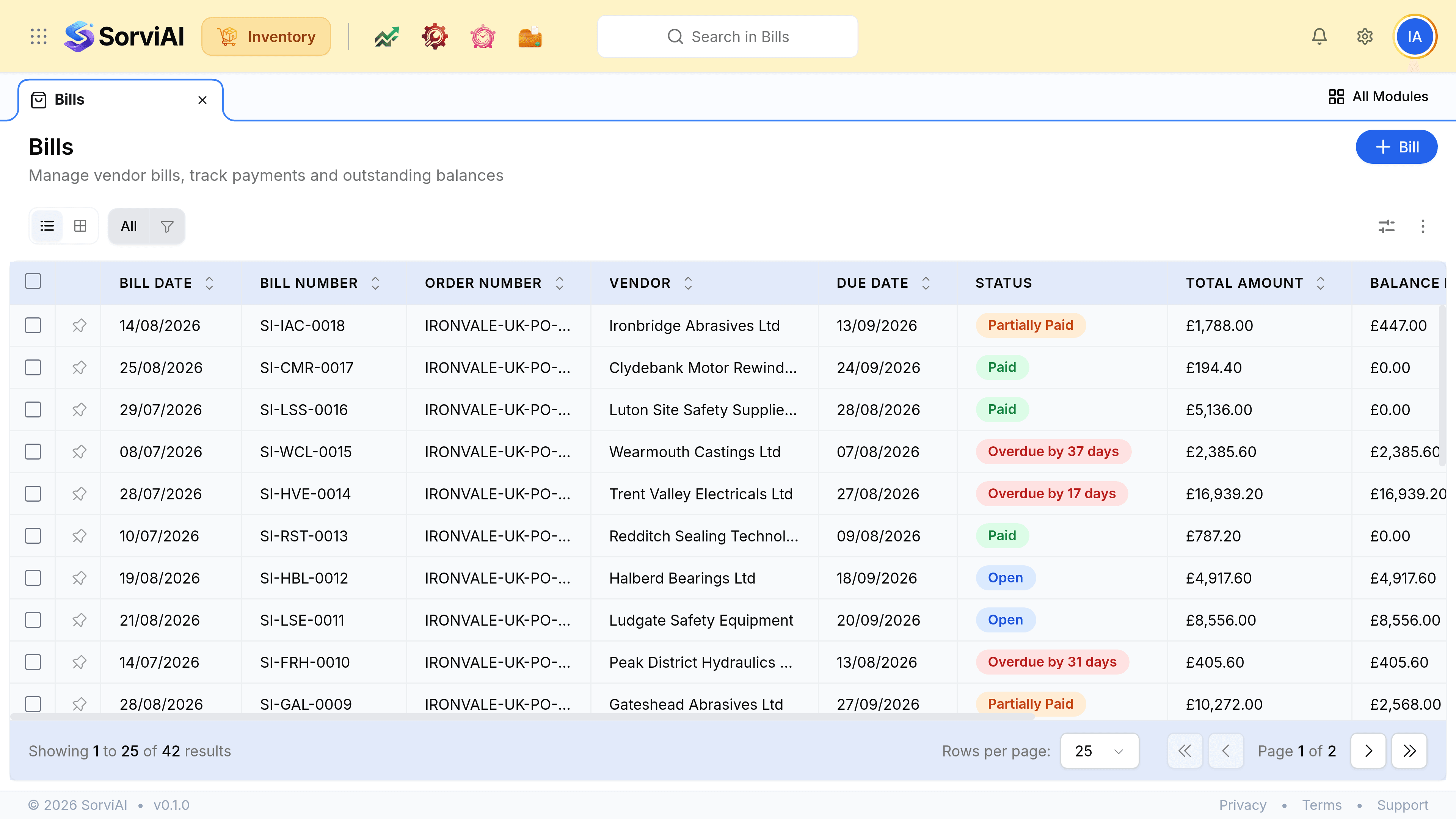
The Bill Number column holds their reference, not yours. It is what they will quote when they chase payment.
Check the rates against their invoice
The quantity is now right by construction; the price is the part still worth reading.
Confirm the due date
It comes from the vendor's payment terms, and it is what drives the Overdue by N days label afterwards.
Save
Nothing on any shelf changes. The receive already did that.
When there is no receive
Some purchases have no goods behind them: a service, a subscription, a delivery charge invoiced separately. Raise the bill directly and pick the account.