
Allocate and Reallocate
Moving a payment between bills, without disturbing the payment itself.
Allocation is a bookkeeping decision rather than a fact about your bank, which is why it can be changed freely.
Allocate
Open the payment
Its unallocated balance shows against the vendor's open bills.
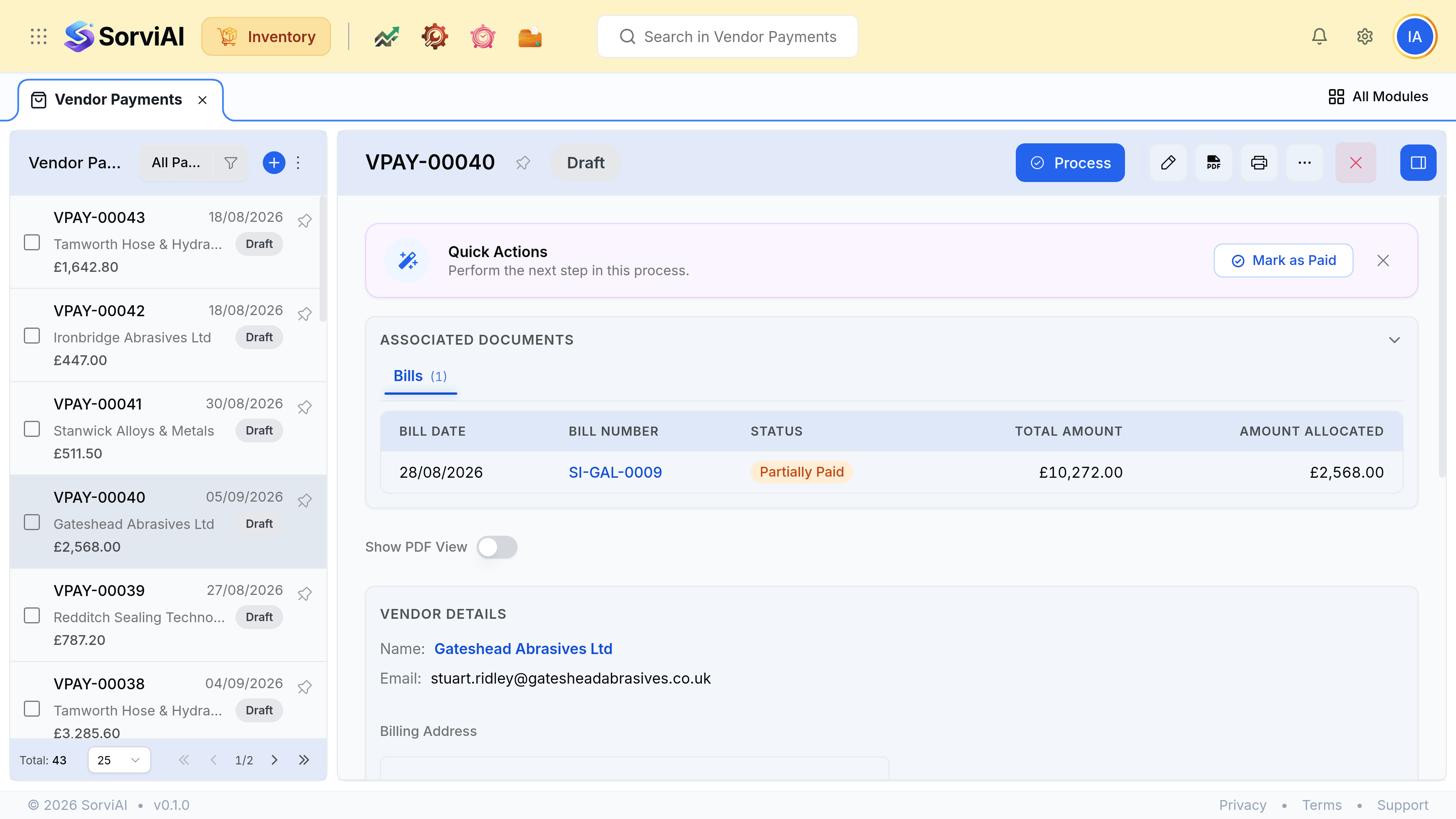
Enter an amount against each bill, and save
Part of a bill is allowed; that bill's Payment column then reads Partial and it keeps its balance due.
Reallocate
Clear the wrong allocation
The bill returns to outstanding and the payment's balance returns to unallocated.
Apply it where it belongs, then save
The payment's date and amount are untouched throughout.
Reading a vendor account
- Unallocated payments
- Money you have sent that is not against a bill. It reduces what you owe overall while individual bills still read Unpaid.
- Partial payments
- Often the result of a credit applied to part of a bill, or a deliberate short payment pending a query.
- Overdue and unpaid
- What to deal with, once you have checked there is no credit sitting unapplied.