
Match to a Receive
Comparing three documents, and trusting the one written next to the goods.
The purchase chain earns its keep here. Three documents describe the same delivery, and when they disagree the receive is the one to believe.
Work through a mismatch
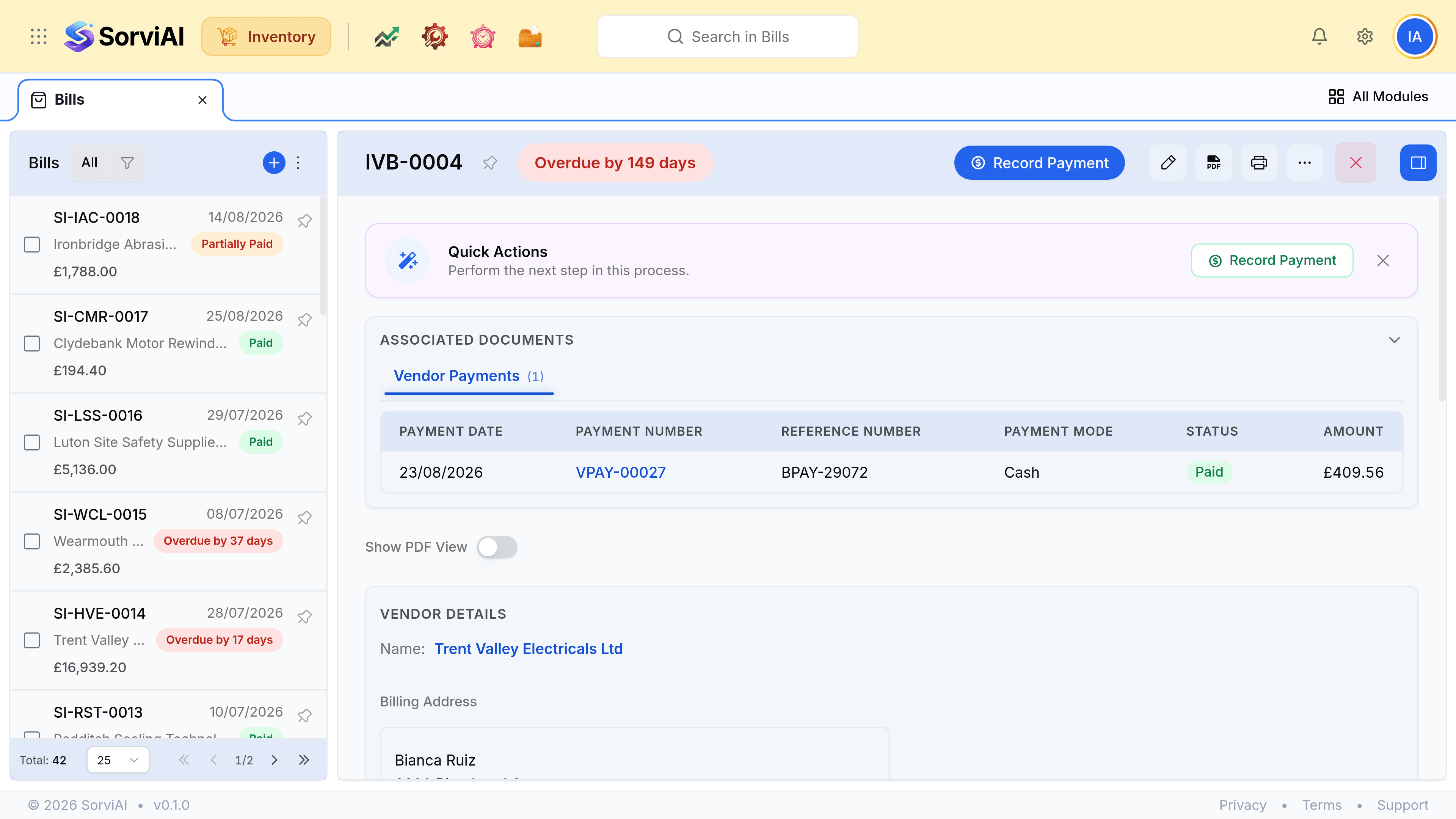
Open the bill beside its receive
The Order Number on the bill is the thread back to both.
Compare the quantities against the receive
Not against the order. The order is what you hoped for.
Compare the rates against the purchase order or rate list
Quantity and price fail differently, and a bill can be wrong on either.
Raise a vendor credit for the difference
Rather than editing the bill down. The vendor's invoice exists; the correction should too.
What the Billed column is for
The purchase order and the purchase receive both carry a Billed flag. Together they answer the two questions a month end asks.
| State | What it means | What to do |
|---|---|---|
| Received, Not Billed | Goods are yours, no invoice yet | Accrue it. The cost belongs to this month |
| Billed, nothing received | An invoice for goods nobody counted in | Find the receive, or find the delivery |
| Received and Billed | The normal, finished state | Nothing |