
Create a Customer
The fields the warehouse needs, and the ones that only matter when you invoice.
A customer record serves two departments. Dispatch needs somewhere to send goods; accounts needs somewhere to send the bill. They are often not the same address.
Add one
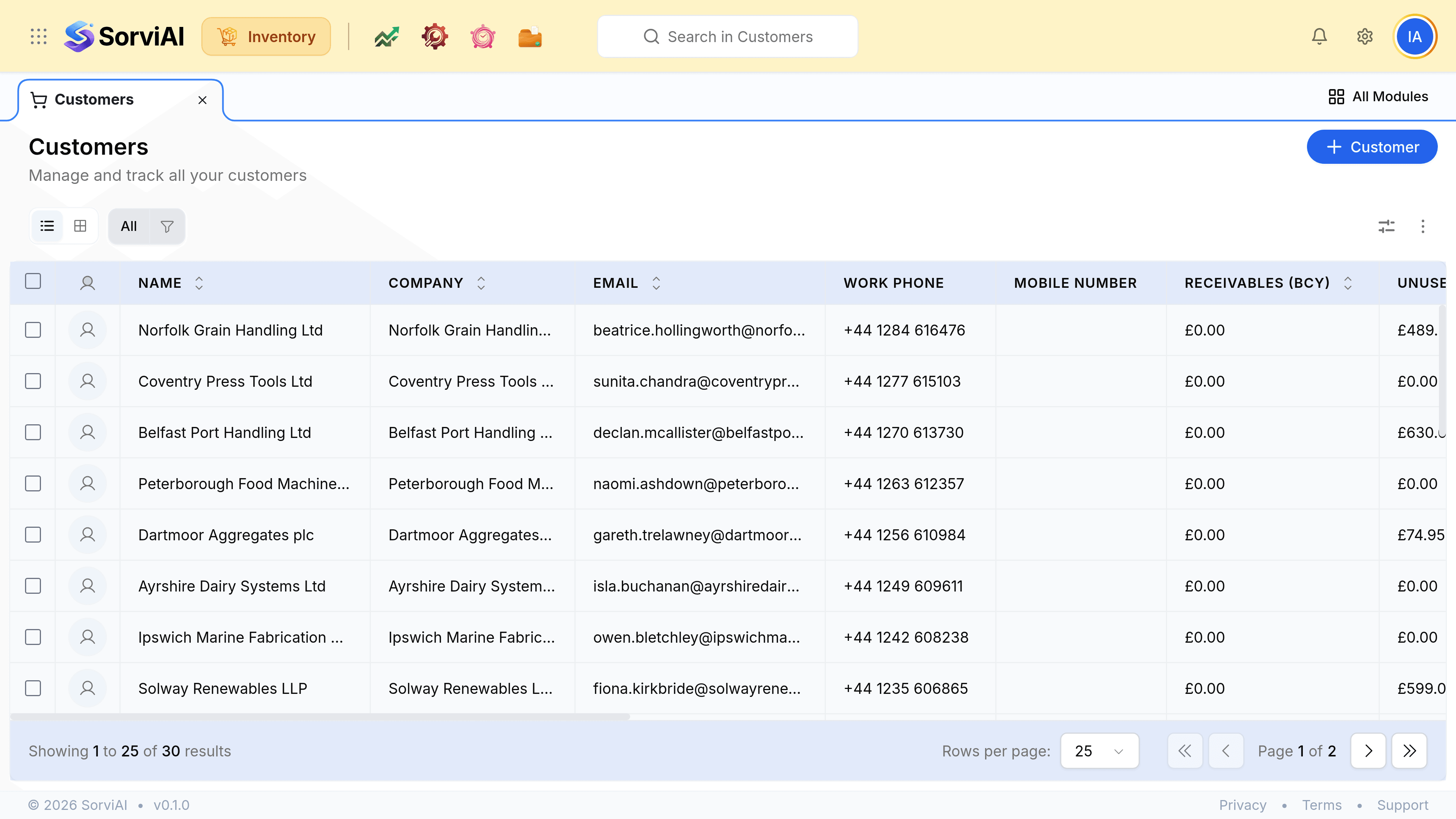
Go to Customers and select Customer
A business name or a person's name, whichever the customer trades as.
Enter the billing address
Where the invoice goes. Often a head office that has never seen a pallet.
Enter the shipping address
Where the goods go. This is what prints on the packing slip and what the carrier is given, so it needs a postcode a driver can find.
Set the payment terms, and a rate list if they are on contract pricing
Both carry onto every document raised for them afterwards.
What the fields feed
| Field | What it does |
|---|---|
| NameRequired | Prints on every document and is what search matches on. |
| Billing address | The invoice address. Reaches Finance rather than the warehouse. |
| Shipping address | The packing slip and the carrier label. Several are allowed; the order chooses one. |
| Payment terms | Fills in on invoices and decides when an account reads as overdue. |
| Rate list | Contract pricing, applied to their orders and invoices automatically. |
| Contacts | Who to ring. A goods-in contact and an accounts contact are usually different people. |