
Create a Purchase Order
Order what you are short of, from the vendor whose lead time you can live with.
Raising an order changes nothing on your shelf. It makes the units expected, which is what stops the same shortfall being ordered twice.
Raise one
Go to Purchase Orders and raise one
Choose the vendor. Their terms and purchase rate list fill in from the record.
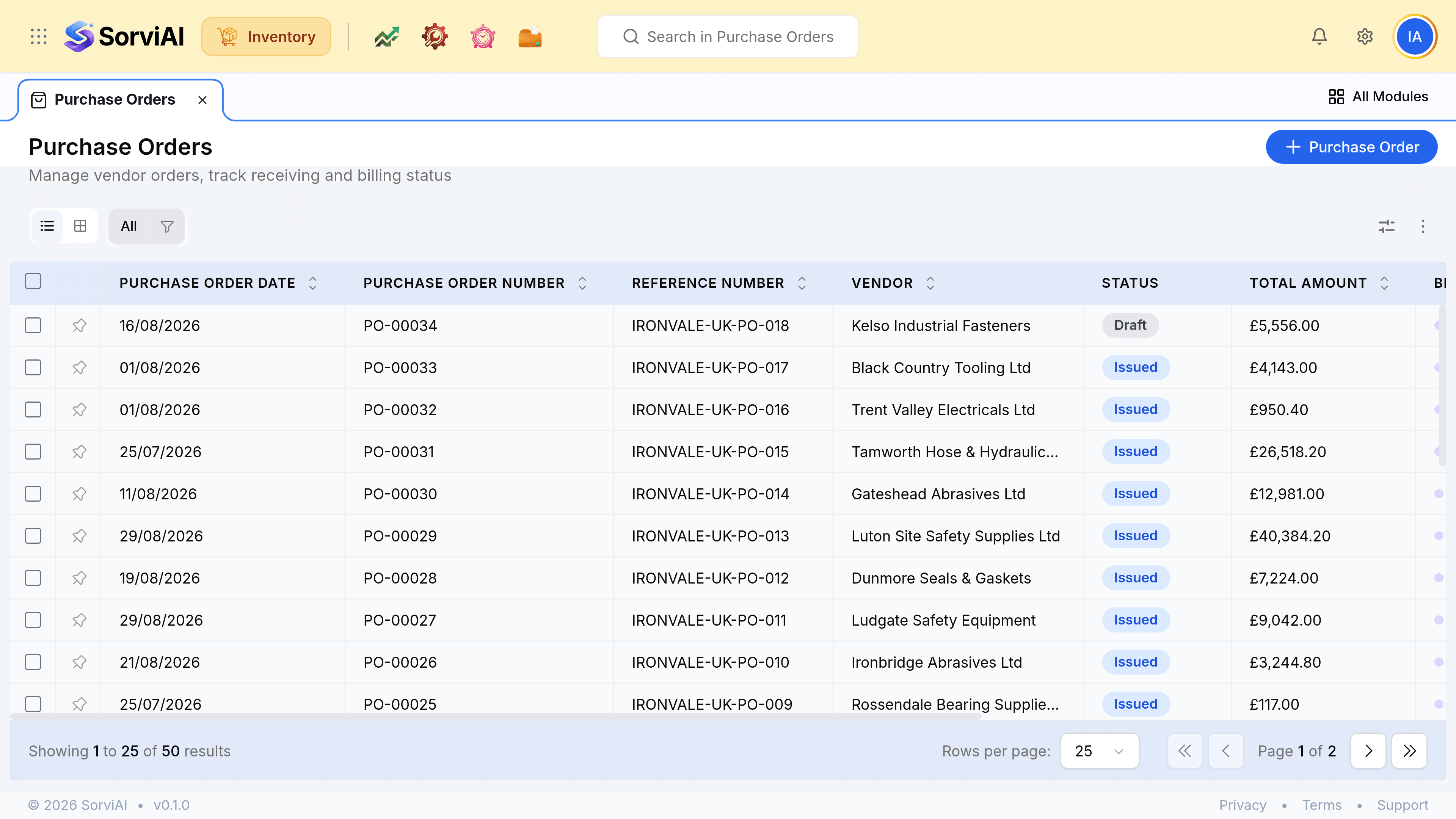
Add the items and quantities
Each line resolves to a variant where the product has them, because that is what will be received.
Set the delivery warehouse and the expected date
The depot is where the goods should land, and becomes the default on the receive. The expected date is what the vendor's lead time promised, and it is what makes an overdue order findable.
Issue it to the vendor
A draft order expects nothing. Issuing is what puts the quantity on order.