
Track an Order
Following what is on order, receiving it in stages, and closing the ones that will never come.
A purchase order is open until it is received in full or closed. Between those, it is a promise you are relying on.
Track it
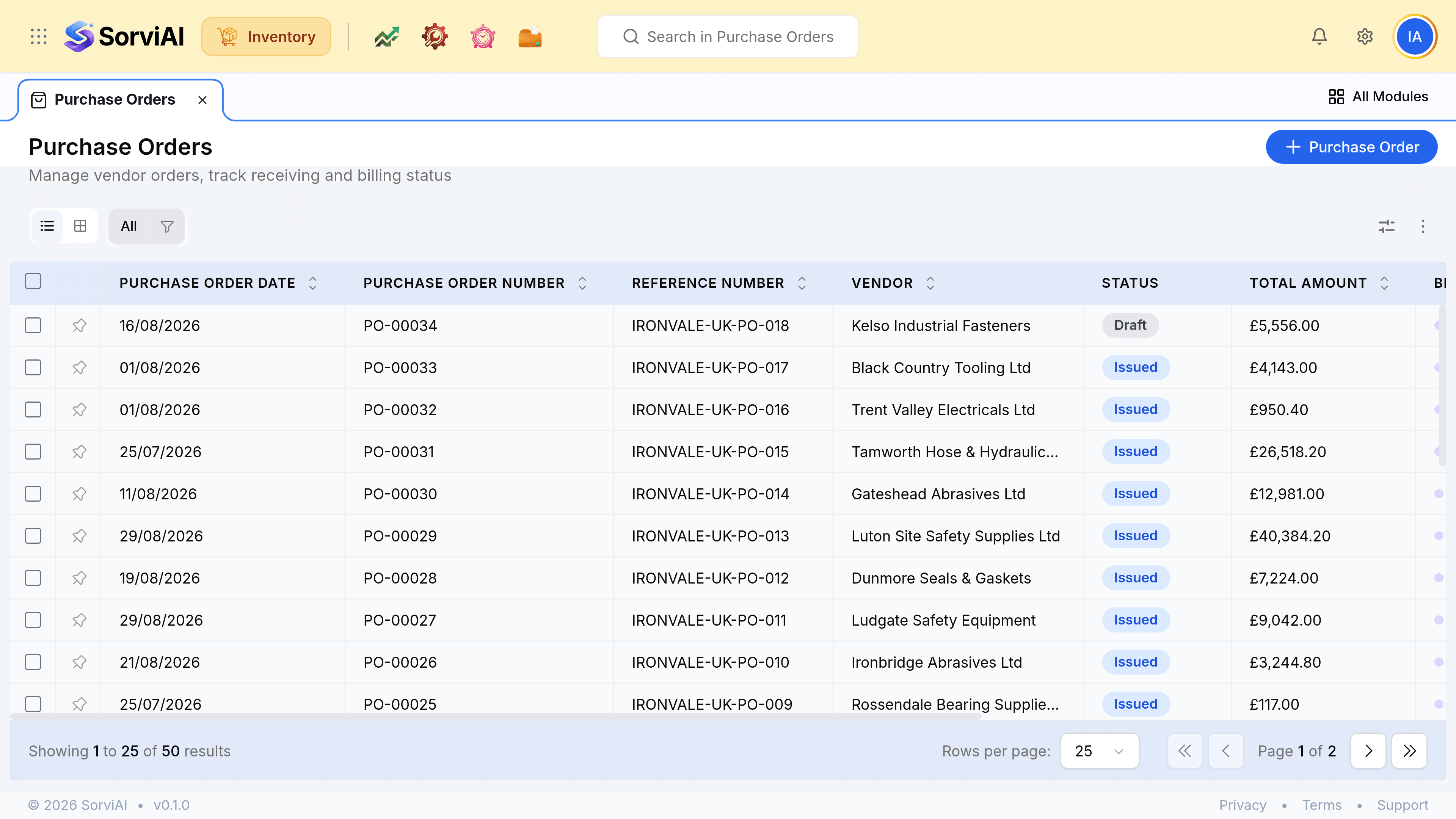
| Column | What it is telling you |
|---|---|
| Status | Draft means nothing is expected. Issued means the quantity is on order |
| Expected Date | What the vendor's lead time promised. Past it, and somebody should be ringing them |
| Billed | Whether their invoice has arrived. Separate from whether the goods have |
Receiving in stages
One purchase order can be received several times. Ordering a hundred and receiving sixty leaves forty still on order against the same document, which is what tells you the vendor still owes you.
Open the order when a delivery arrives
Create a purchase receive from it. The record shows what has already been received.
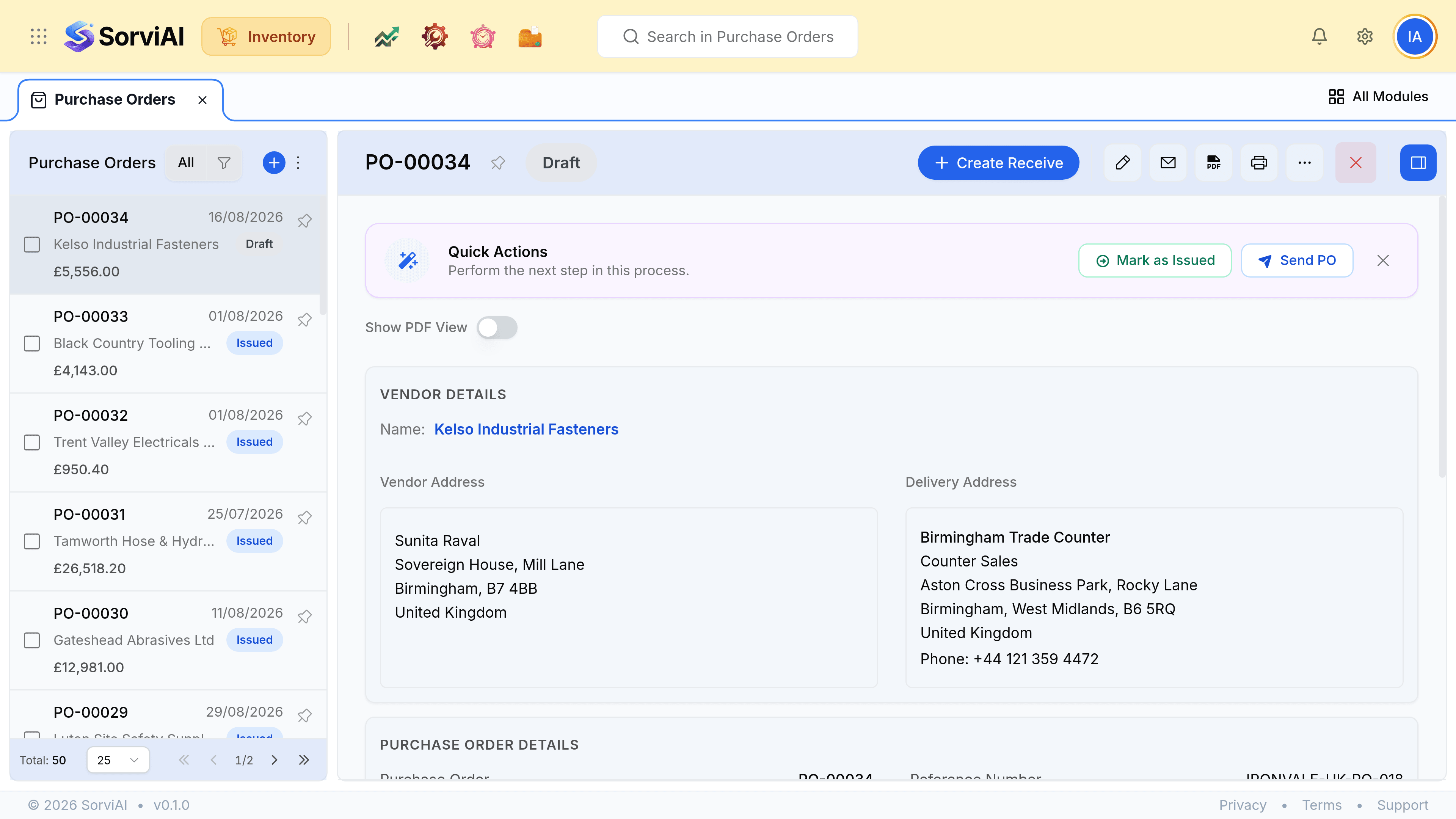
Record what actually came
Not what was ordered. The balance stays on order.
Repeat as further deliveries land
The order closes itself when the last of it is received.