
How Inventory works
Three chains change a stock count, and nothing else does. Learn those and the rest of the app follows.
Inventory is not twenty unrelated screens. It is three chains that change a count, plus the item records those counts hang off.
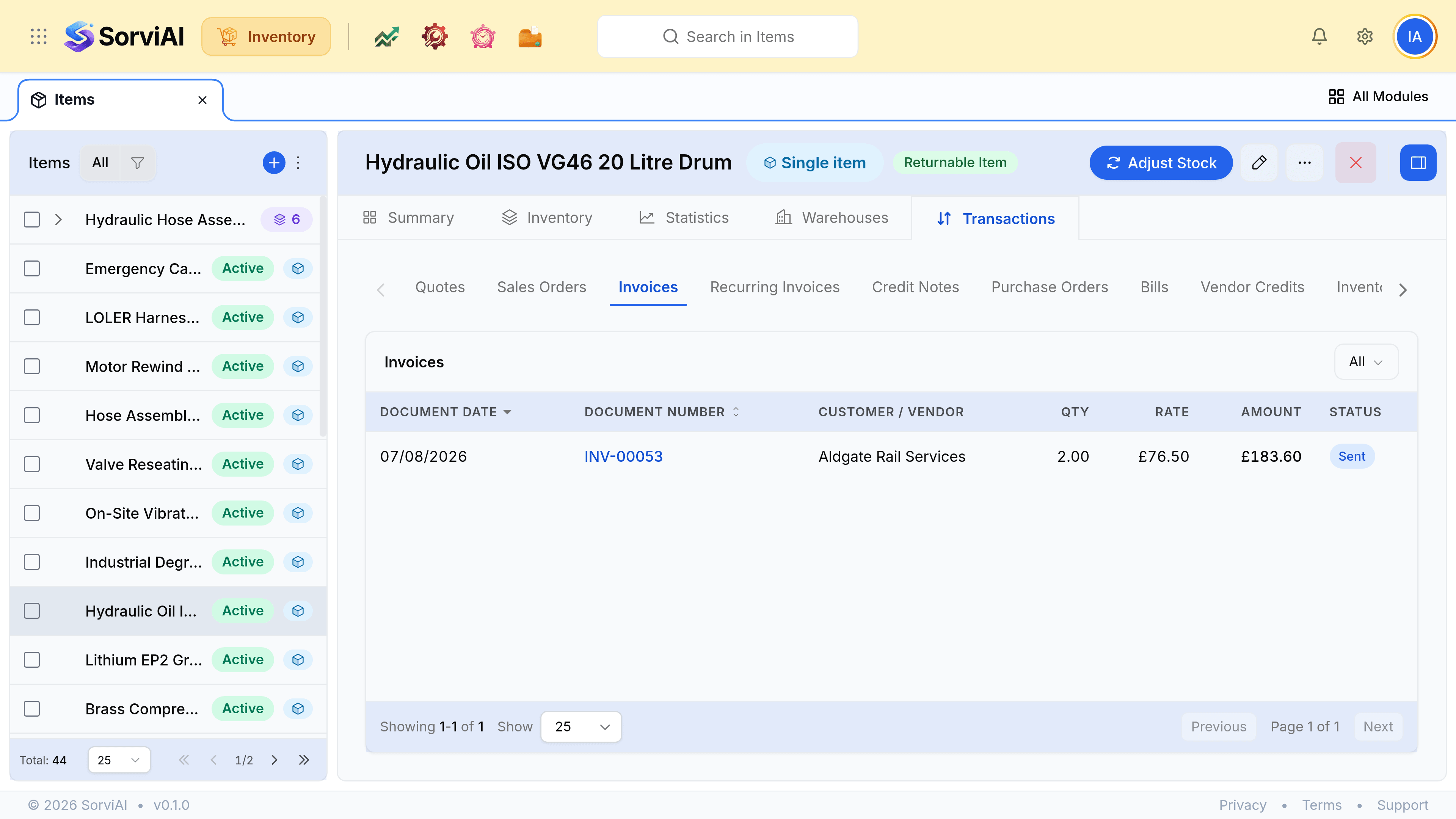
Highlights
- Three chains: stock in, stock out, and the corrections that belong to neither.
- Draft moves nothing. A count changes when a document is confirmed, not when it is saved.
- Stock is held per warehouse, so any total is a sum of places.
- Reserved is not gone, and available is the number that decides what you can promise.
- One record, many apps. An item is not copied into Finance; it is the same row.
Stock coming in
- Purchase OrderWhat you asked for
- Purchase ReceiveWhat turned up
- BillWhat they charged
The receive is the step that changes the count, and it is the one people skip. It records what arrived rather than what was ordered, which is how a short delivery is caught before you pay for the full order rather than after.
Stock going out
- Sales OrderCommitted
- PicklistPulled
- PackageBoxed
- ShipmentGone
Confirming a sales order reserves stock rather than removing it. The units stay in your holding, committed to that order and unavailable to anybody else, until a shipment sends them.
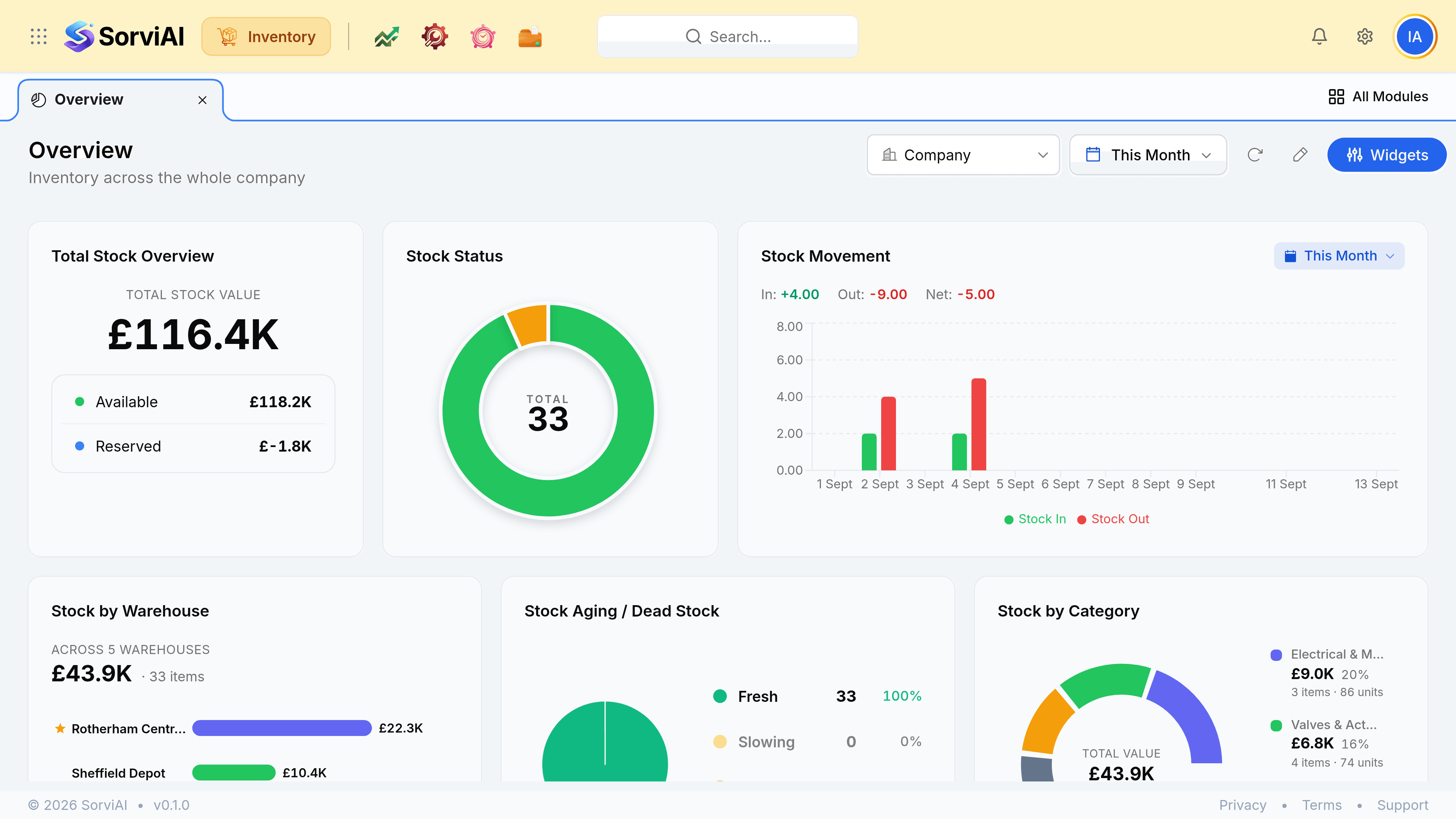
Available
can be promised
- YesCounted in stock on hand
- YesCan be committed to a new order
- YesSellable today
Reserved
already promised
- YesCounted in stock on hand
- NoCan be committed to a new order
- NoSellable today
Not every order uses all four steps. Picklists and packages earn their place when somebody other than the person taking the order does the picking; when that is not true, go from the order to the shipment.
Corrections, and everything else
Neither chain is edited backwards once a document is out. Corrections get their own record, which is what keeps the trail intact.
| What happened | What you raise | Against |
|---|---|---|
| A stocktake found fewer units | Stock Adjustment | The item |
| Goods were damaged in the warehouse | Stock Adjustment | The item |
| Stock needs to move between warehouses | Stock Transfer | The two warehouses |
| A customer sent goods back | Sales Return | The sales order |
| You over-invoiced a customer | Credit Note | The invoice |
| A vendor over-charged you | Vendor Credit | The bill |
What actually changes a count
Nothing you are still drafting. This is the single most useful rule in the product, and it is behind most "why is this figure wrong" questions.
| If the figure looks | Look at |
|---|---|
| Too high | Packages that have not shipped, and draft sales orders reserving nothing |
| Too low | A delivery that arrived and was never received in |
| Right but unsellable | Reserved stock. Open sales orders have already claimed it |
| Right in total, wrong on site | Stock sitting at another warehouse, or a transfer sent and never received |
One set of records, several apps
Inventory shares its records with the rest of the SorviAI suite rather than keeping copies. An item created in Finance is the item you count; a customer created here is the customer a repair ticket is raised for.