
Record a Shipment
Ship a package, name the carrier, and accept that this is the moment the stock leaves you.
A shipment always ships a package, so the contents are already recorded. What this step adds is who has the box and when it went.
Send it
Open the package and create a shipment
One shipment per package. The contents come across; there is nothing to retype.
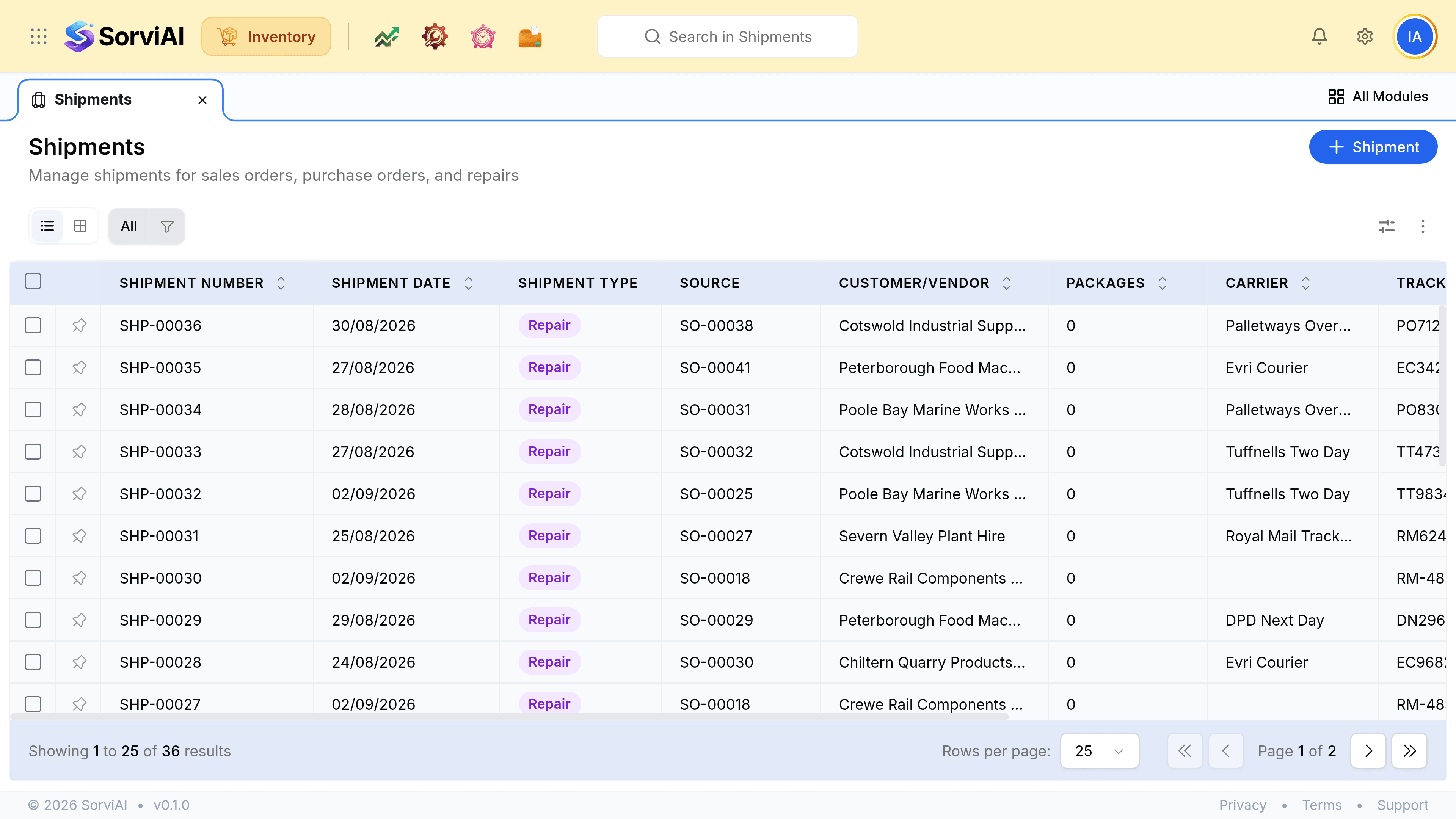
Choose the carrier and enter the tracking number
This is what you give a customer who asks where their order is, so it is worth entering properly rather than later.
Set the date it actually left
Which is not always today. Backdating a shipment that went on Friday keeps your movement reports honest.
Record the carriage cost, if you track it
The Cost column on the list is only as useful as this field.
Save
The stock comes off your count at this point, and the reservation against the sales order is released because it has been fulfilled.
What changes at this moment
| Figure | Before | After |
|---|---|---|
| Stock on hand | Includes the units | Does not |
| Reserved against the order | Yes | Released |
| Available to promise | Unchanged either way | Unchanged either way |
| Cost of goods | Not yet recognised | Recognised |
Available does not move, which surprises people. The units were already unavailable the moment the order was confirmed; shipping only changes whether you are still holding them.