
Record a Payment
Enter what arrived, then decide separately which invoices it settles.
The amount is a fact about your bank; the allocation is a decision. Recording them as two steps is what lets you keep up with the first without waiting on the second.
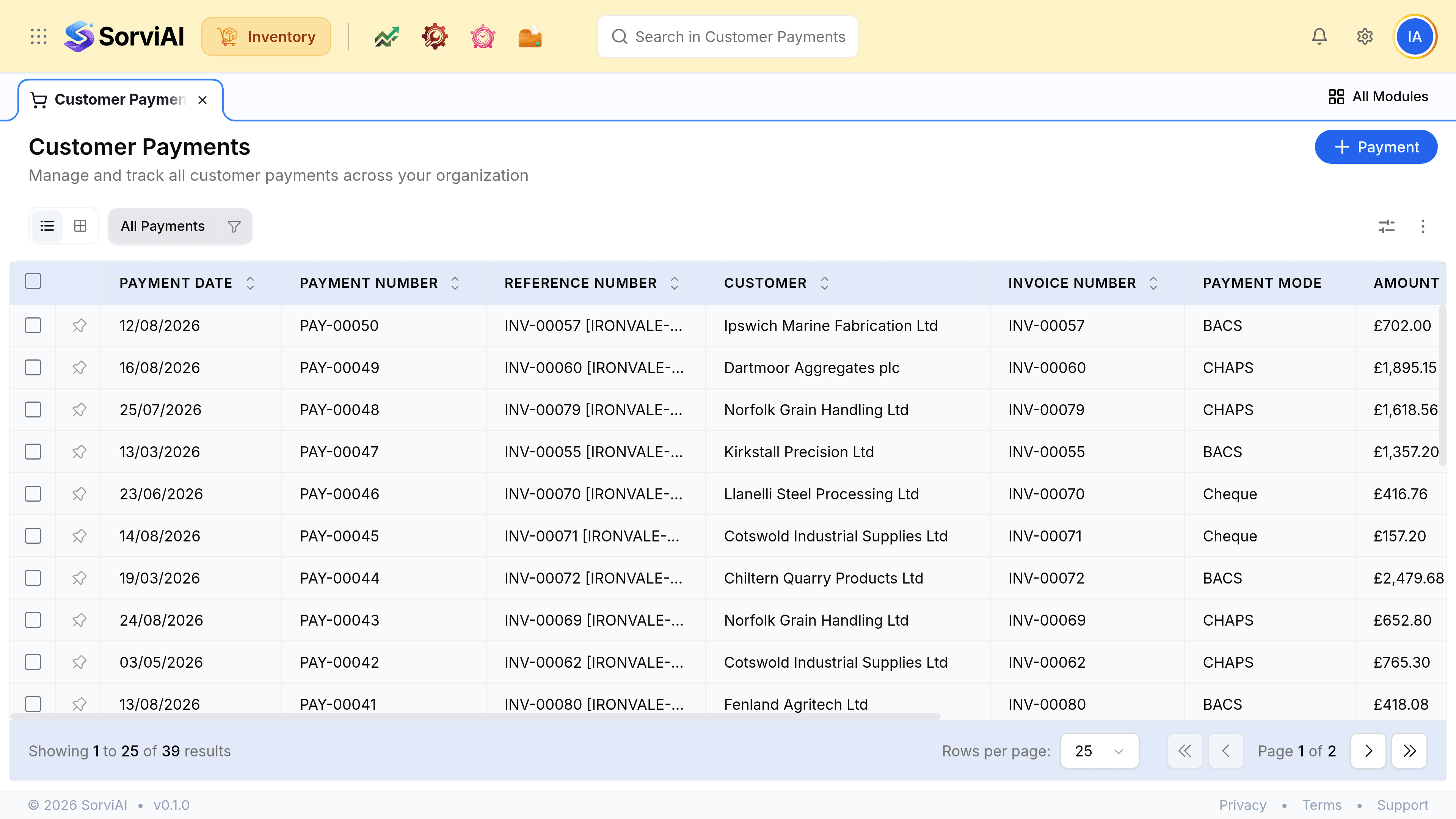
Record one
Go to Payments Received and select Payment
Or record it from the invoice, which fills in the customer and the amount.
Choose the customer and enter the amount
What actually arrived, not what was invoiced. They differ more often than anybody expects.
Set the date, the payment mode and the account it landed in
The date is when the money arrived rather than when you are entering it.
Apply it to invoices, or leave it unallocated
Their unpaid invoices load once the customer is chosen. Money you cannot yet place can sit as a credit on the account.
What arrived against what was owed
| What arrived | What to do |
|---|---|
| Exactly one invoice's total | Record and allocate to it |
| Less than the invoice | Allocate what arrived; the invoice reads Partially Paid |
| More than the invoice | Allocate the invoice, leave the rest as a credit |
| A round sum for several invoices | Record once and allocate across them |
| Money for goods not yet invoiced | Record it unallocated and apply it when the invoice exists |