
Create a Package
Record what physically went into one box, from the order or from the pick that preceded it.
A package is raised against a source document and describes one carton. Several boxes for one order is the normal case.
Pack a box
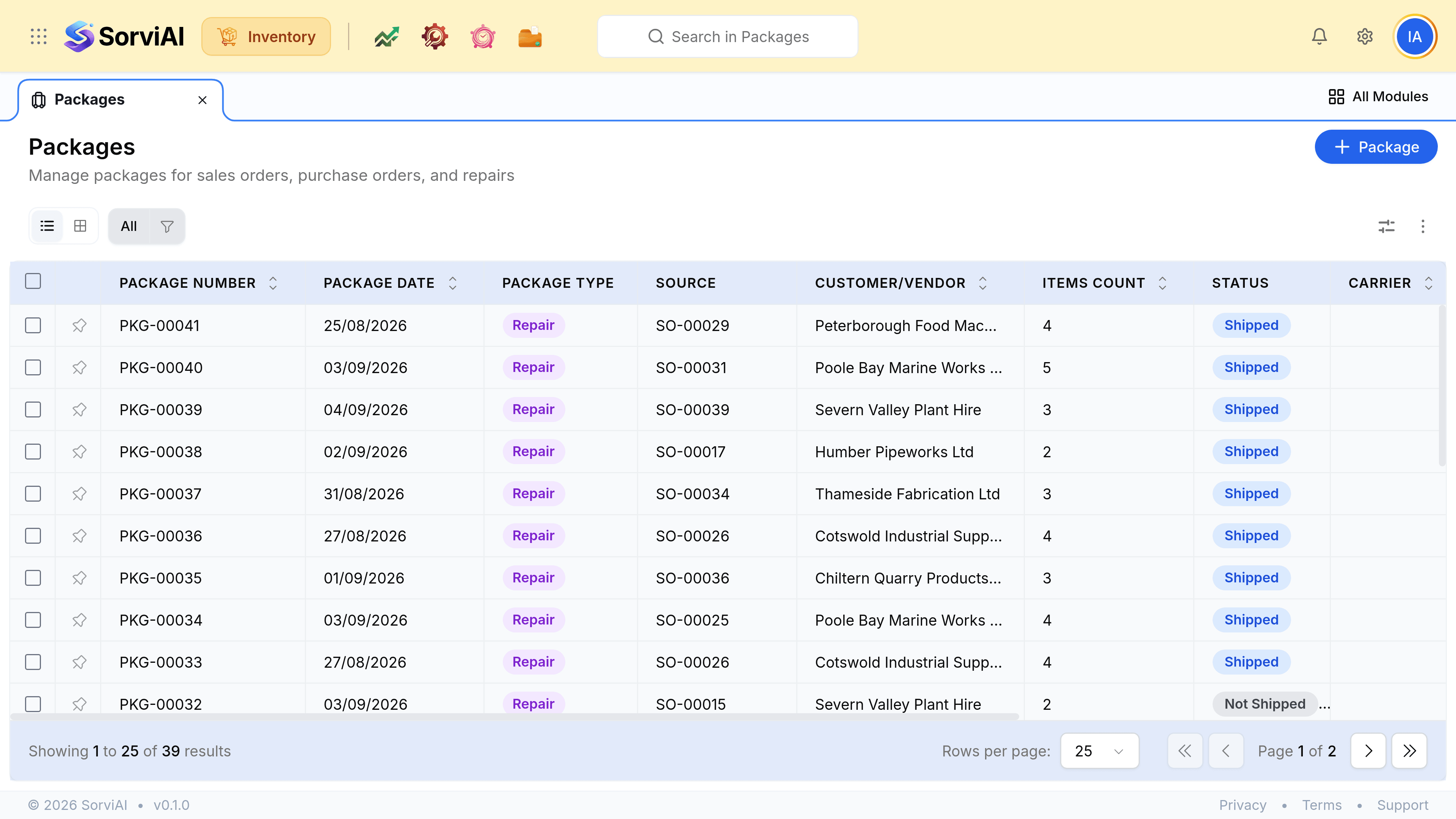
Go to Packages and select Package
Or start from the sales order itself, which fills the source document in for you.
Set the quantity that is actually in this box
The document's lines carry across as the starting point. Reduce them to the contents of one carton; anything you leave out stays available for the next package.
Save it
The package takes its own number, which is what a packing slip and a carrier label reference.
Repeat for the rest of the order
Each carton is its own package, so a dispute about one box does not put the whole order in question.
The rules the form enforces
| Rule | Why |
|---|---|
| A package belongs to exactly one source document | A box mixing two customers' orders cannot be shipped to one address |
| The total packed cannot exceed the document | You cannot ship what was never agreed |
| A line may be split across packages | Because deliveries genuinely go in stages |