
Fulfil an Order
Pick, pack and ship, in part or in full, and read what is still outstanding.
Fulfilment is three documents, and an order can sit part-way through all of them. That is a normal state rather than an unfinished one.
- PicklistPulled off the shelf
- PackageIn the box
- ShipmentGone, and off your count
Work an order out of the door
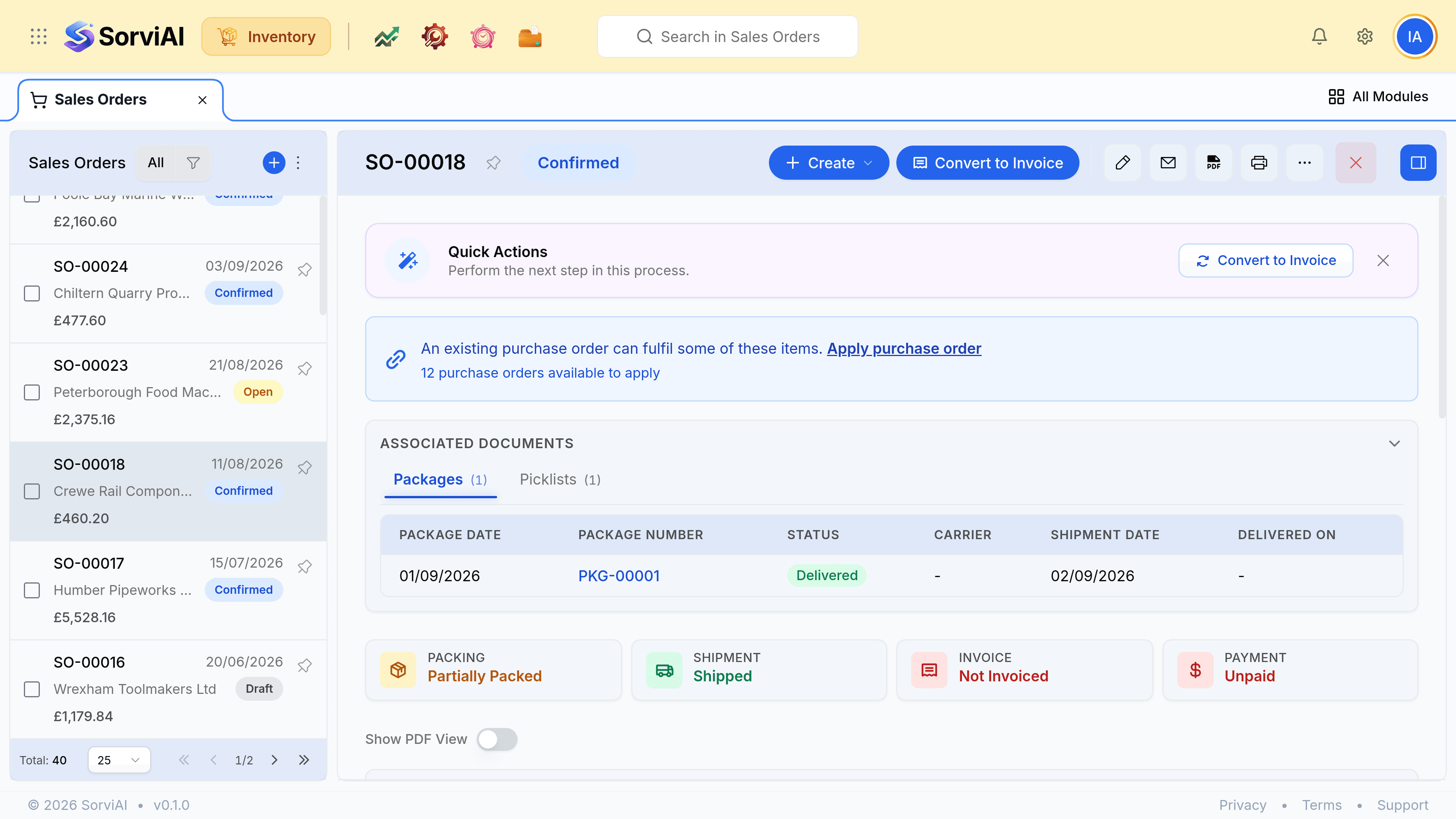
Open the confirmed order
Everything downstream is raised from here, and the record shows what has already been done to it.
Generate a picklist
Only when somebody other than the order taker is picking. When it is the same person, go straight to the package.
Create a package for each carton
Packing what was picked rather than what was ordered, so a short pick stays visible.
Ship each package
The count falls here, and the reservation is released as fulfilled.
Reading what is left
| State | Reserved | Shipped | What it means |
|---|---|---|---|
| Open | None | None | Nothing is committed yet |
| Confirmed | All of it | None | Nothing has left yet |
| Partly shipped | The balance | Some | A backorder exists |
| Shipped in full | None | All | Fulfilment is done |
| Cancelled | None | None | The reservation was released |