
Track and Deliver
Pending is not In Transit and In Transit is not delivered. Closing the last step settles a receipt dispute.
A shipment moves through states because a box in a van is in a real condition of its own: gone from you, not yet the customer's.
The states
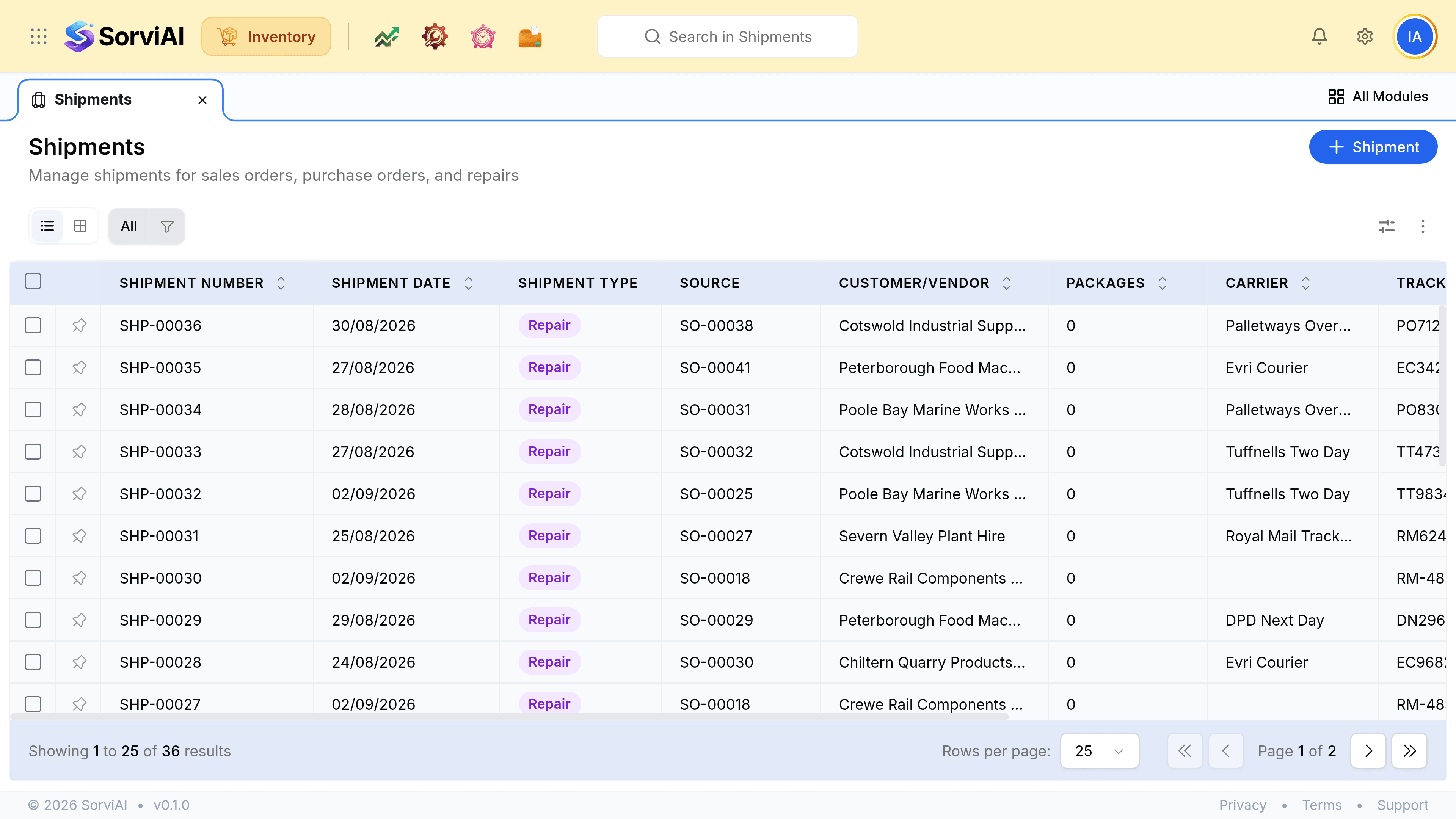
- Pendingpacked and waiting
- The shipment exists and the carrier has not taken it. The stock has already left your count.
- In Transitwith the carrier
- On its way. Yours to chase if it does not arrive.
- Deliveredclosed
- The customer has it. The outbound chain for that box is finished.
Close the last step
Open the shipment
From the shipments list, or from the sales order it belongs to.
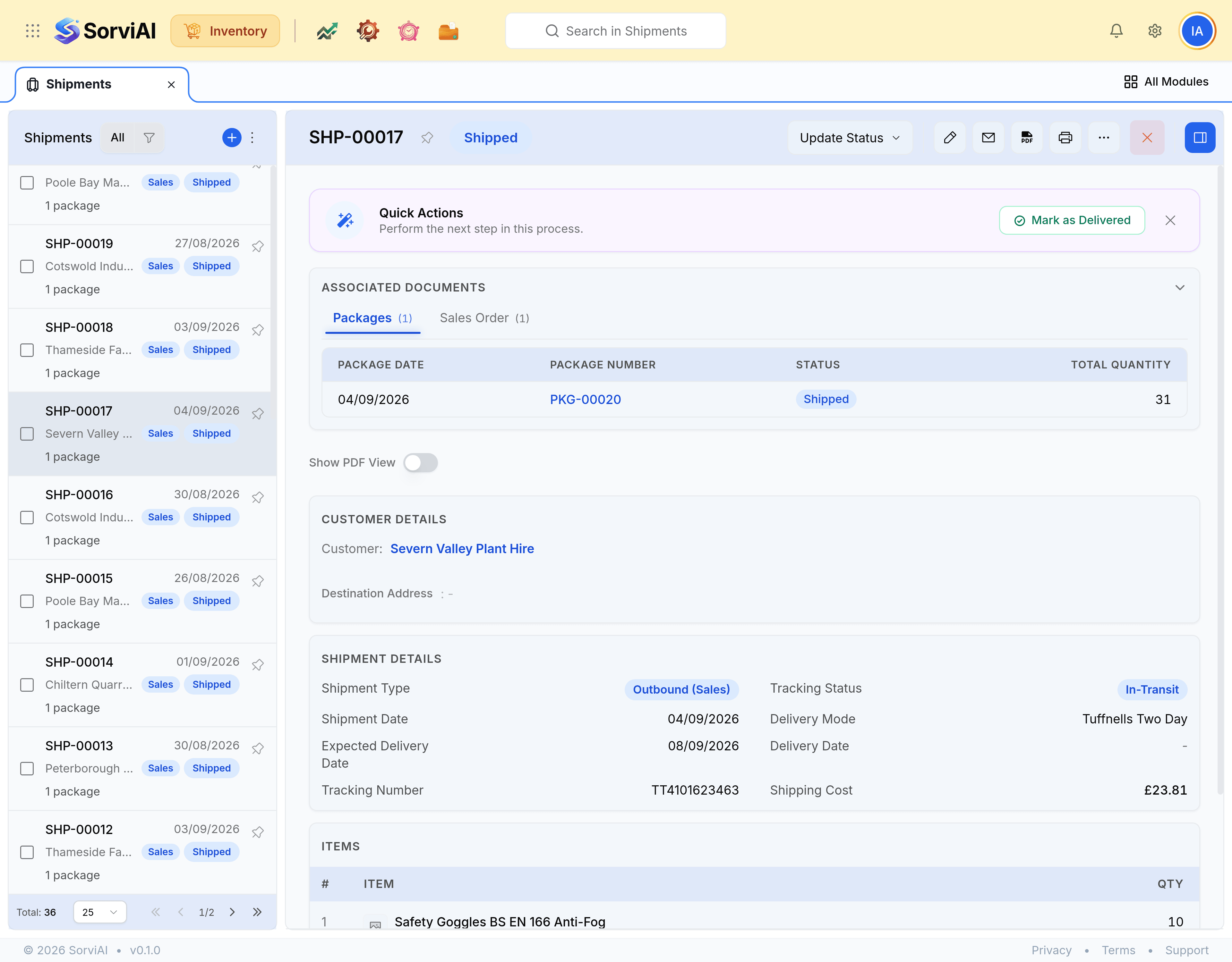
Move it on as the carrier does
Pending to In Transit when it is collected, and delivered when the carrier confirms it landed.
Attach the proof of delivery
A signature or a carrier confirmation attached here is what answers a dispute months later.
When a delivery goes wrong
| What happened | What to raise |
|---|---|
| The carrier lost the box | A stock adjustment, because the goods are gone and no customer has them |
| The customer refused it and it came back | A sales return, so the units go back on the shelf |
| It arrived damaged and they kept it | A credit note, because no stock is coming back |
| It was never actually sent | Delete the shipment, and only then |