
Create a Sales Order
Raise it, confirm it to reserve the stock, and understand what confirming has just made unavailable.
The order is where a promise becomes a claim on your shelf. Raising one is quick; confirming one is the decision.
Raise one
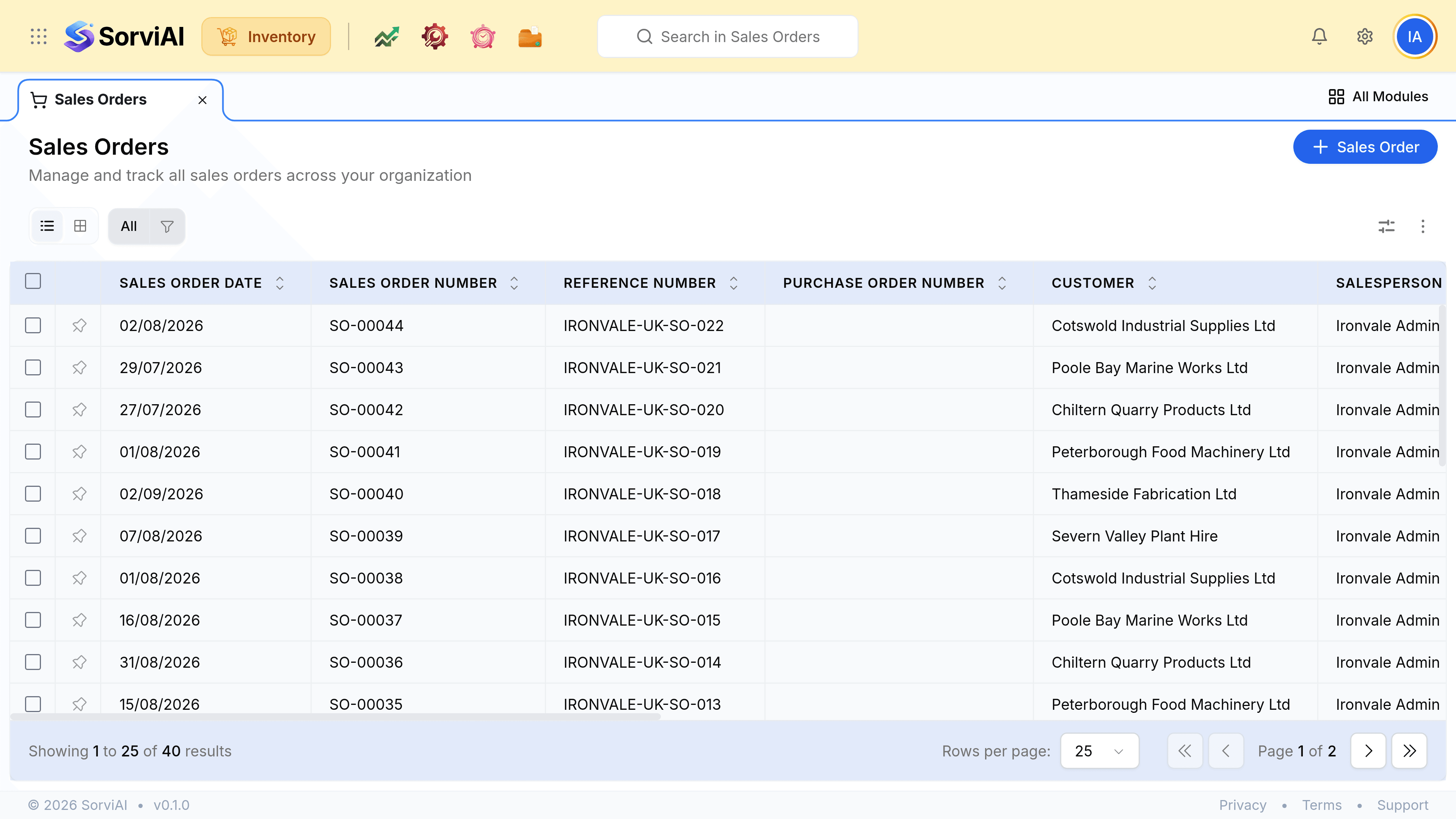
Go to Sales Orders and select Sales Order
Choose the customer. Their shipping address, payment terms and rate list fill in from the record.
Record their purchase order number
The Purchase Order Number field is the customer's own reference. Trade accounts usually will not pay an invoice that does not quote it.
Add the lines
Each resolves to a variant where the product has them. The rate comes from the rate list if there is one, and from the item otherwise.
Check availability before you commit
Available is stock on hand minus what other open orders have already reserved, which is the number that decides whether you can promise a date.
Confirm it
This is the step that reserves. Leaving the order open reserves nothing at all.
What confirming does
| Figure | Effect of confirming |
|---|---|
| Stock on hand | Unchanged. The units are still on your shelf |
| Reserved | Up by the ordered quantity |
| Available | Down by the same amount |
| Anything in the ledger | Untouched. No money has moved |