
What Trash is
Deleting in Nest moves an item to Trash, where it can be restored until it's deleted for good or its time runs out.
Nothing in Nest disappears the moment you delete it. Delete a file or a folder and it goes to Trash, where it waits, restorable, until somebody deletes it for good or the number of days your organisation allows runs out.
How Trash helps
- Restore an itemPut a file or folder back in the folder it came from.
- Restore several at onceTick what you need and bring it all back together.
- Delete one item for goodClear a single file or folder you're sure about.
- Empty your share of TrashRemove everything you deleted, leaving colleagues' items alone.
- Read the listWhen each item was deleted, who added it, and how big it is.
- Know the time limitHow long items wait before they're removed on their own.
A safety net with a time limit
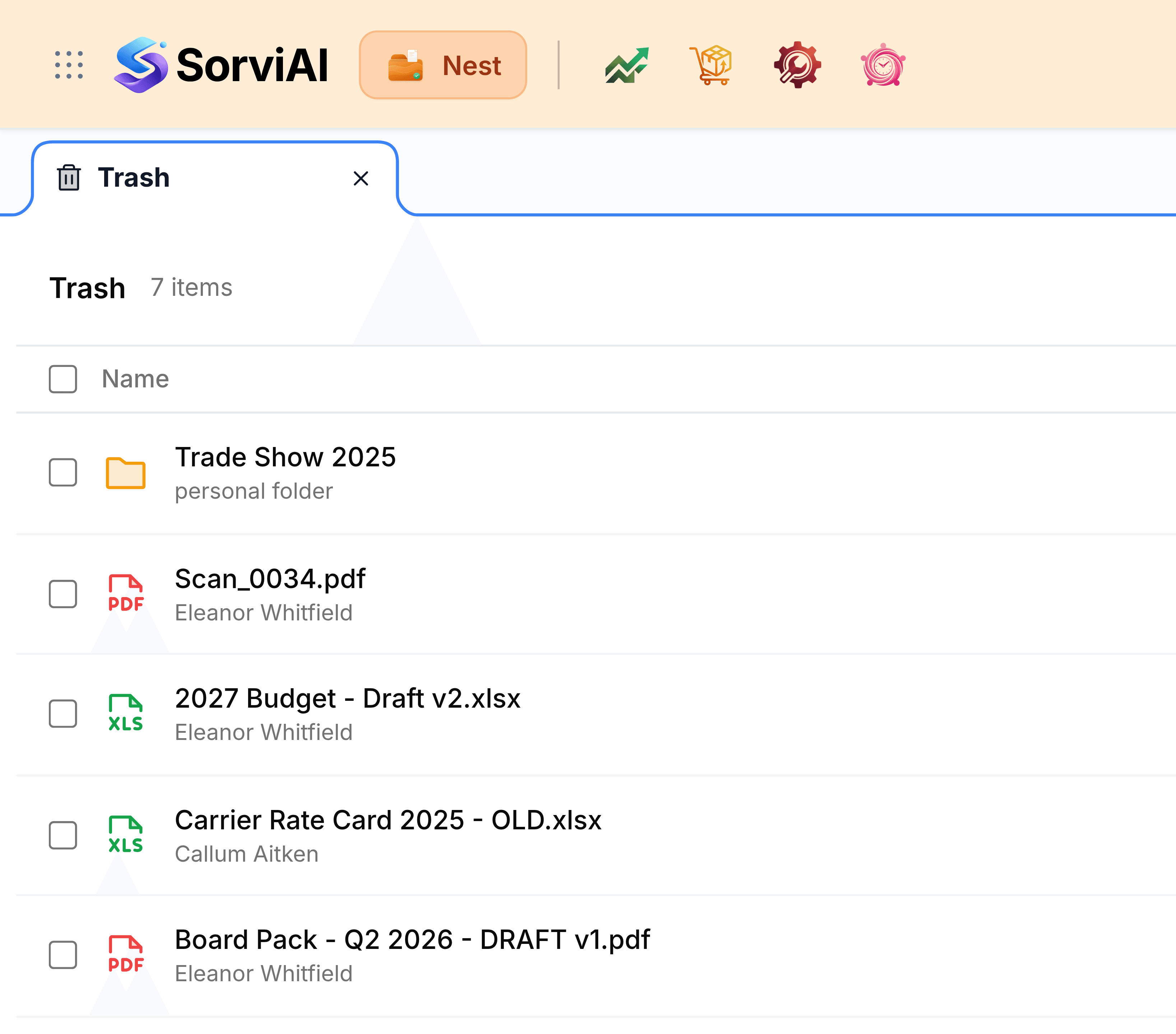
Trash is a holding area, not a bin you empty by hand every week. Items stay restorable for the number of days your administrator sets, then Nest removes them for good. Until that happens, a deleted file still takes up your organisation's storage, keeps its labels, shares and star, and returns with all of them if it's restored.
What you see here is shared with the people you work with. It holds what you deleted from your own folders, what anyone deleted from the team folders you belong to, and files shared with you that their owner has deleted.
How long Trash keeps things explains the time limit and where it's set.
The two jobs you'll do most
- Restore from TrashPut deleted items back where they were, one or several at once.
- Delete permanentlyRemove items for good or empty Trash. There's no undo.
Using Trash sensibly
- Restore the folder, not the fileA file deleted along with its folder comes back only once the folder does.
- Check before emptyingEmptying is permanent. Glance down the list for anything you'll miss.
- Don't rely on it as an archiveAnything left here long enough is removed on its own.
- Free storage for goodDeleted files still count against storage until they're gone from here.