
Storage settings
Set the largest file Nest accepts, and limit uploads to a list of file types.
The Storage page decides what an upload is allowed to be. It has two tabs: Quota & Limits for size, and File Types for kind.
Quota and limits
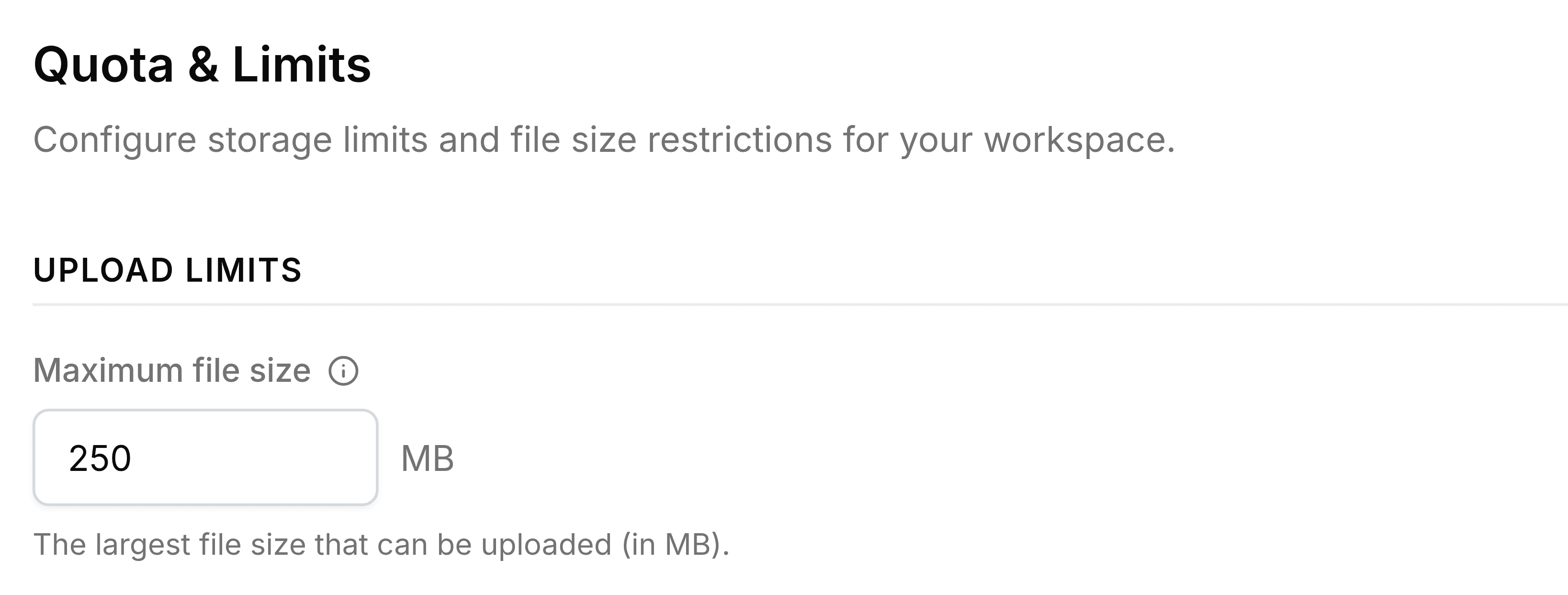
| Field | What it does |
|---|---|
| Maximum file size | The largest single file anyone can upload, in megabytes, from 1 to 5,120. A bigger file is refused with a message naming the limit. |
The organisation's overall storage allowance isn't set on this page.
File types

| Field | What it does |
|---|---|
| Allowed MIME types | The only types of file Nest will take, separated by commas. Leave it empty and every type is accepted. |
Types are written in their standard technical form rather than by file ending, for example application/pdf for PDFs and image/png for PNG images. A file of any other type is refused with a message naming its type, which is also the quickest way to find the exact entry to add.