
Trash settings
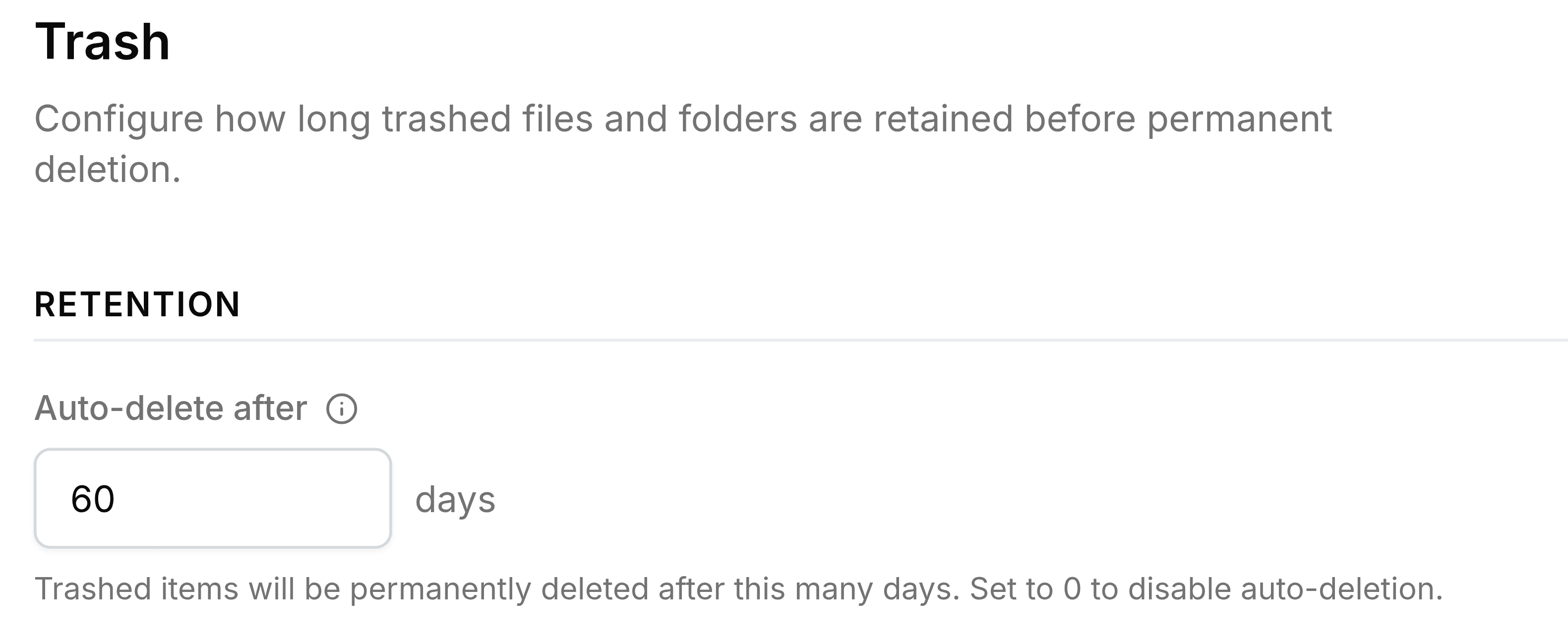
Set how many days a deleted item stays in Trash before Nest removes it for good, or turn automatic removal off.
The Trash page has one setting, and it decides how long anyone has to change their mind about a deletion.
| Field | What it does |
|---|---|
| Auto-delete after | How many days a deleted item stays restorable, from 0 to 365. 30 is the starting value. 0 turns automatic removal off, so items stay until someone deletes them. |
Deleted files count towards the organisation's storage until they're gone, so a very long limit, or none, keeps that space in use.