
The default roles
What Admin, Organizer, Editor and Viewer can each do in a team folder, and what each of the twelve permissions means.
Every team folder comes with the same four roles, ready to use. They can't be edited, and between them they suit most teams. Open Manage in a team folder and select the Roles tab to see them.
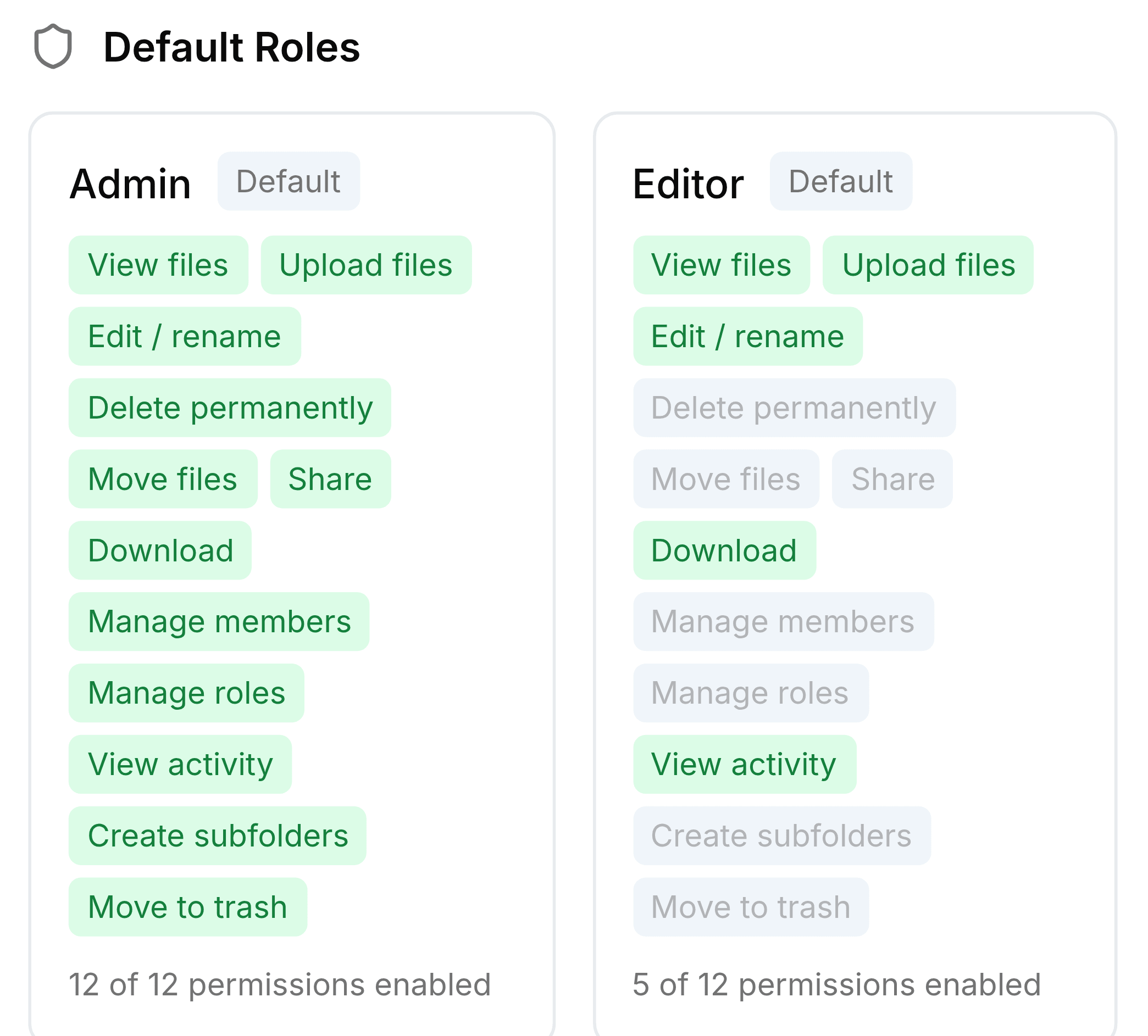
The four roles
| Role | In short | Permissions |
|---|---|---|
| Admin | Runs the folder | All twelve |
| Organizer | Runs the files and the people, but not the roles | Everything except Manage roles |
| Editor | Adds and edits files | View files, Upload files, Edit / rename, Download, View activity |
| Viewer | Reads and downloads | View files, Download |
The twelve permissions
| Field | What it does |
|---|---|
| View files | See the folder and what's in it. |
| Upload files | Add files, and move files in from elsewhere. |
| Edit / rename | Rename files and folders. |
| Delete permanently | Remove items from Trash for good. |
| Move files | Move items within and out of the folder. |
| Share | Share items with colleagues and make public links. |
| Download | Show Download on a file's menu. |
| Manage members | Add and remove members and change their roles. |
| Manage roles | Create, edit and delete custom roles. |
| View activity | Show Activity on menus. |
| Create subfolders | Make folders inside the team folder. |
| Move to trash | Send items to Trash. |