
Read the Trash list
What each column in Trash tells you, the order items appear in, and why a deleted folder's files are listed too.
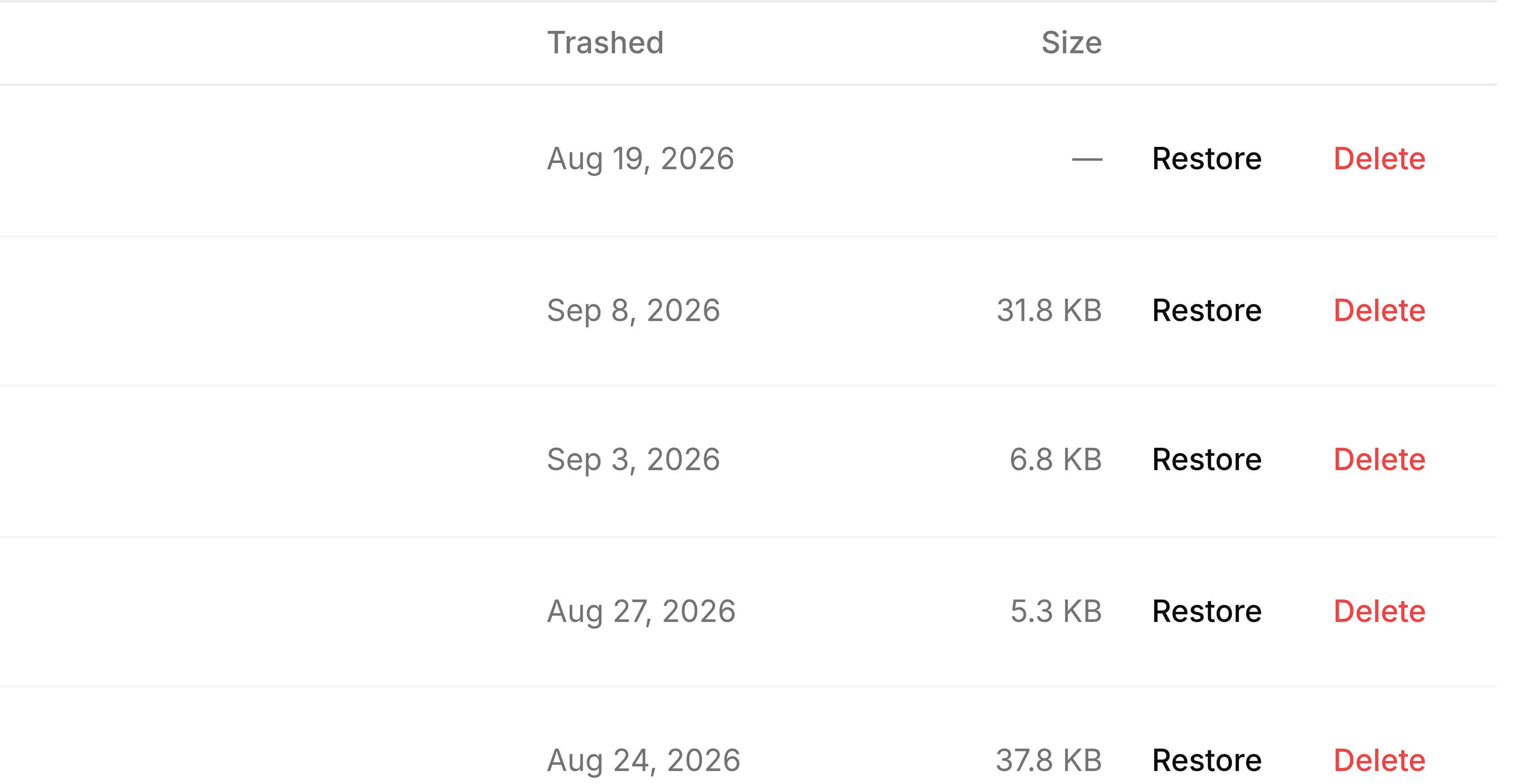
Trash lists deleted folders first, then deleted files, each group with the most recently deleted at the top. The count beside the heading covers both.
| Field | What it does |
|---|---|
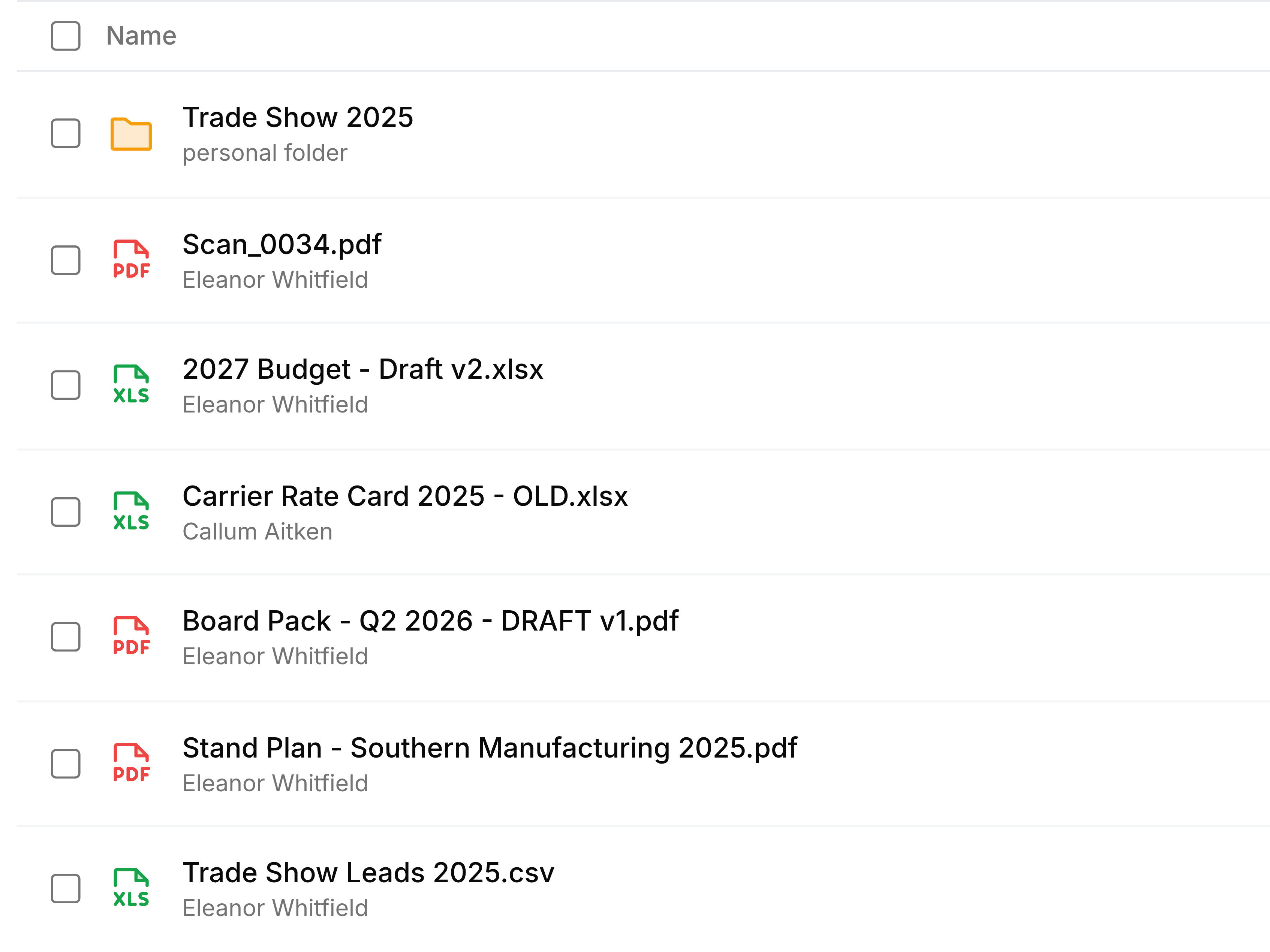
| Name | The item's name. Under a folder, whether it was a personal or a team folder; under a file, who uploaded it. |
| Trashed | The day it was deleted. The time limit counts from this date. |
| Size | The file's size, Link for a saved web link, and a dash for a folder. |
| Restore | Puts the item back where it was. |
| Delete | Removes the item for good, after asking you to confirm. |
A deleted folder brings its contents
Deleting a folder sends everything inside it to Trash as well, so the folder and each of its files are listed separately, all with the same date.
Whose items are here
- Your own
- Anything you deleted from My Folders.
- Your teams'
- Anything deleted from a team folder you belong to, by anyone. That's why a colleague's name can appear under a file.
- Shared with you
- A file a colleague shared with you and has since deleted.