
Search Nest
Enter part of a file or folder's name in the search bar, then open the full results or go straight to where an item lives.
The search bar sits in the middle of the header on every Nest screen, and it looks through all of Nest, not only the folder you have open.
Search by name
Select the search bar at the top of the screen.
Enter at least two letters of the name. The closest matches appear beneath the bar as you type.
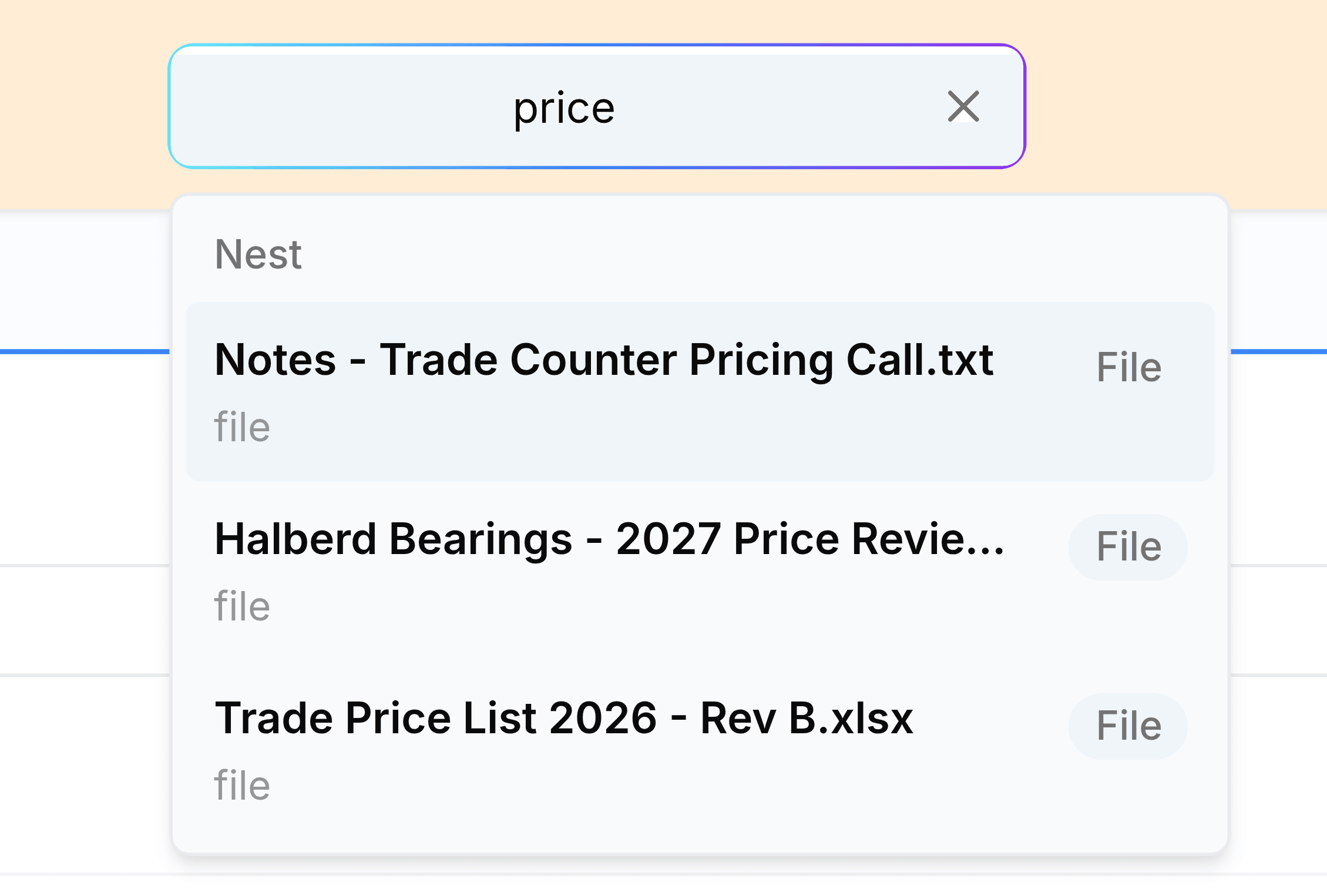
Select a match, or press Enter for the highlighted one. Either opens the full results for what you typed.
The full results page lists folders and files separately, with filters for narrowing them. Read search results explains each part.
Open a result
Select a result on the results page to go to where it lives.
- A folder
- Opens the folder itself.
- A file
- Opens the folder that holds it, so you can see it alongside its neighbours. From there, select the file to download it.
- A file at the very top level
- Opens My Folders, since it belongs to no folder.