
Read the Recent Files list
What each column in Recent Files means, why the rows are in the order they are, and what puts a file on the list or takes it off.
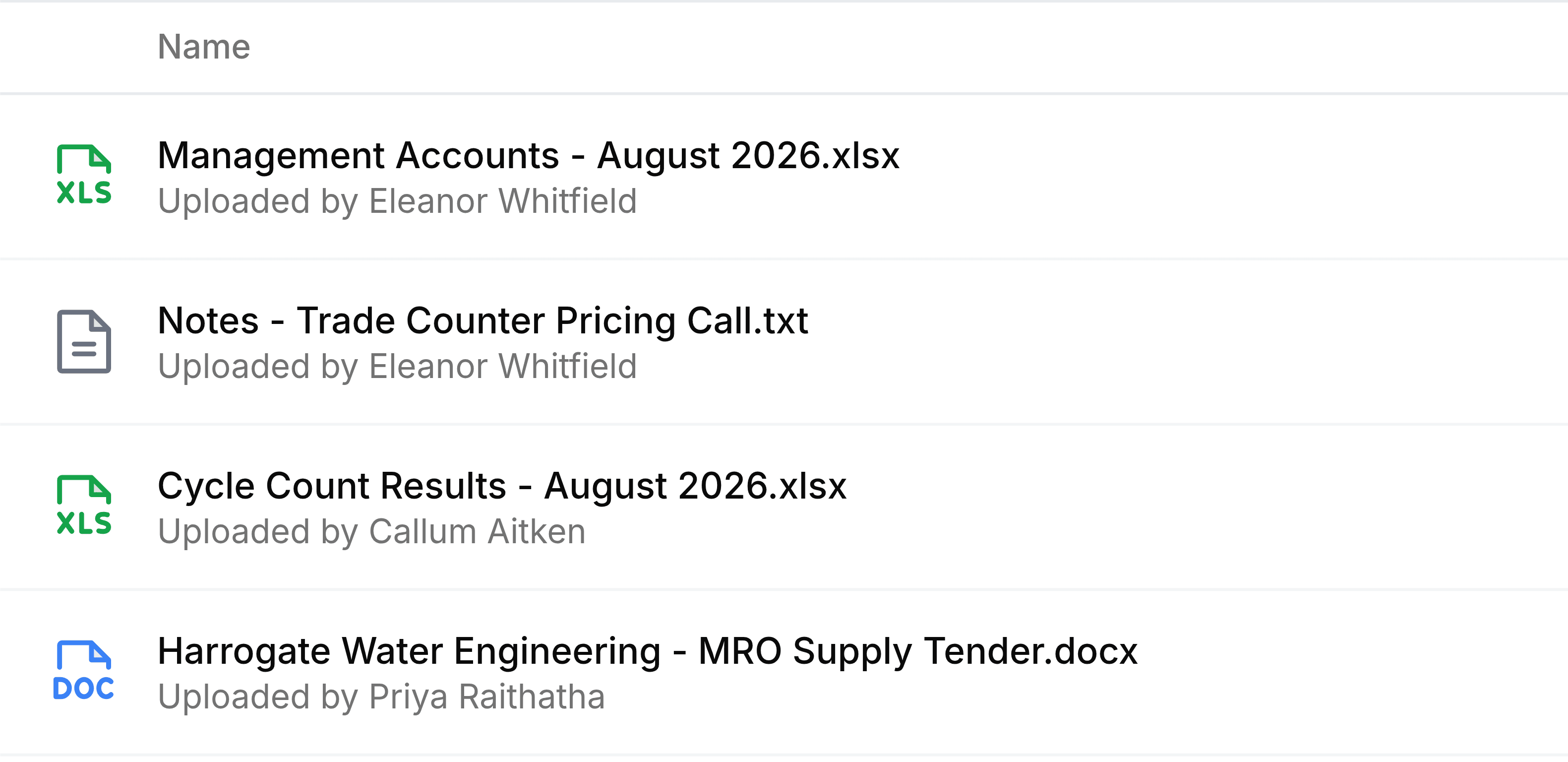
Each row in Recent Files is one file, described the same way it would be in its own folder. The row tells you what the file is and who added it; the list's order tells you when you last had it open.
| Field | What it does |
|---|---|
| Name | The file's name, with an icon for its type. A saved web link carries a chain icon instead. |
| Uploaded by | The grey line under the name: the person who put the file into Nest, which is not always you. |
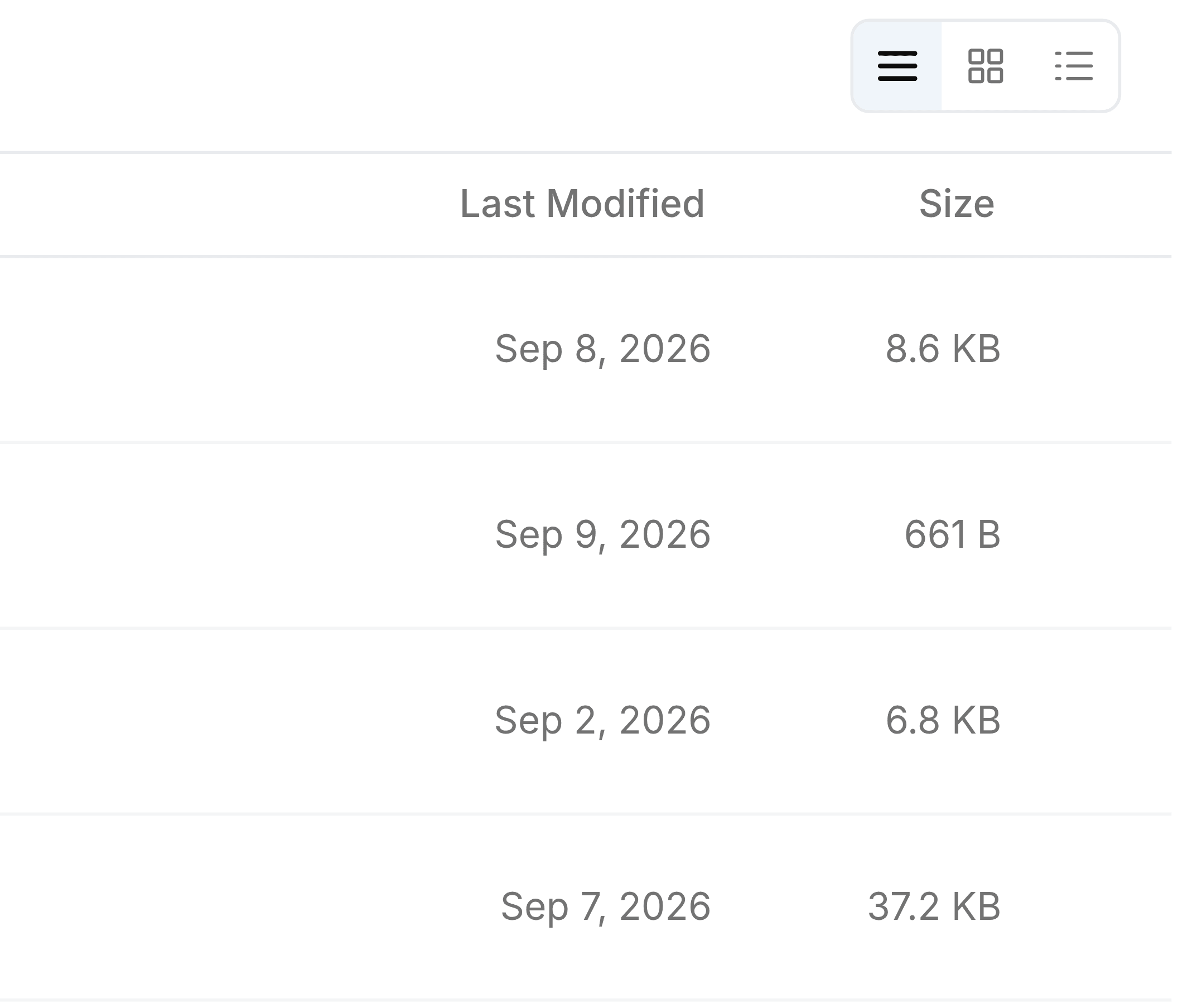
| Last Modified | When the file itself last changed, for example when it was renamed. It is not when you opened it. |
| Size | How large the file is. A saved web link shows Link here, because it has no size. |
The order is about you, not the file
The newest row is the file you touched most recently. That is why the Last Modified dates down the right-hand side are rarely in order: a spreadsheet nobody has edited since March can sit at the top because you opened it this morning.
What puts a file on the list
- Uploading it
- A file you add to any folder goes straight to the top.
- Opening or downloading it
- Selecting a file, or choosing Download from its menu, moves it back to the top.
- Saving it into Nest from another app
- An attachment you save into Nest from a record elsewhere in SorviAI counts as one you added.
Renaming, labelling, starring or sharing a file does not count as opening it, so none of those moves it up.
What takes a file off it
- Opening fifty newer files
- Recent Files shows the fifty files you opened most recently. The fifty-first slips off the bottom.
- Deleting it
- A file in Trash leaves the list. Restore it and it comes back in the place it had.
- Deleting it permanently
- Once a file is gone from Trash for good, it is gone from here too.