
How long Trash keeps things
Deleted items are removed for good after a number of days your administrator sets. Here's how the time limit works.
Trash has a time limit set for the whole organisation. Once an item has been in Trash for longer than that, Nest deletes it permanently, without asking anyone.
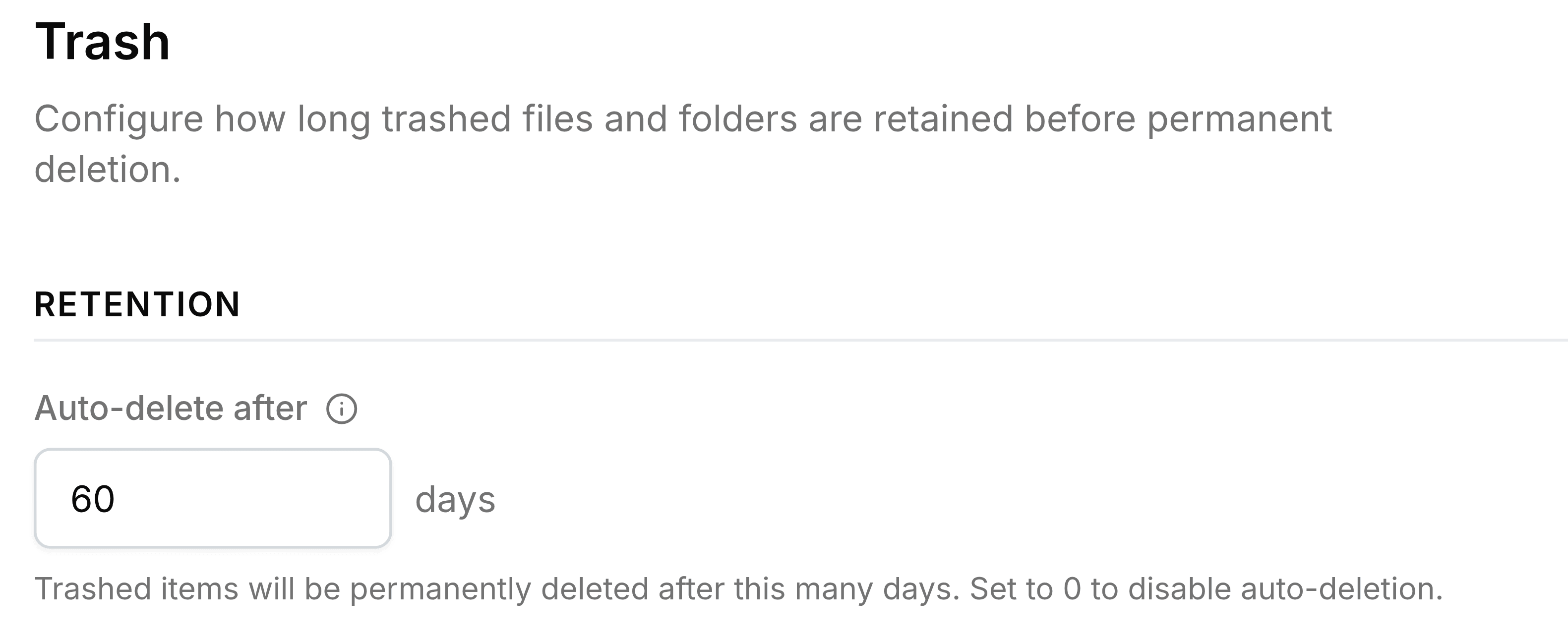
| Field | What it does |
|---|---|
| Auto-delete after | How many days an item stays in Trash, counted from its Trashed date. 30 unless your administrator changes it. |
| 0 days | Turns automatic deletion off. Items then stay until somebody deletes them. |
When the clearing happens
Expired items are cleared the next time anyone in the organisation opens Trash, not at a fixed hour. An item a day past its limit may still appear until then; once cleared, it can't be restored.