
A shared item does not open
Why a shared folder opens empty, why a shared file won't download or has disappeared, and what to do about each.
A share is permission to reach something that still belongs to someone else. When they change the item, or change who can reach it, what you see in Shared with Me changes with it. Each heading below is something you might see, with the reason and the fix.
A shared folder opens empty
Why: a folder shared with you opens with its contents only if you can already reach that folder, for example as a member of the team folder it belongs to. Otherwise Nest shows it as empty, under My Folders, whether or not it has files in it.
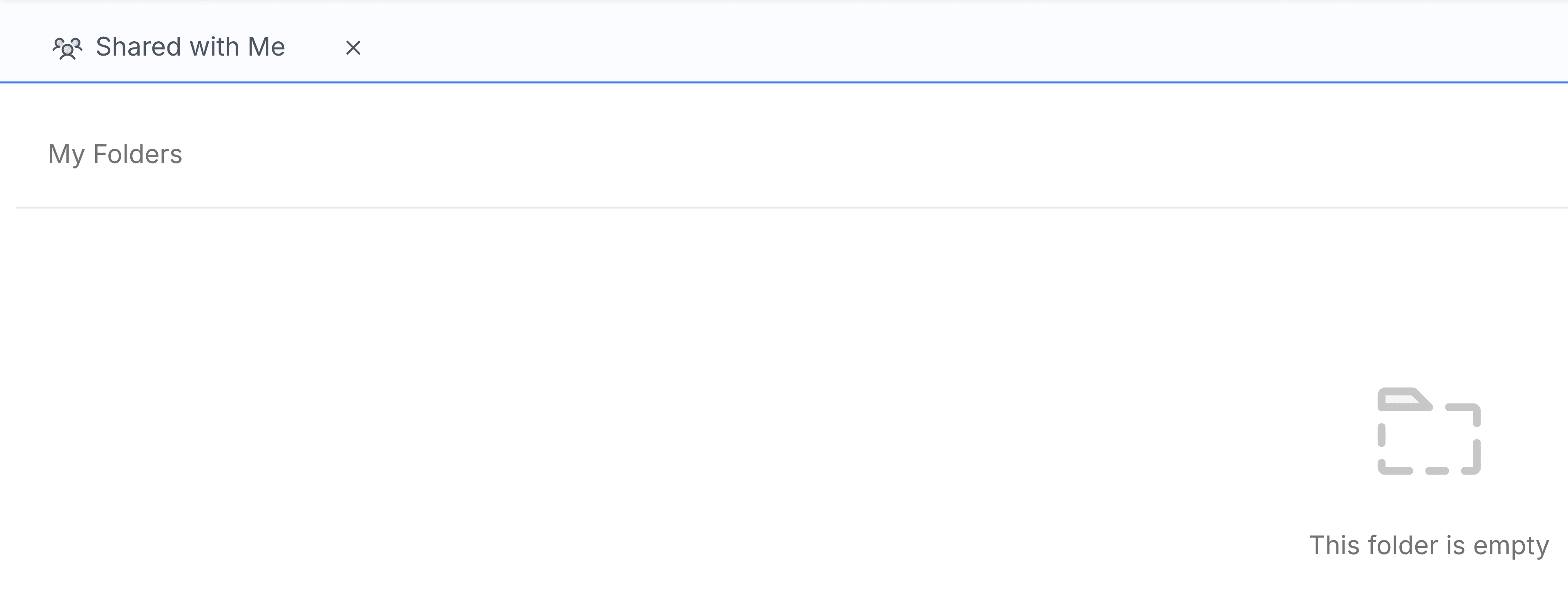
What to do: ask the colleague who shared it to share the files inside it one by one, or to add you to the team folder it lives in.
I select a file and nothing downloads
Why: the colleague has moved the file to Trash, or has stopped sharing it with you and the row hasn't refreshed yet.
What to do: reload the page. If the file is still listed and still won't download, ask the colleague whether it's been deleted.
A shared item has disappeared
Why: the colleague stopped sharing it with you, or deleted it permanently.
What to do: ask them. If you still need it, they can share it again.
I can't star, label or rename a shared file
Why: Shared with Me has no row menu.
What to do: download the file once. It then appears in your Recent Files, where you can star it or add your own labels. Renaming stays with its owner.
The page says Nothing shared with you
Why: nobody has shared a file or folder with you by name yet, or every share has since been removed.
What to do: nothing needs fixing. Files in team folders you're a member of are reached through Team Folders, not through here.