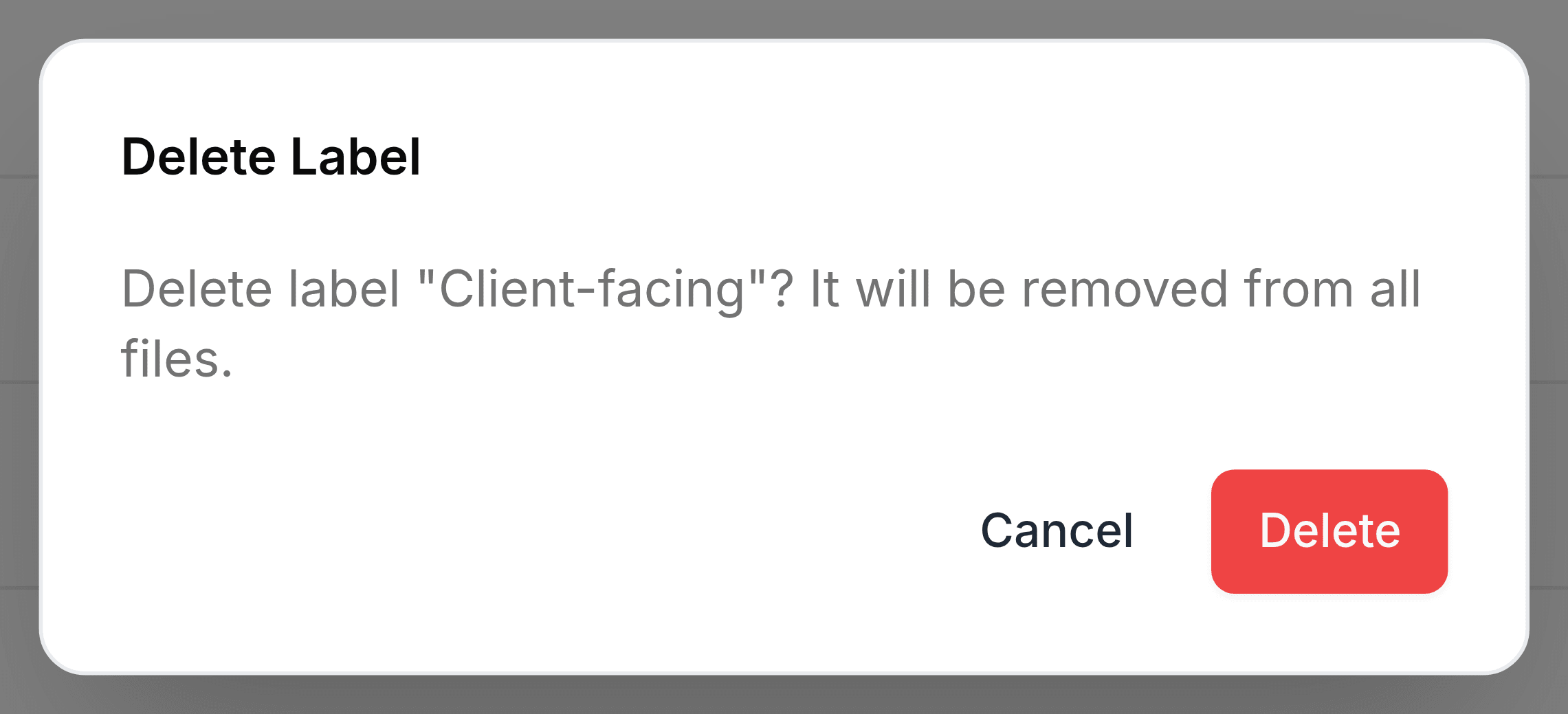
Edit or delete a label
Rename a label or change its colour on the Labels screen, or delete it. Deleting a label never deletes a file.
Both jobs happen on the Labels screen, from the two buttons at the end of each label's row: the pencil edits it, the bin deletes it. The number beside them is how many files carry the label.
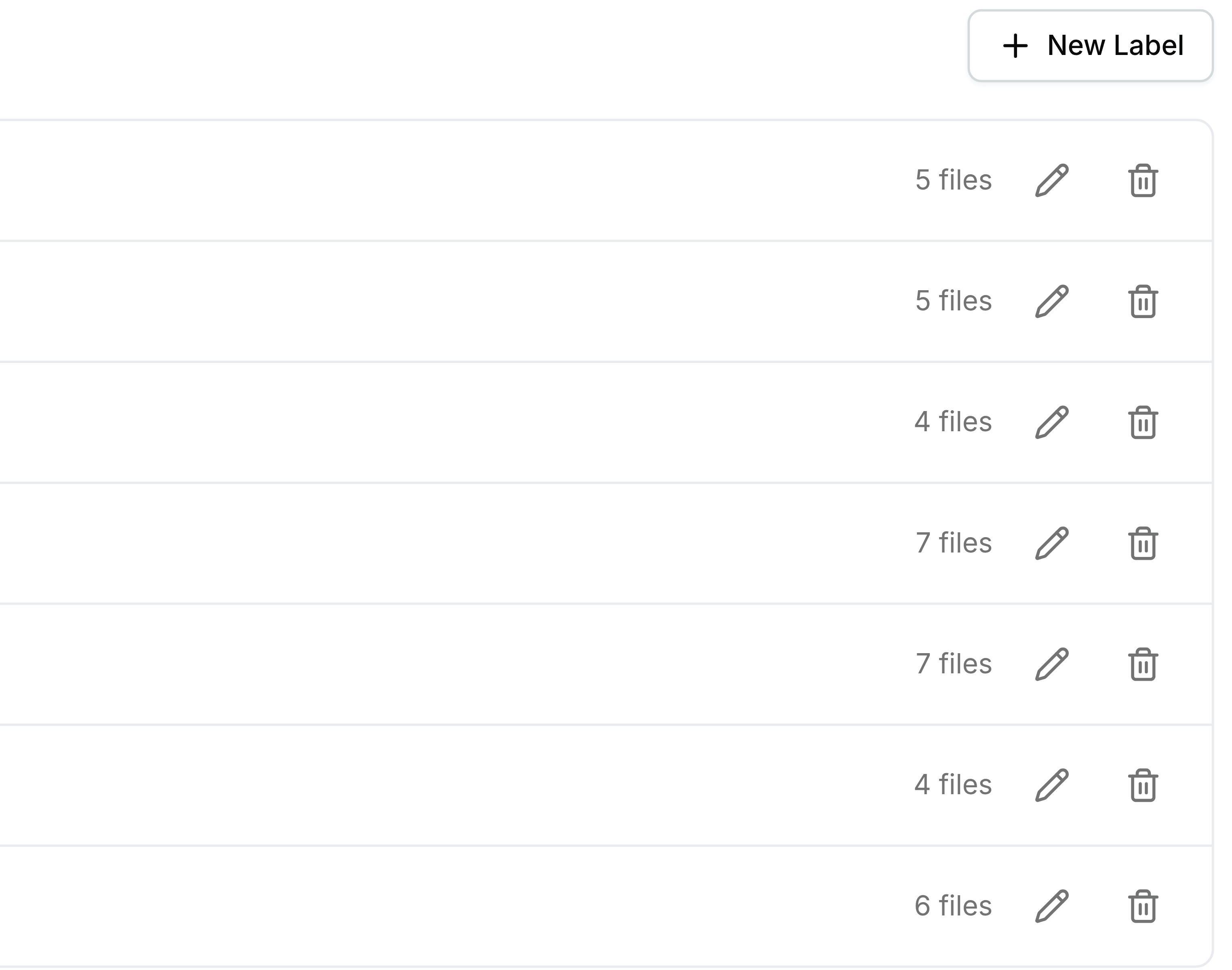
Rename or recolour a label
Go to Labels and select the pencil on the label's row. The row turns into a name box with the eight colour swatches beside it.
Change the name, select a different colour, or both.
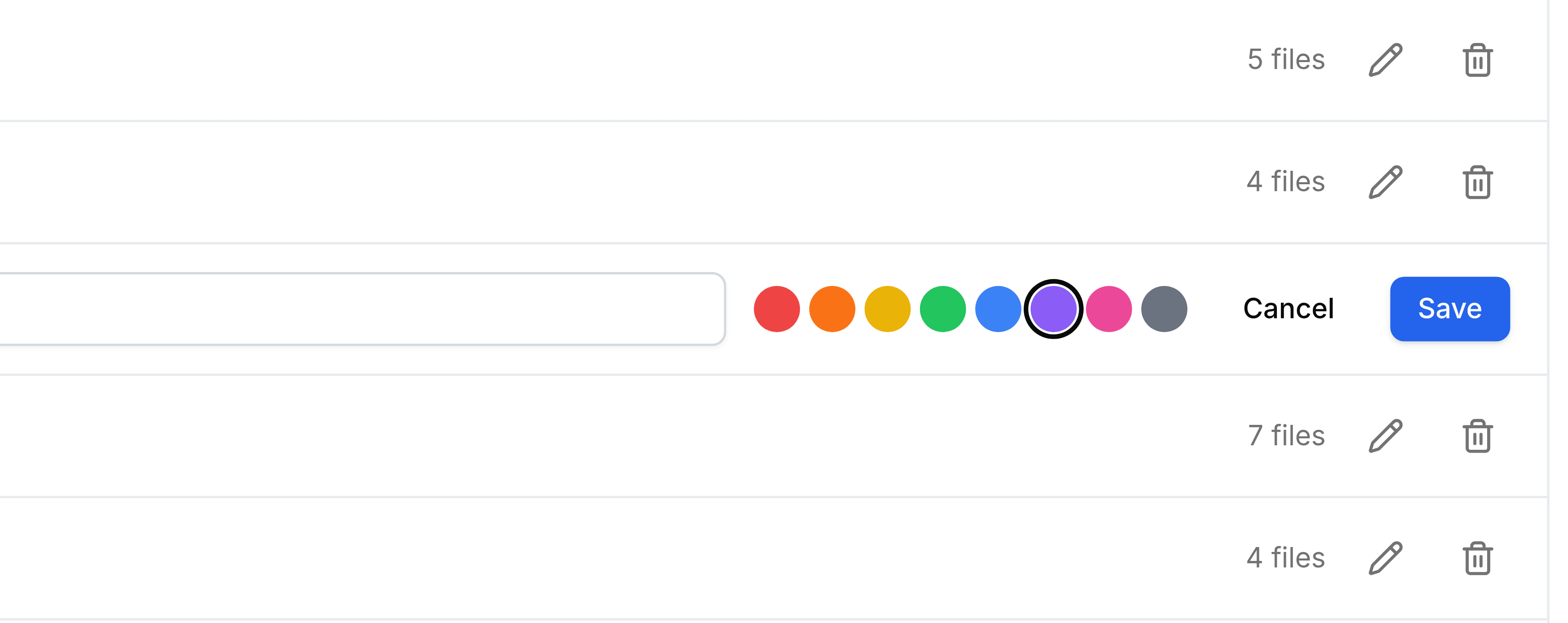
Select Save.
The change reaches every file with the label at once. Nothing needs relabelling.
Delete a label
Go to Labels and select the bin on the label's row.
Select Delete.