
Create a team folder
Create a team folder from the New button on Team Folders. By default only administrators can; a setting can open it to everybody.
Creating a team folder looks just like creating a folder of your own, but where you create it decides what it is. A folder made on the Team Folders page is a team folder, and you become its owner.
Go to Team Folders.
Select New, then Folder.
Enter a name for the team or the project, and select Create.
The folder appears in Team Folders with you as its only member, marked Owner. Open it and select Manage to start adding people.
Who can create one
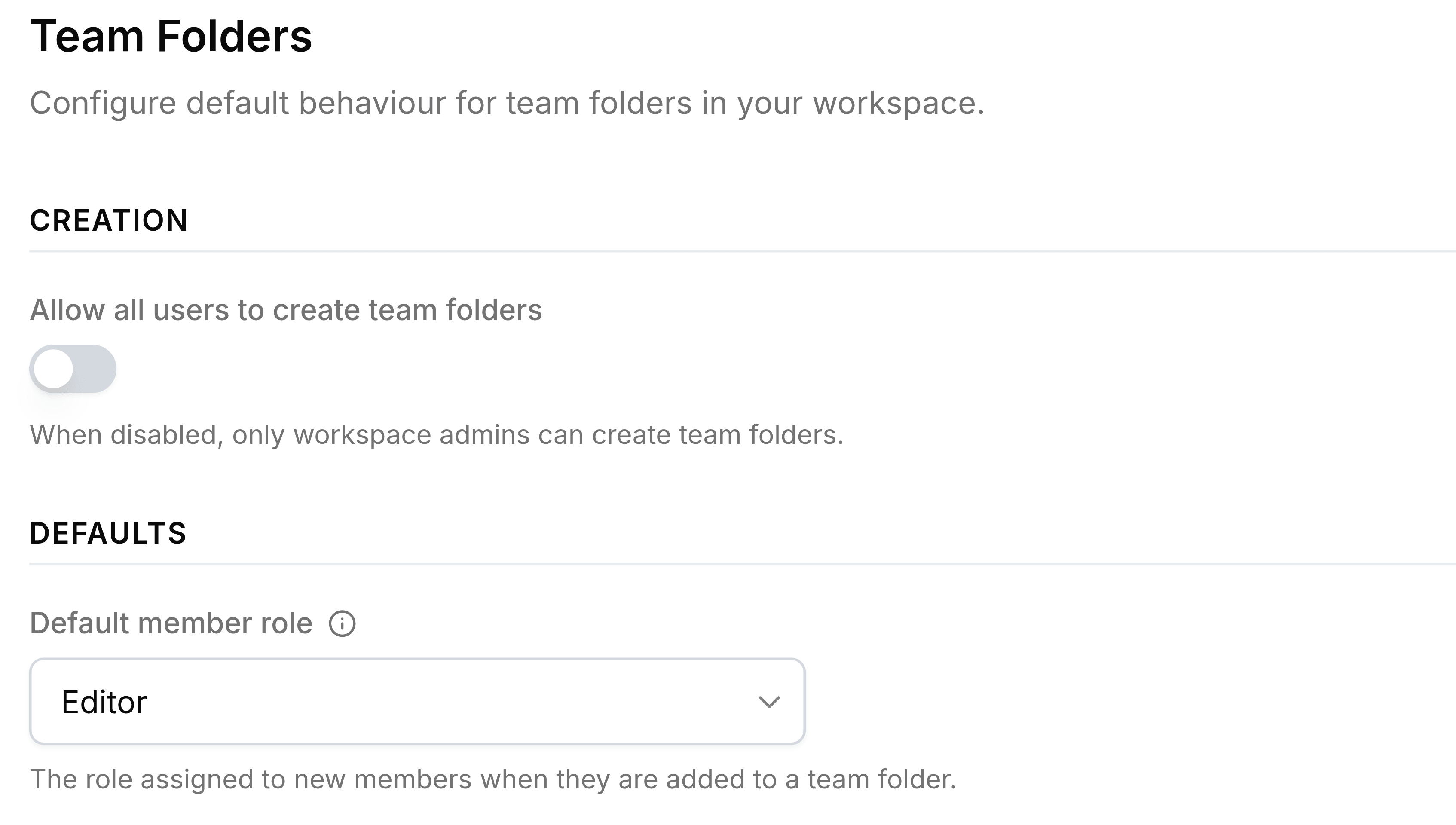
Your administrator controls both of these on the Team Folders page of Nest's settings. With the switch off, anyone else who tries is told that only admins can create team folders.