
A favourite does not open
Why selecting a row in Favorites does nothing, why a favourite has gone, and what to do about each.
A star points at a file or folder; it doesn't hold a copy of it. When the item behind the star changes, the star can be left pointing at something you can no longer open. Each heading below is what you might see, with the reason and the fix.
I select a file and nothing downloads
Why: the file has been moved to Trash, or it was shared with you and the share has been removed. Either way the star is still on your list, but the file can't be opened from it.
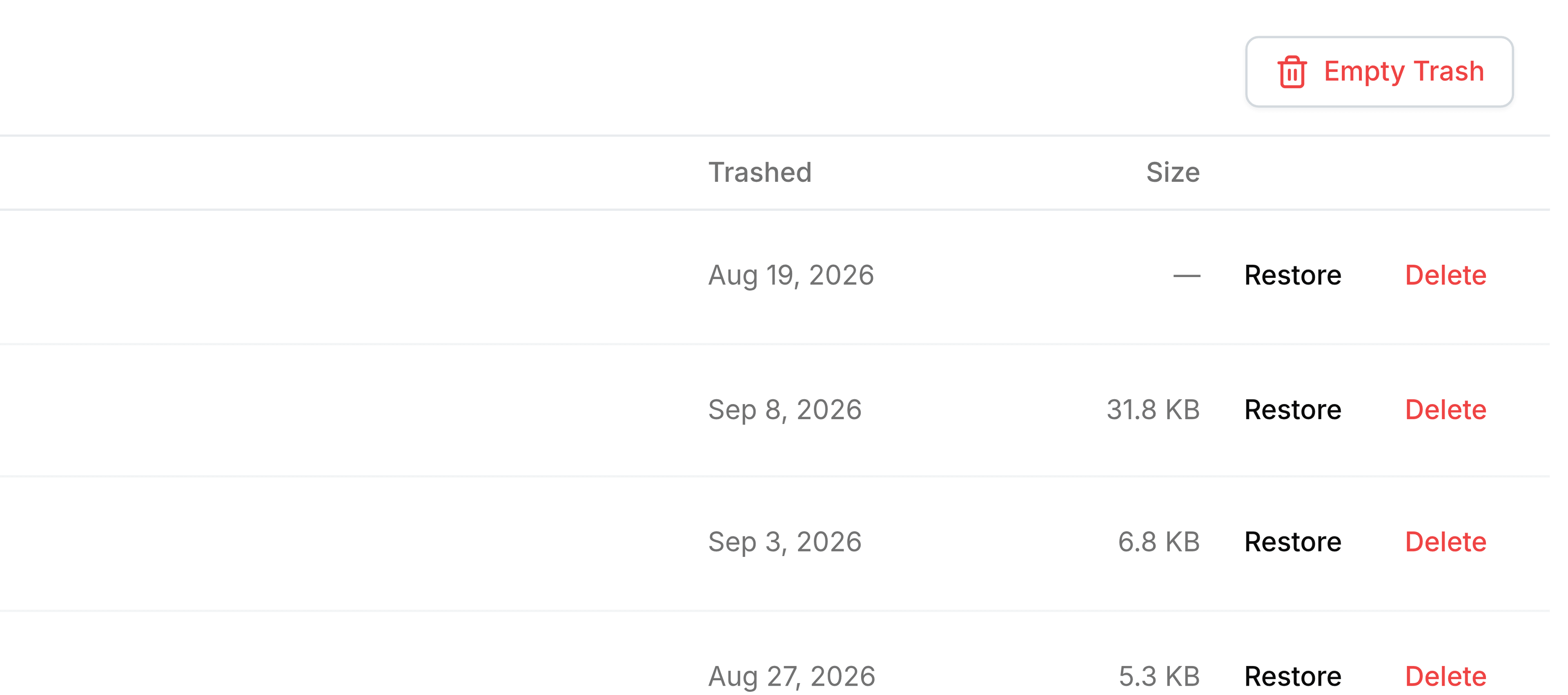
What to do: look for it in Trash first. Restoring it brings the star back to life. If it isn't there, ask whoever shared it whether you still have access.
I select a web link and nothing happens
Why: Favorites treats a starred link as a file and tries to download it, and a link has nothing to download.
What to do: open it from its folder or from Recent Files, where selecting it takes you to the page.
A favourite has disappeared
Why: the item has been deleted permanently, from Trash or when Trash emptied itself at the end of its retention period. A star can't outlive the thing it points at.
What to do: nothing brings it back. If a colleague has a copy, ask them for it and star the new one.
A team folder opens without the Manage button
Why: Favorites opens every starred folder the same way, and the path starts at My Folders even for a team folder.
What to do: go to Team Folders and open the folder from there to manage its members and roles. The files are the same either way.
The page says No favorites yet
Why: you haven't starred anything, or you've taken every star off. Favorites belong to you, so a colleague's stars never appear here.
What to do: star a file or folder from its row menu, and it becomes the first row.