
Open a favourite
Go straight into a starred folder, or download a starred file, from the Favorites list.
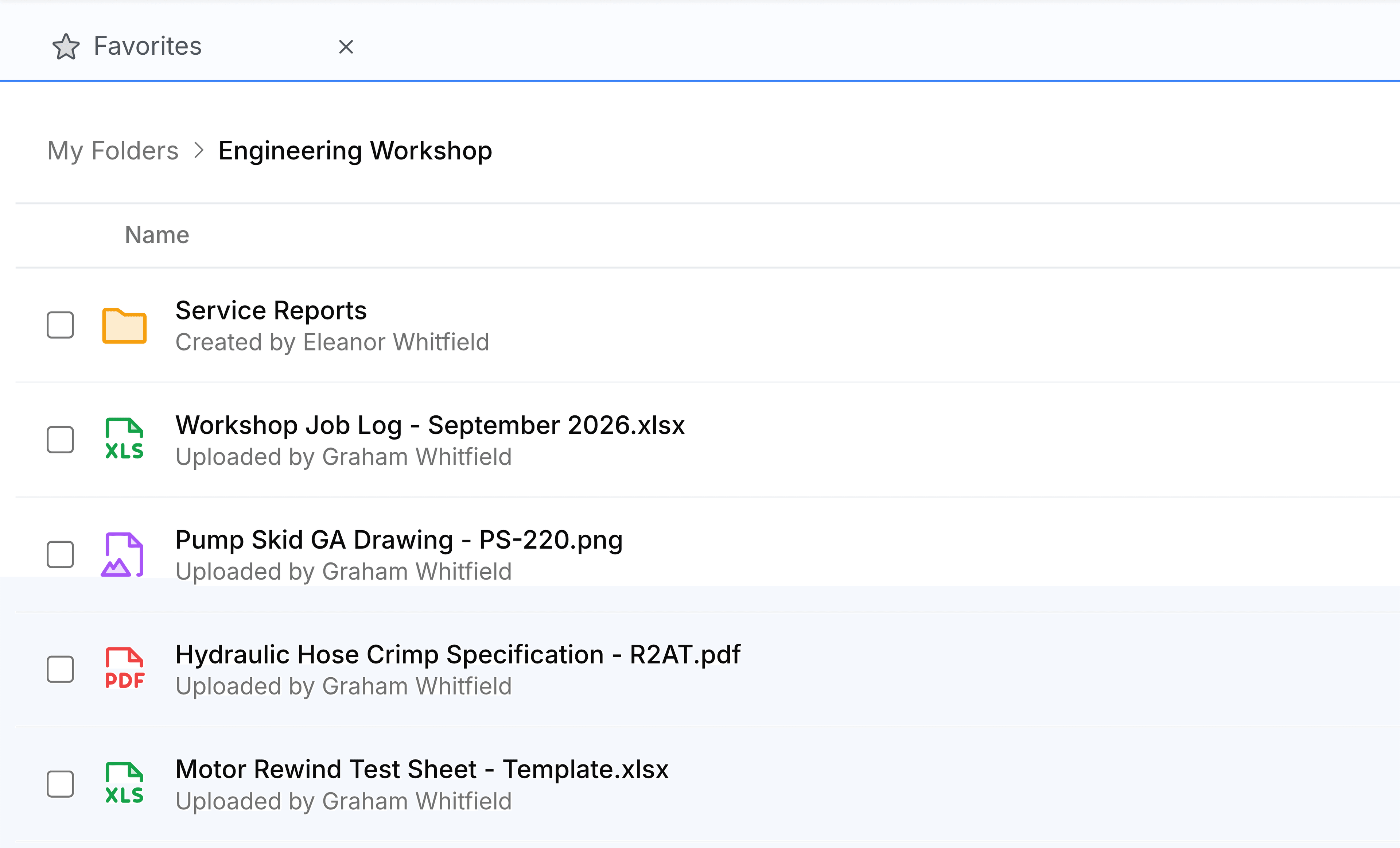
What happens when you select a row depends on what's on it. A folder opens in place, with its contents in front of you. A file downloads to your computer, the same as it would from its own folder.
Open a starred folder
Go to Favorites.
Select the folder's row. The folder opens, and everything you can do in a folder, you can do here.
Download a starred file
Select the file's row, or the download arrow at its right-hand end. Either one saves a copy to wherever your browser keeps downloads, and moves the file to the top of your Recent Files.
A starred web link is the exception. Favorites shows it like a file, download arrow included, but there's nothing behind it to download, so selecting it here does nothing. Open a link from its folder or from Recent Files, where selecting it takes you to the page.