
Search finds nothing
Why a search in Nest comes back empty or misses a file you know exists, and what to try instead.
A search that finds nothing is usually looking in the right place for the wrong thing. Each heading below is something you might see, with the reason and the fix.
No results found

Why: no file or folder name is close enough to what you entered, or a filter is hiding the matches.
What to do: set both filters back to All types and Any time, then try a shorter or different word from the name.
A file I know exists doesn't appear
Why: one of these, most often the first.
- The word is inside the file, not in its name
- Search reads names only. Search for a word from the file's name instead.
- It's in a folder shared with you
- Files inside a shared folder aren't searched. Only files shared with you directly are.
- It's in a team folder you don't belong to
- Ask to be added, or ask for the file to be shared with you.
- It's in Trash
- Deleted items are left out. Look in Trash and restore it.
- There are more than 20 closer matches
- Use a more distinctive word, or filter by type or date.
Nothing happens as I type
Why: search starts after two letters.
What to do: keep typing. One letter is too little to match on.
The page says Search Nest
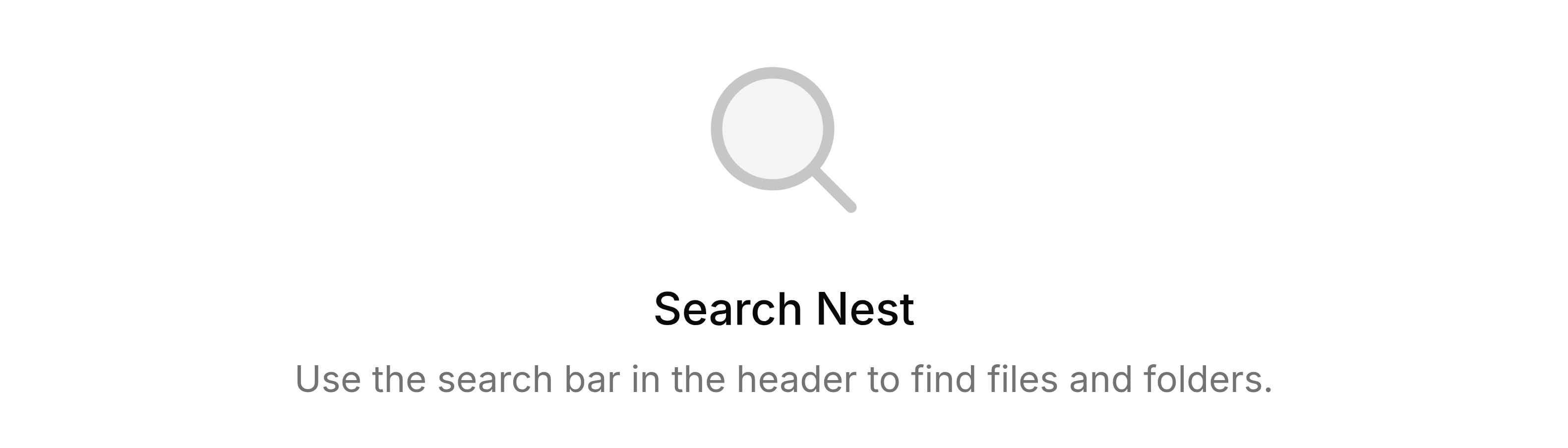
Why: you've opened the results page without a search, for example from a bookmark with the search removed.
What to do: enter what you're looking for in the search bar at the top of the screen.