
Properties and activity
What a file or folder's Properties panel shows, and the history its Activity panel keeps.
Every file and folder has two panels that describe it without changing anything. Properties says what the item is; Activity says what has happened to it. Both are on the row's menu.
Properties
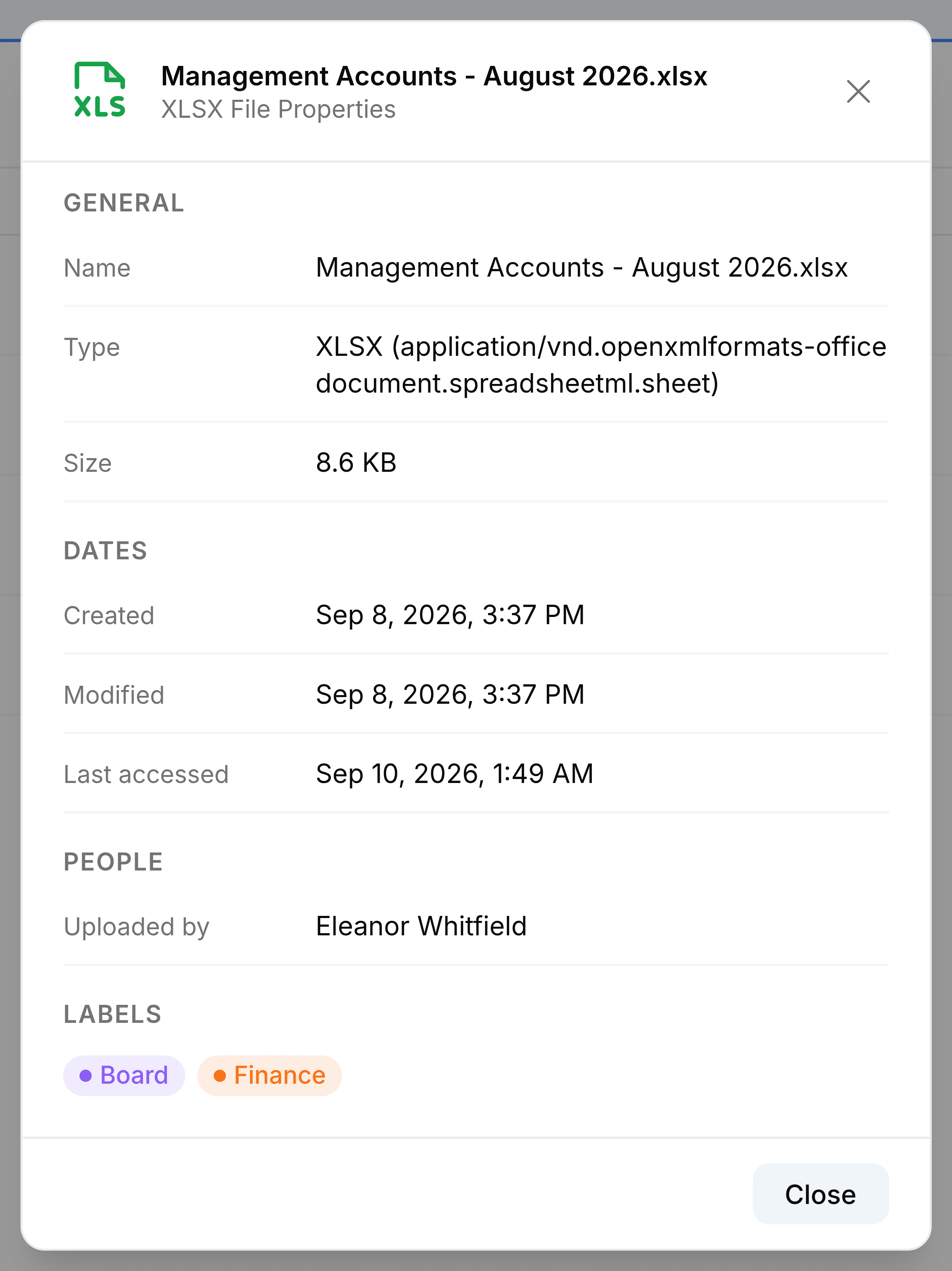
| Field | What it does |
|---|---|
| Name | The file's current name. |
| Type | Its ending and its full format name. A link has a Link row with its web address instead. |
| Size | How large it is. Links have none. |
| Created | When it was put into Nest. |
| Modified | When it last changed, including a rename or a move. |
| Last accessed | The last recorded time the file was viewed. Downloads don't update it. Shown only when there's a date. |
| Uploaded by | Who added it. |
| From app | Shown only for a file saved into Nest from another SorviAI app, with the record it came from. |
| Labels | Your own labels on it, in their colours. Shown only when it has some. |
A folder's Properties panel is shorter: its name, whether it's a personal or a team folder, when it was created and last changed, and who owns it.
Activity
Select Activity on a row's menu and a panel opens on the right. For a file, it's that file's history. For a folder, it's the folder's own history together with that of the files directly inside it.
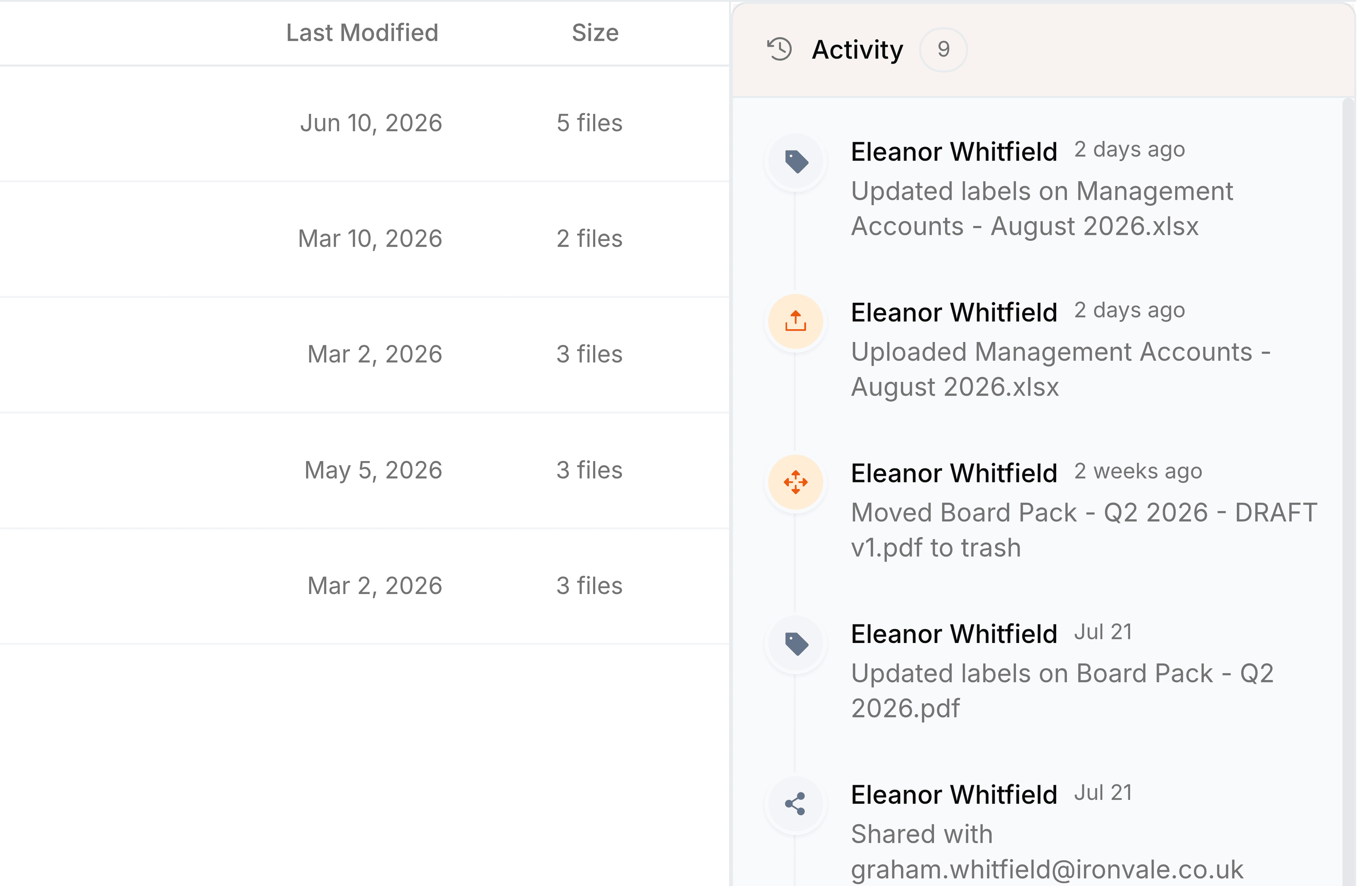
The history records uploads, renames, moves, shares, label changes, moves to Trash and restores. Opening and downloading aren't recorded. Select Activity on the same item again to close the panel.