
Open or download a recent file
Get a copy of a file straight from Recent Files, or follow a saved web link, without going back to its folder.
Recent Files hands you the file itself rather than a preview. Selecting a file saves a copy to your computer, which your browser then offers to open; selecting a saved web link takes you to that page instead.
Download a file
Go to Recent Files.
Select the file's row. The download starts at once, and the file lands wherever your browser keeps downloads.
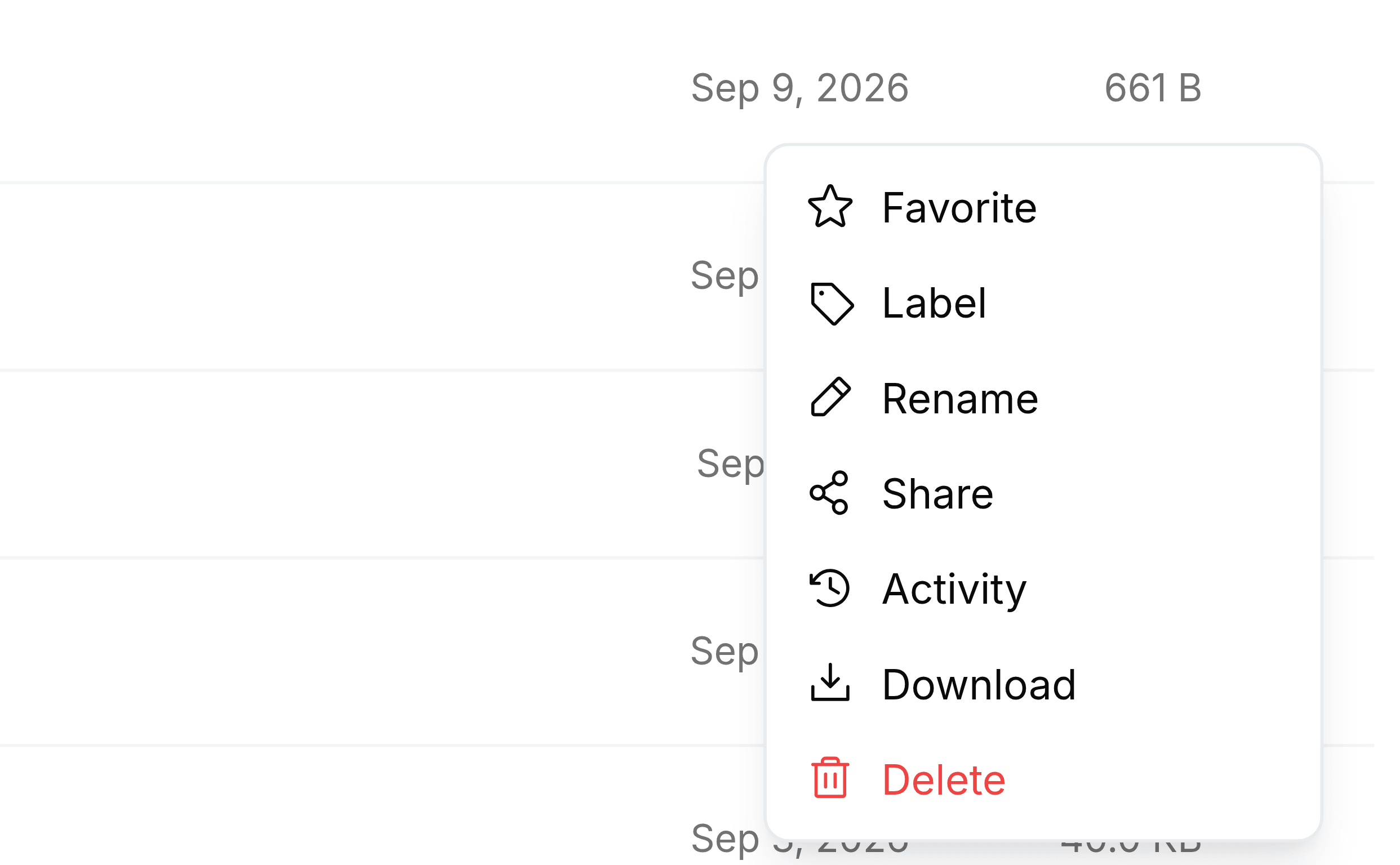
The same download is also on the file's own menu, which is useful when you'd rather not risk a stray select on a busy list.
Point at the file's row and select the three dots at its right-hand end.
Select Download.
Follow a saved link
A link in Nest is a web address kept beside your files, shown with a chain icon and the word Link where a size would be. Select its row and the page opens in a new browser tab. A link has no Download on its menu, because there is nothing to download.