
Filter search results
Narrow search results to one type of file, or to files added today, this week or this month.
Two lists under the results heading narrow a search: one by the type of file, one by when it was added. Use either, or both together.
Filter by type
Select All types and choose a type.

The files narrow at once to that type.

Filter by date
Select Any time and choose Today, This week or This month.
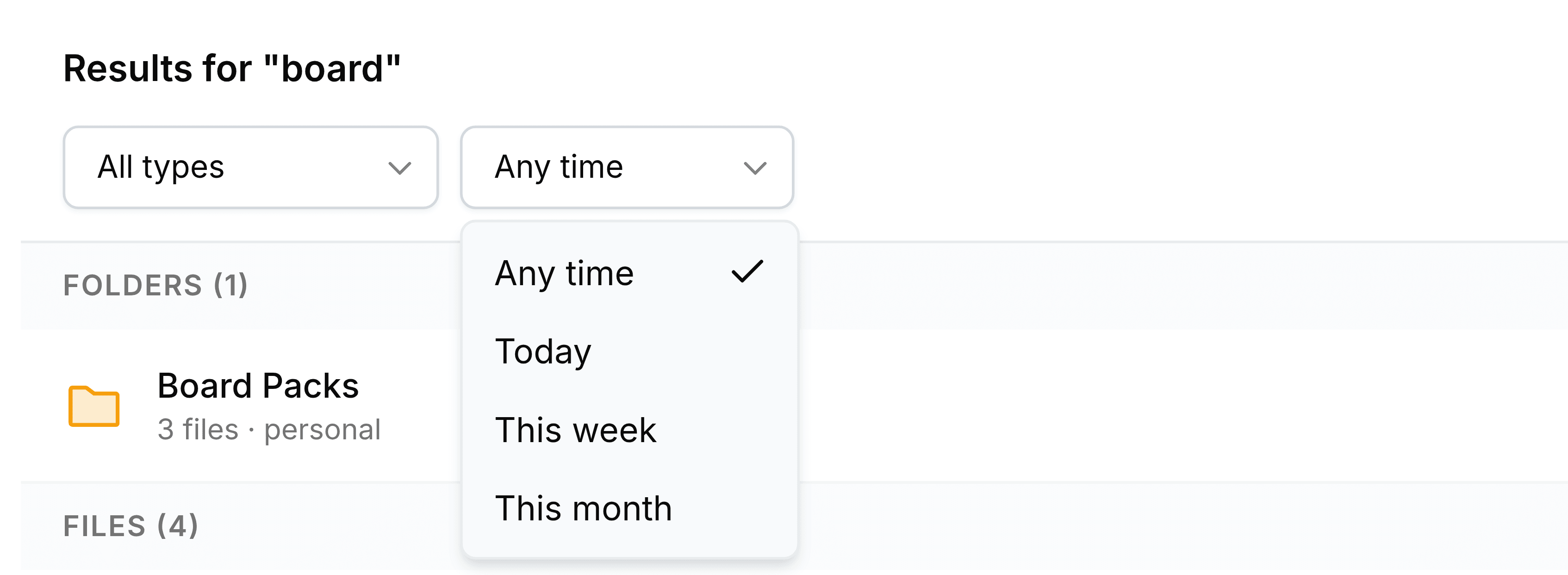
- Today
- Added today.
- This week
- Added in the last seven days.
- This month
- Added since the first of the current month.
The date is when a file was added to Nest, not when it was last changed.
To clear a filter, choose All types or Any time again. Both filters are kept in the page's address, so a filtered search can be bookmarked or sent to a colleague, who sees it with the same filters applied.