
Delete permanently
Remove one item from Trash for good, or empty Trash of everything you added. Neither can be undone.
Deleting from Trash is the one step in Nest with no way back. It's worth doing when you're sure, because it's also the only thing that frees the storage a deleted file still takes up.
Delete one item for good
Go to Trash and select the red Delete at the end of the item's row.
Select Delete Forever.
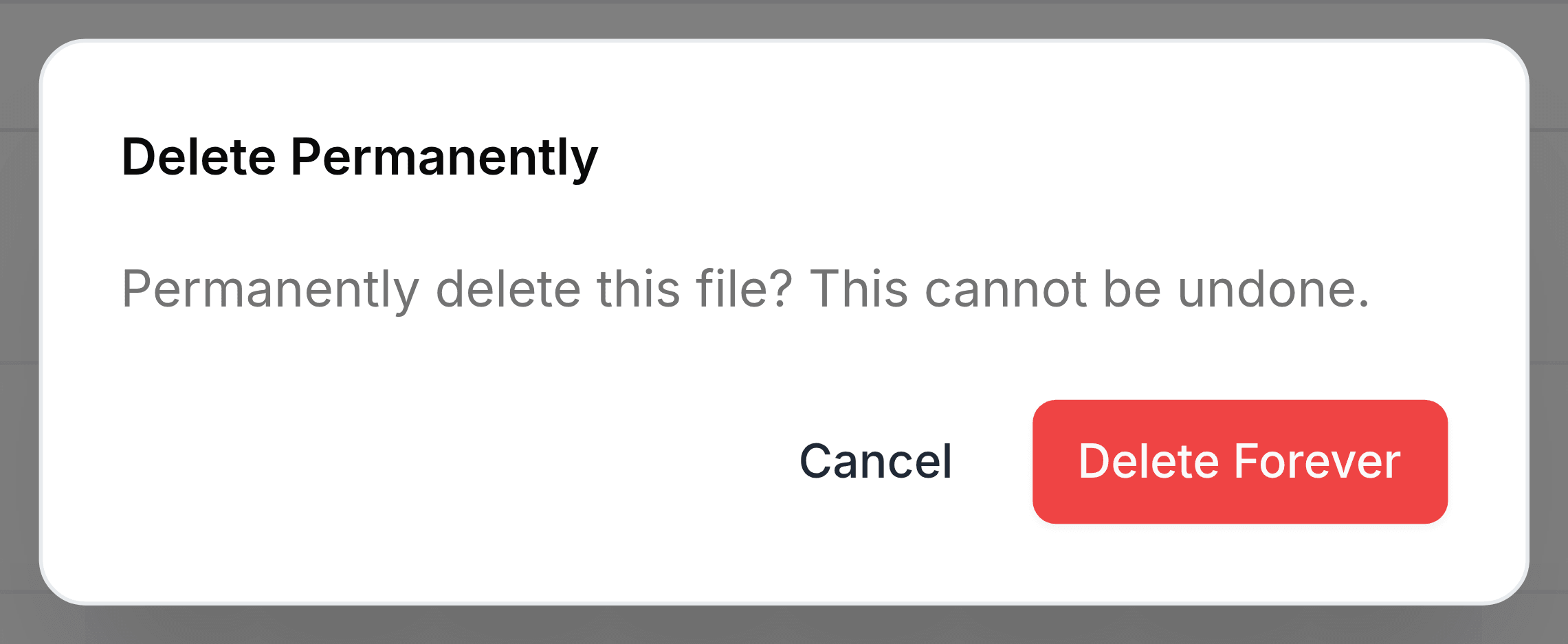
Deleting a folder for good takes everything that was inside it too.
Empty Trash
Go to Trash and select Empty Trash at the top right.
Read the message, then select Empty Trash.
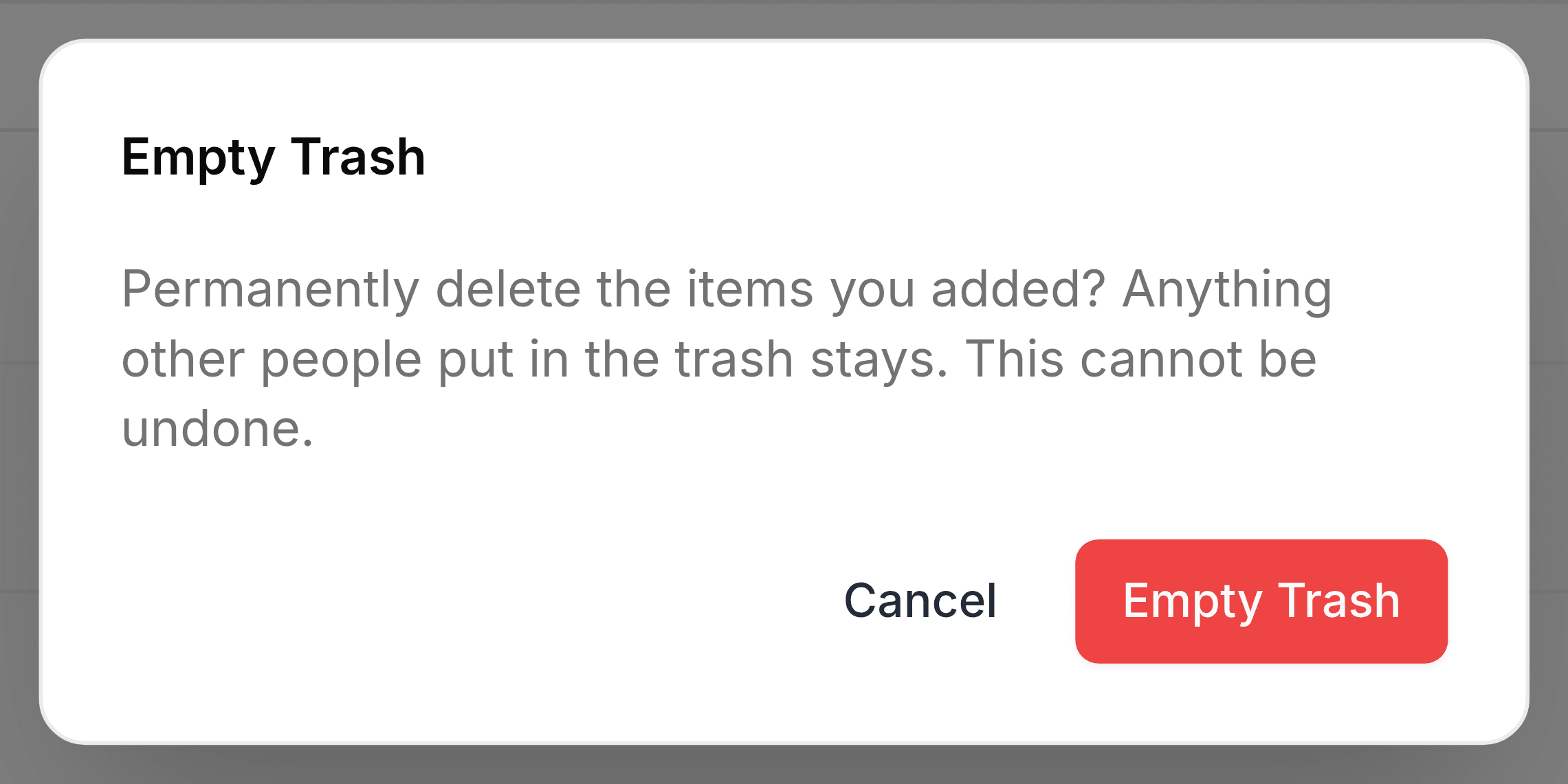
Empty Trash clears only what's yours: files you uploaded and folders you own. Colleagues' items, such as a file someone else deleted from a team folder, stay in the list for them to decide about.
Who can delete for good
- In My Folders
- You can delete anything of your own.
- In a team folder
- Your role needs Delete permanently, which only Admin and Organizer have among the default roles. Whoever uploaded a file can always delete it.