
Rename a file or folder
Give a file or folder a new name from its row menu. Its contents, shares, labels and star all stay as they were.
A new name changes nothing but the name. Everything attached to the item comes with it: the files inside a folder, the colleagues a file is shared with, its labels, and its star.
Point at the row and select the three dots at its right-hand end, or right-click the row.
Select Rename.
Change the name in the box. For a file, keep its ending, such as
.xlsx, so it still opens in the right program.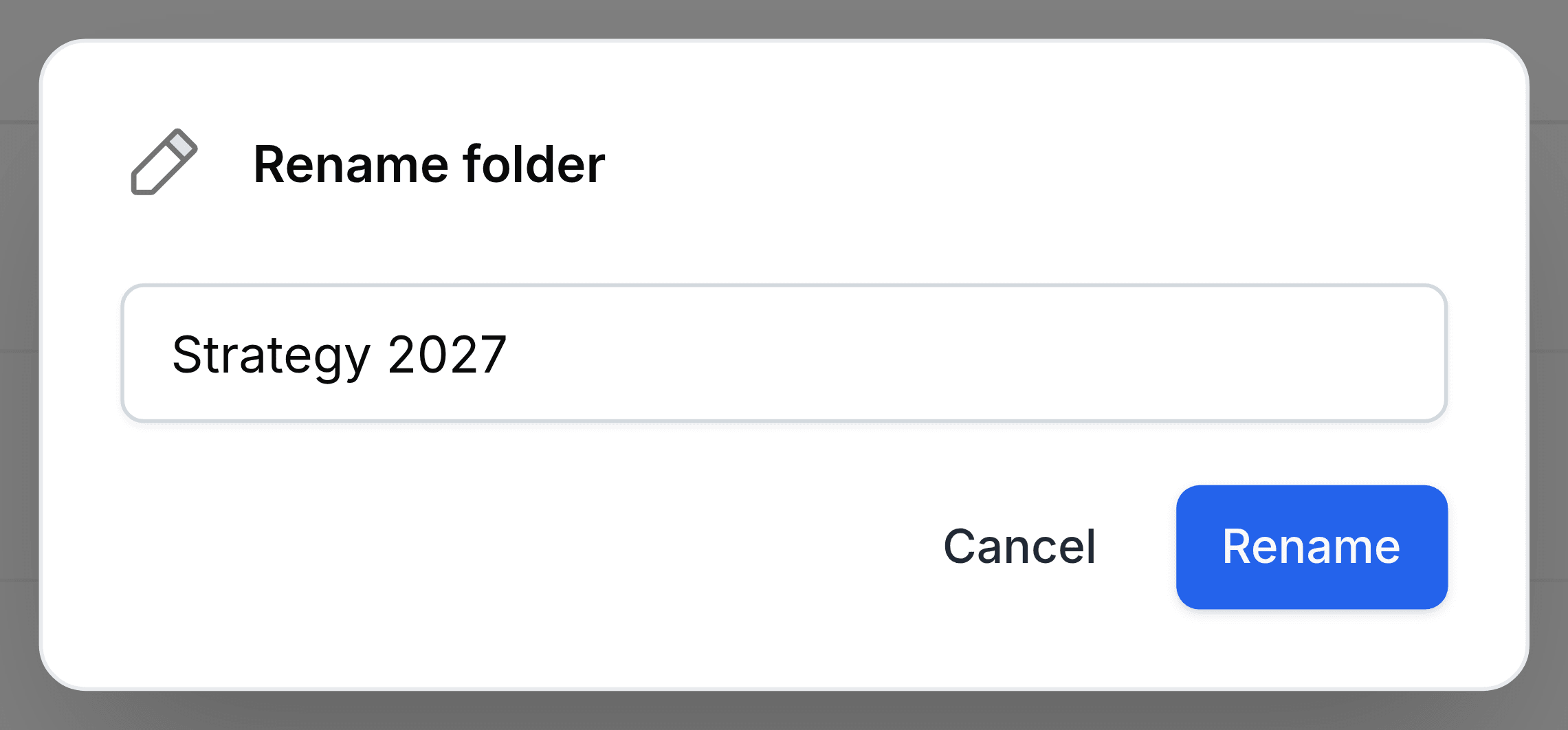
Select Rename.
The new name shows everywhere the item appears, including colleagues' Shared with Me and your Favorites. The rename is recorded in the item's Activity.