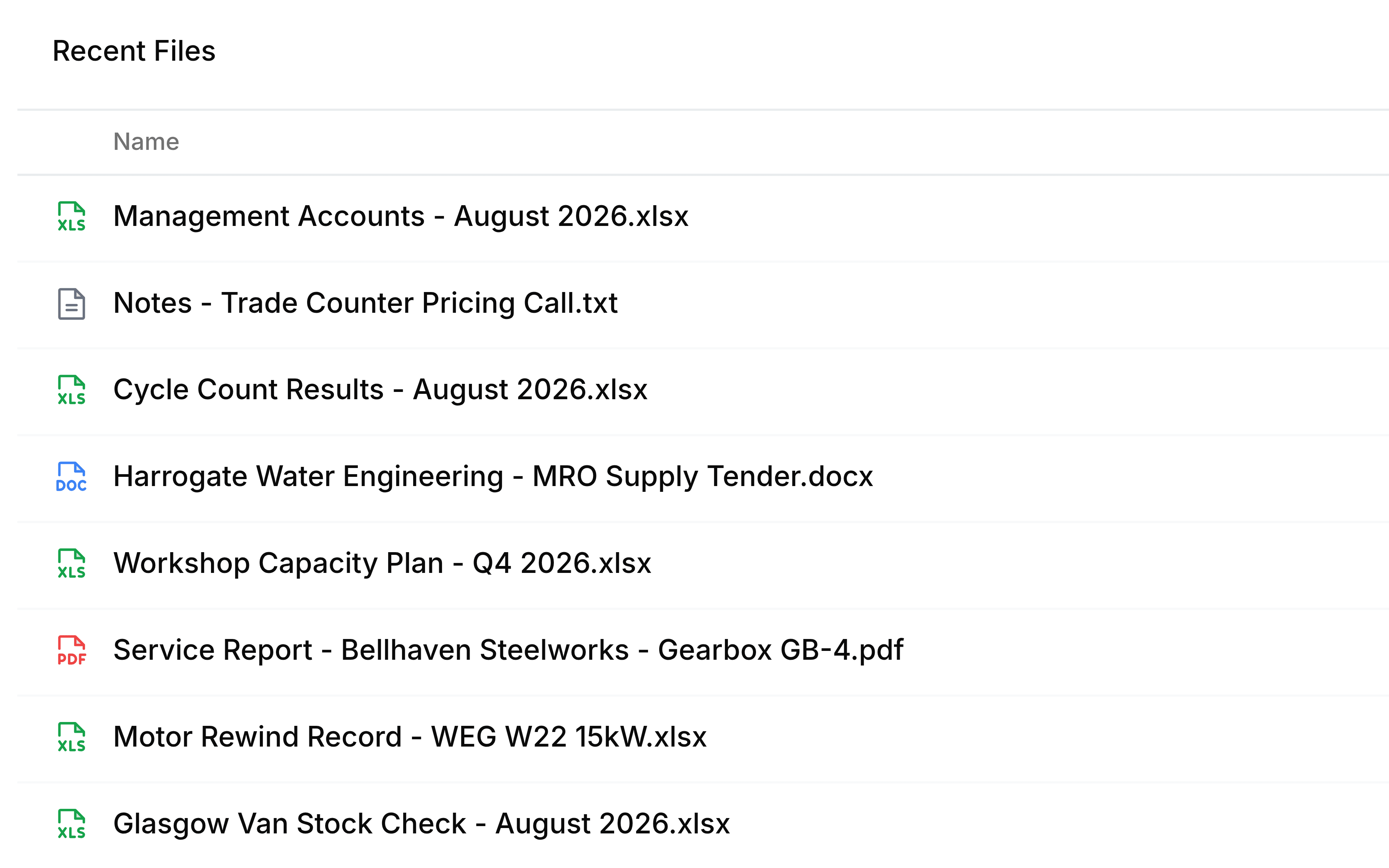
Change the Recent Files view
Switch Recent Files between the Details, Grid and Compact views, and know where your choice is kept.
The same fifty files can be laid out three ways. The three buttons at the top right of the list switch between them: from left to right, Details, Grid and Compact. Point at one to see its name.

| View | What it shows | Best for |
|---|---|---|
| Details | One row per file: name, who uploaded it, Last Modified and size | Reading what each file is before you open it |
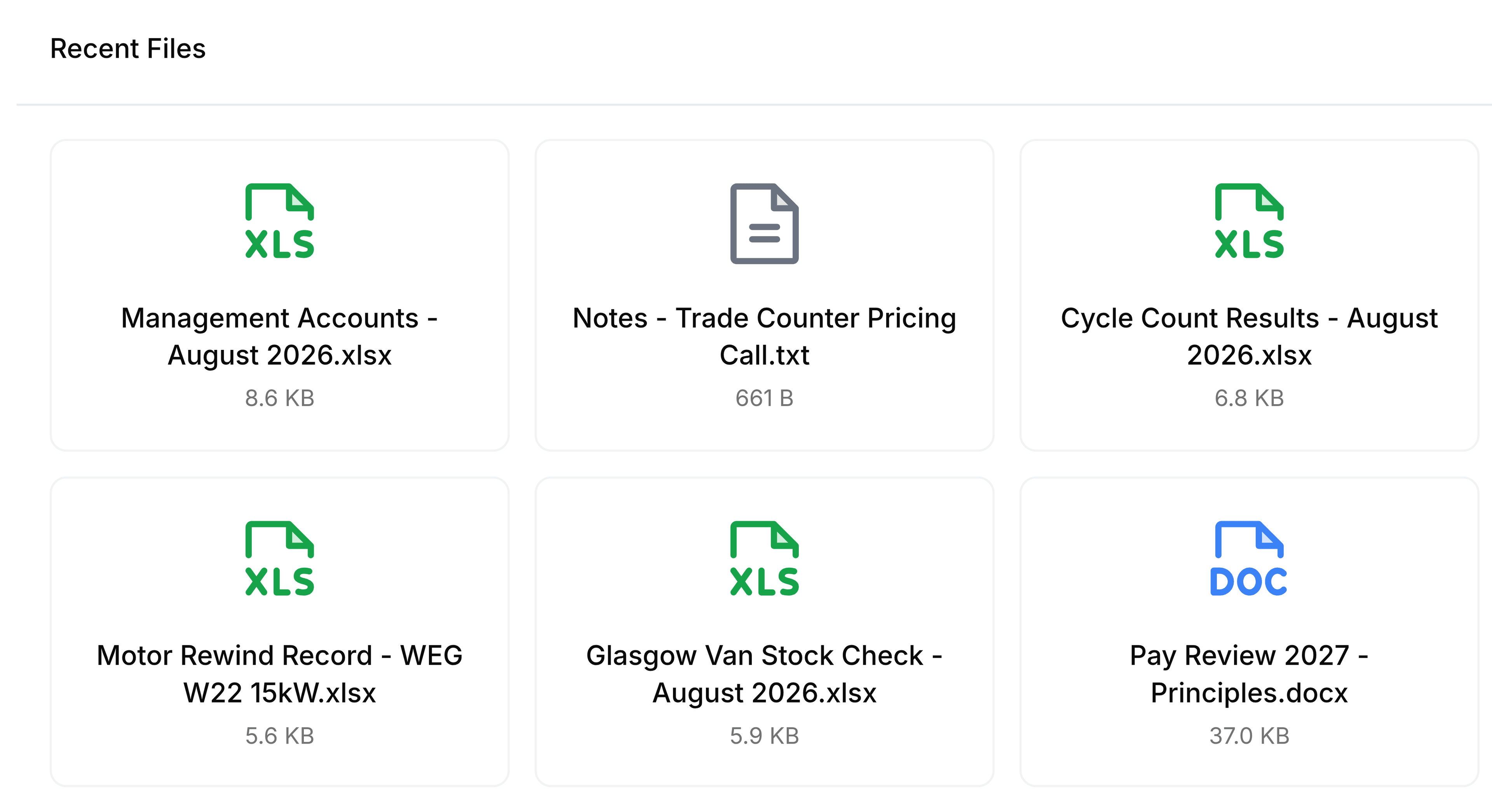
| Grid | A card per file with a large type icon, its name and its size | Picking out a file by its type at a glance |
| Compact | One thin line per file: name, Modified and size | Seeing most of the list without scrolling |
Grid
Compact