Create a folder
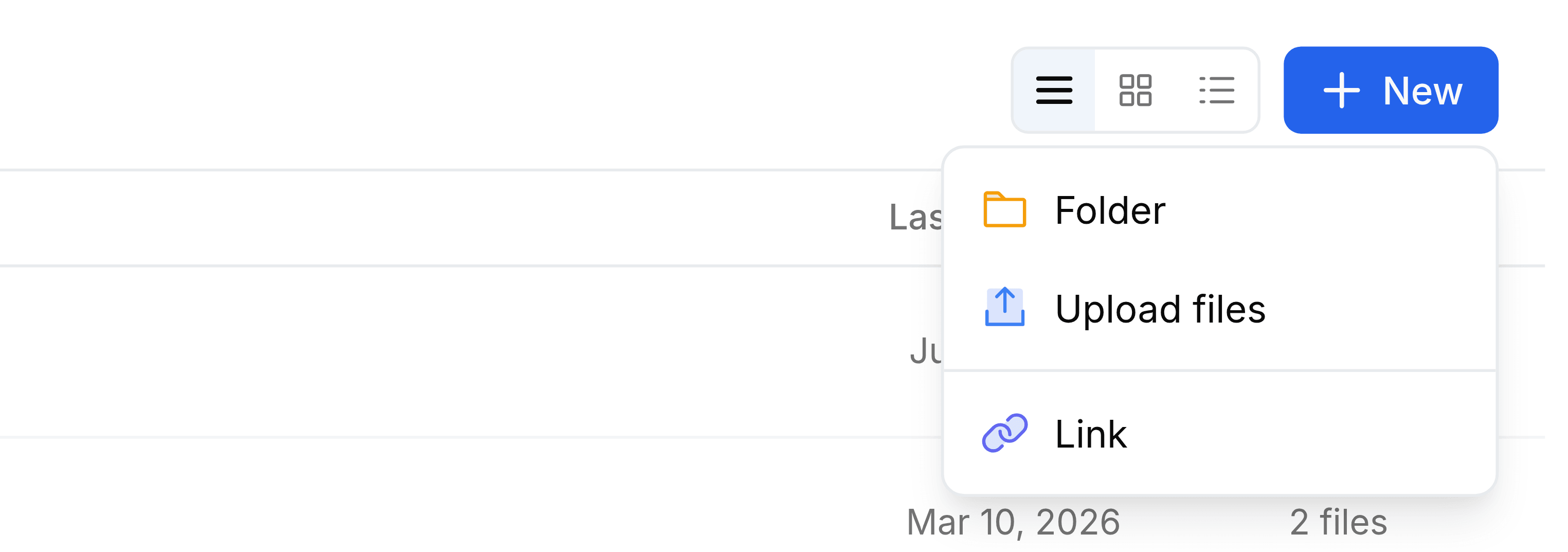
Create a folder at the top of My Folders, or inside any folder you have open, from the New button.
A new folder is made wherever you're standing. Create it on the My Folders page and it sits at the top level; open a folder first and the new one goes inside it, as a subfolder.
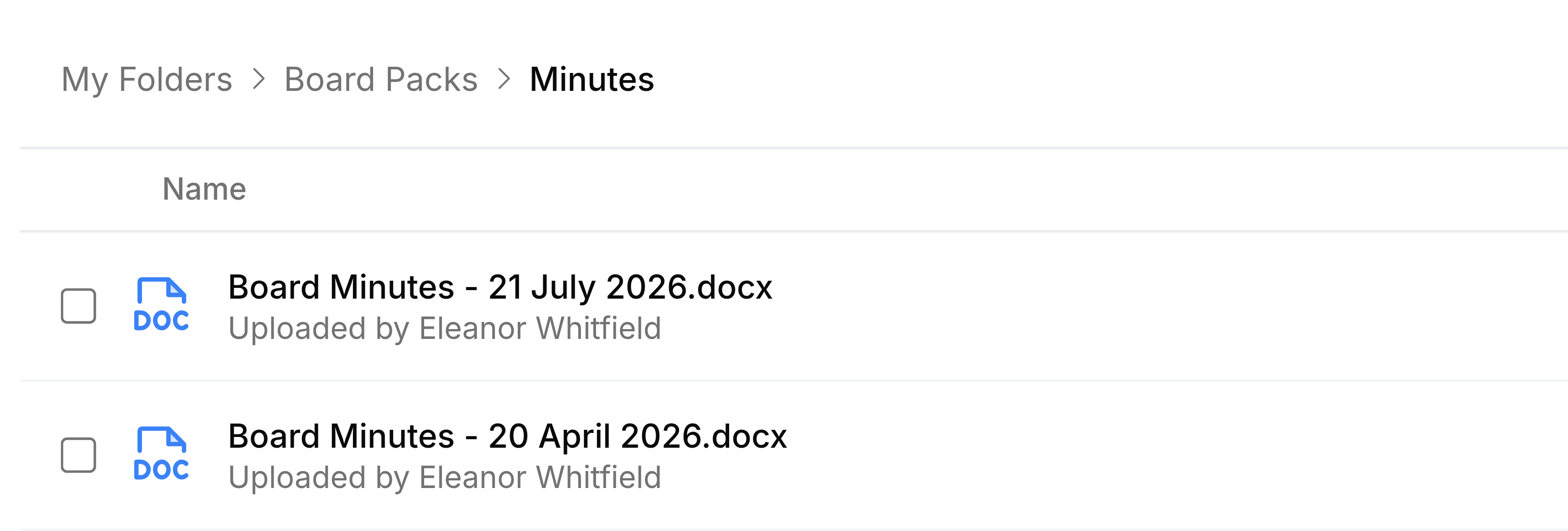
Go to My Folders, and open the folder you want the new one inside, if any.
Select New, then Folder.
Enter a name. Create stays greyed out until you do.
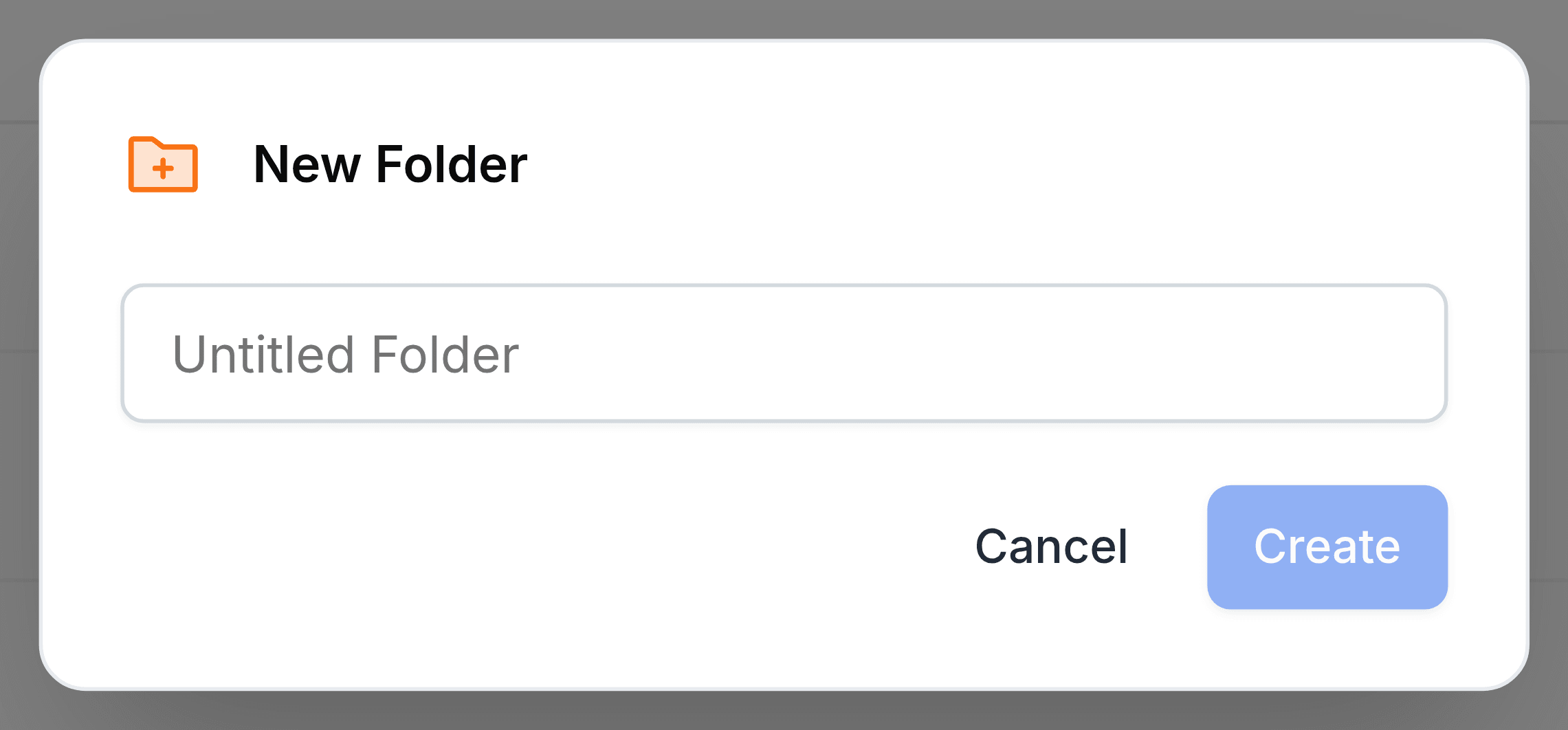
Select Create. The folder appears in the list, ready to open.
Folders inside folders
Folders can sit inside folders several levels deep. The path at the top of the screen always shows where you are, and selecting any step in it takes you back up to that level.