Find files by label
Open a label to see every file carrying it, from all your folders, and recognise your labels by colour in search results.
A label's list is the reason to label anything. It gathers every file you've tagged with that label into one place, however far apart their folders are.
Open a label's files
Go to Labels.
Select the label's name. Its files open in a list headed with the label's colour, its name and how many files it holds.
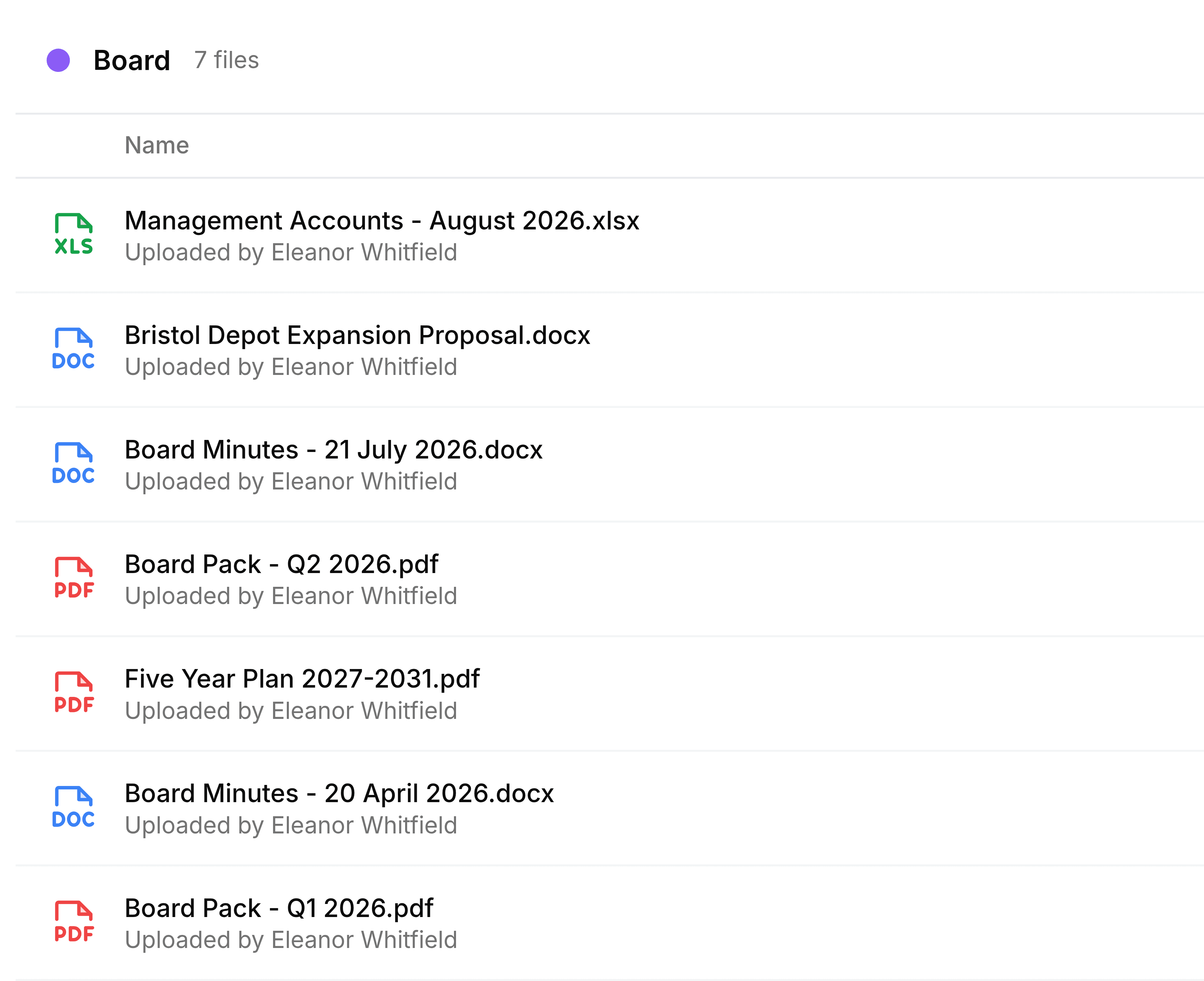
The list works like any other file list in Nest. Select a file to download it, switch between the Details, Grid and Compact views at the top right, and use each row's menu to star, relabel, rename, share or delete the file without leaving the label.
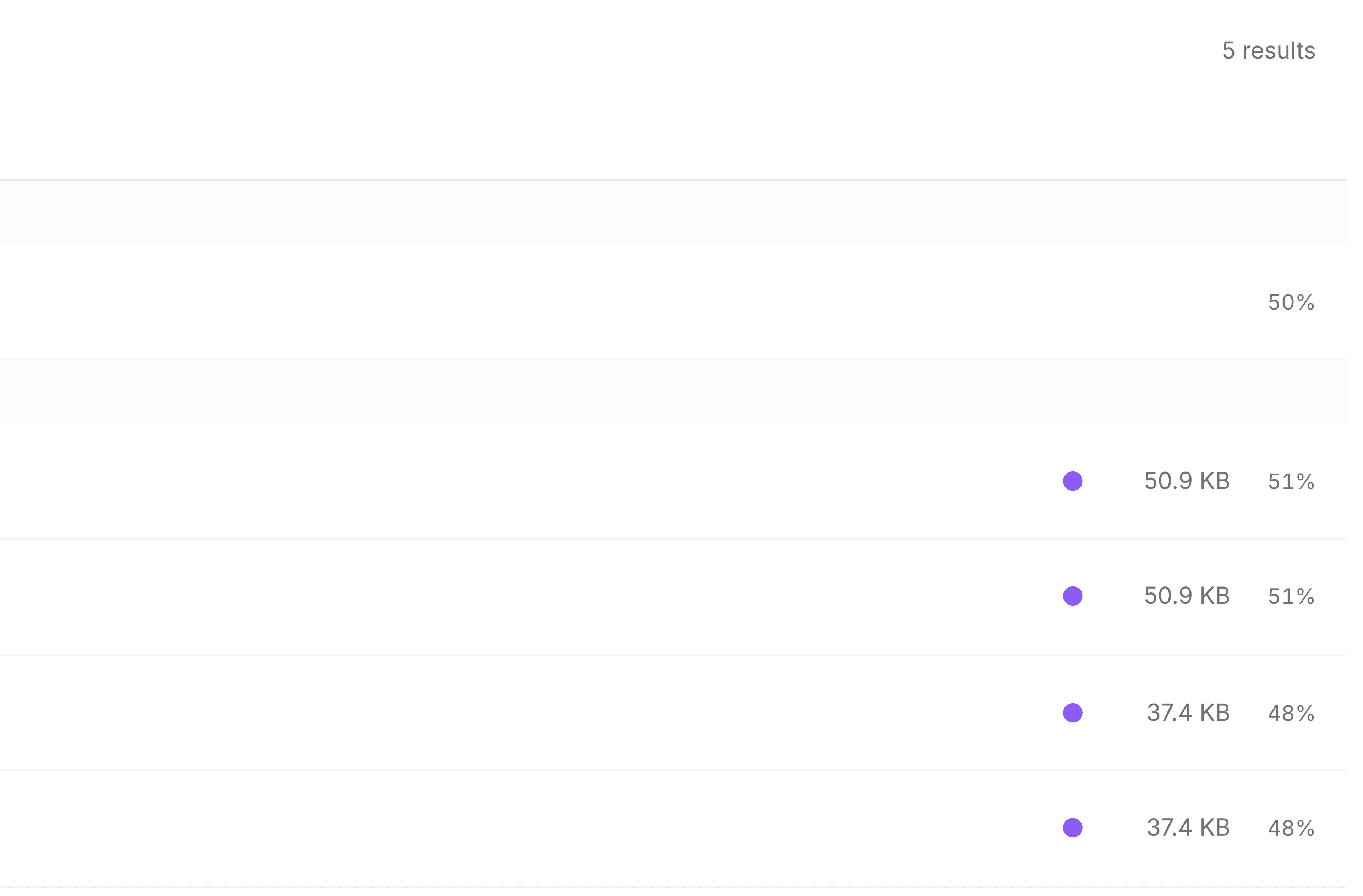
Labels in search results
The search bar doesn't filter by label, but it does show them. Each result carries a small dot for every one of your labels on the file, in that label's colour.