Team folder settings
Choose whether everybody or only administrators can create team folders, and the role new members are given.
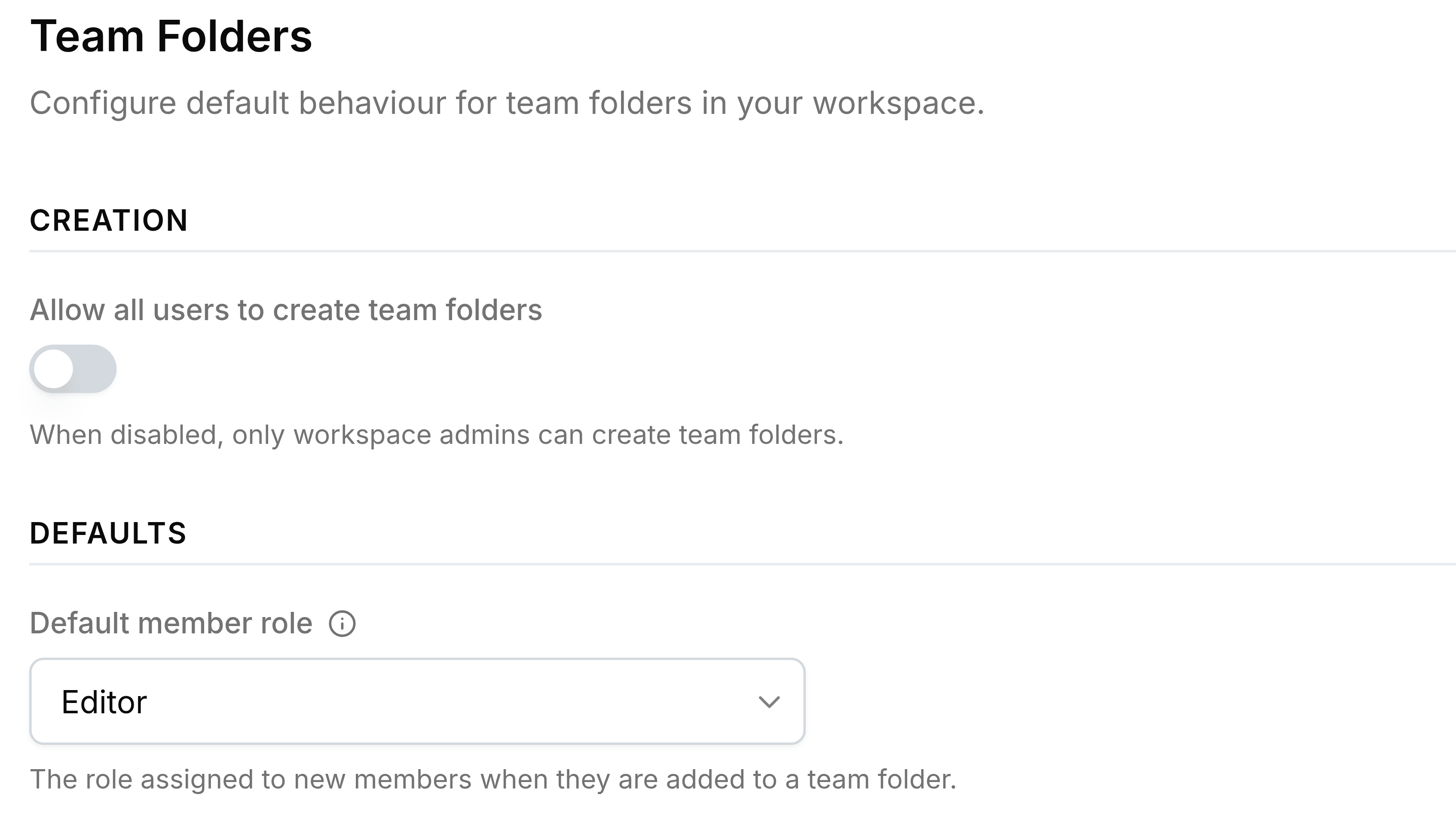
The Team Folders page holds two decisions that shape every team folder in the organisation: who can start one, and what a newly added member can do.
| Field | What it does |
|---|---|
| Allow all users to create team folders | Off: only administrators can create team folders. On: anyone with Nest can. With it off, the limit also applies to folders created inside a team folder. |
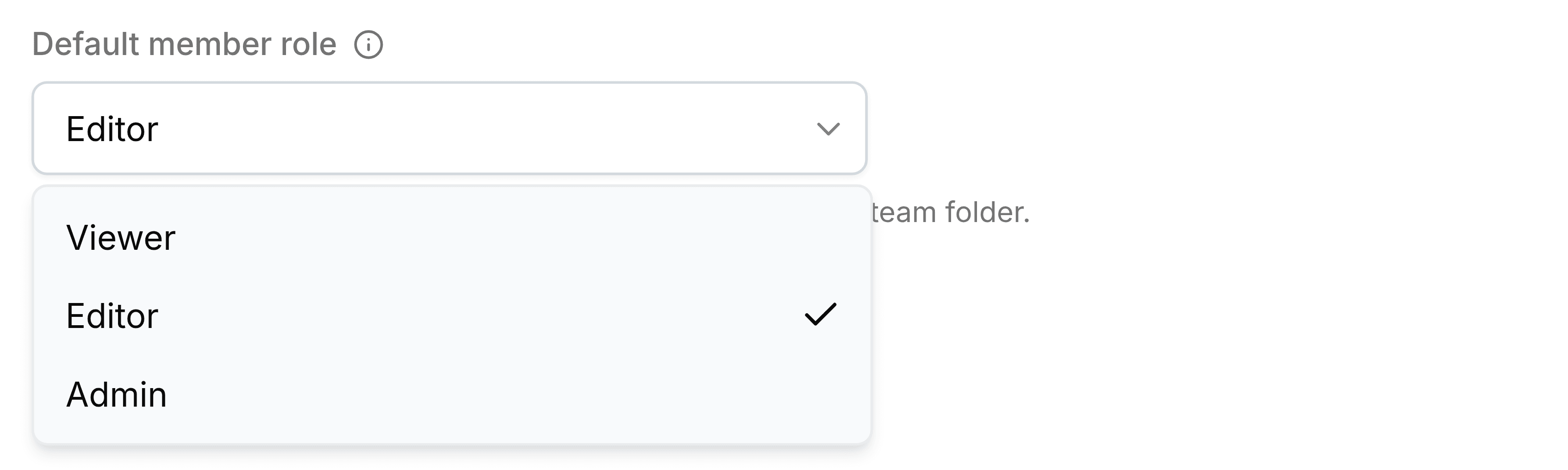
| Default member role | The role picked for someone when they're added to a team folder. The person adding them can still choose another. |