Skip to the article

Read Shared with Me

How Shared with Me groups what you've been given, and what each part of a row tells you.

Shared with Me is sorted by person first. Every colleague who has shared something with you gets a heading of their own, and their items are listed beneath it.
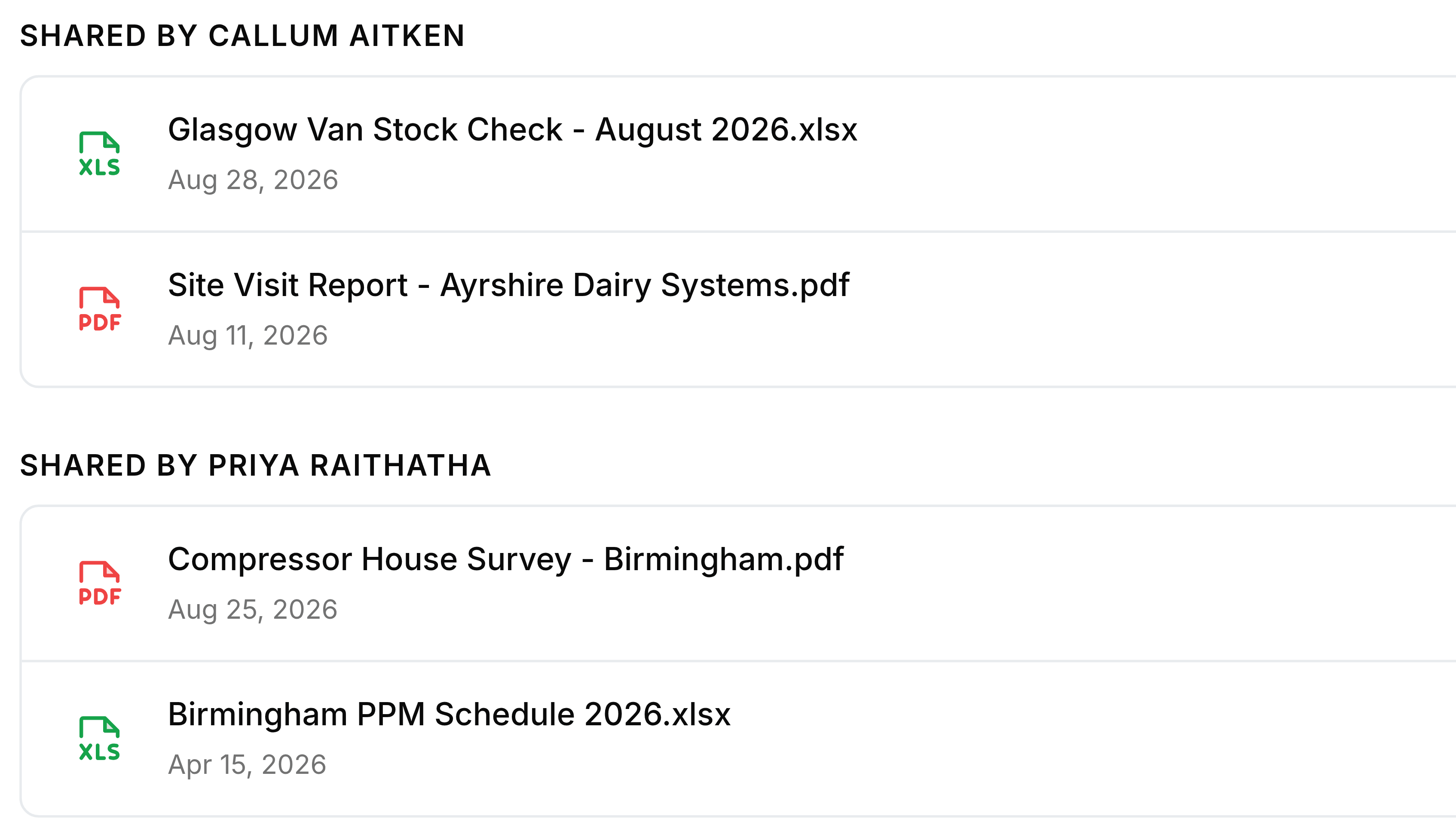
Two groups in Shared with Me. The first, headed Shared by Callum Aitken, holds Glasgow Van Stock Check - August 2026.xlsx dated Aug 28, 2026 and Site Visit Report - Ayrshire Dairy Systems.pdf dated Aug 11, 2026. The second, headed Shared by Priya Raithatha, holds Compressor House Survey - Birmingham.pdf dated Aug 25, 2026 and Birmingham PPM Schedule 2026.xlsx dated Apr 15, 2026.
Each heading names the colleague. Everything under it came from them.
Parts of a row in Shared with Me
FieldWhat it does
IconThe file's type, or an orange folder for a folder.
NameThe item's name as its owner has it now. If they rename it, the new name shows here.
DateThe day it was shared with you. It is not when the file was created or last changed.
DownloadThe arrow near the right-hand end, on files only.
PermissionThe grey tag at the very end: View, Edit or Download, whichever the colleague chose when they shared it.
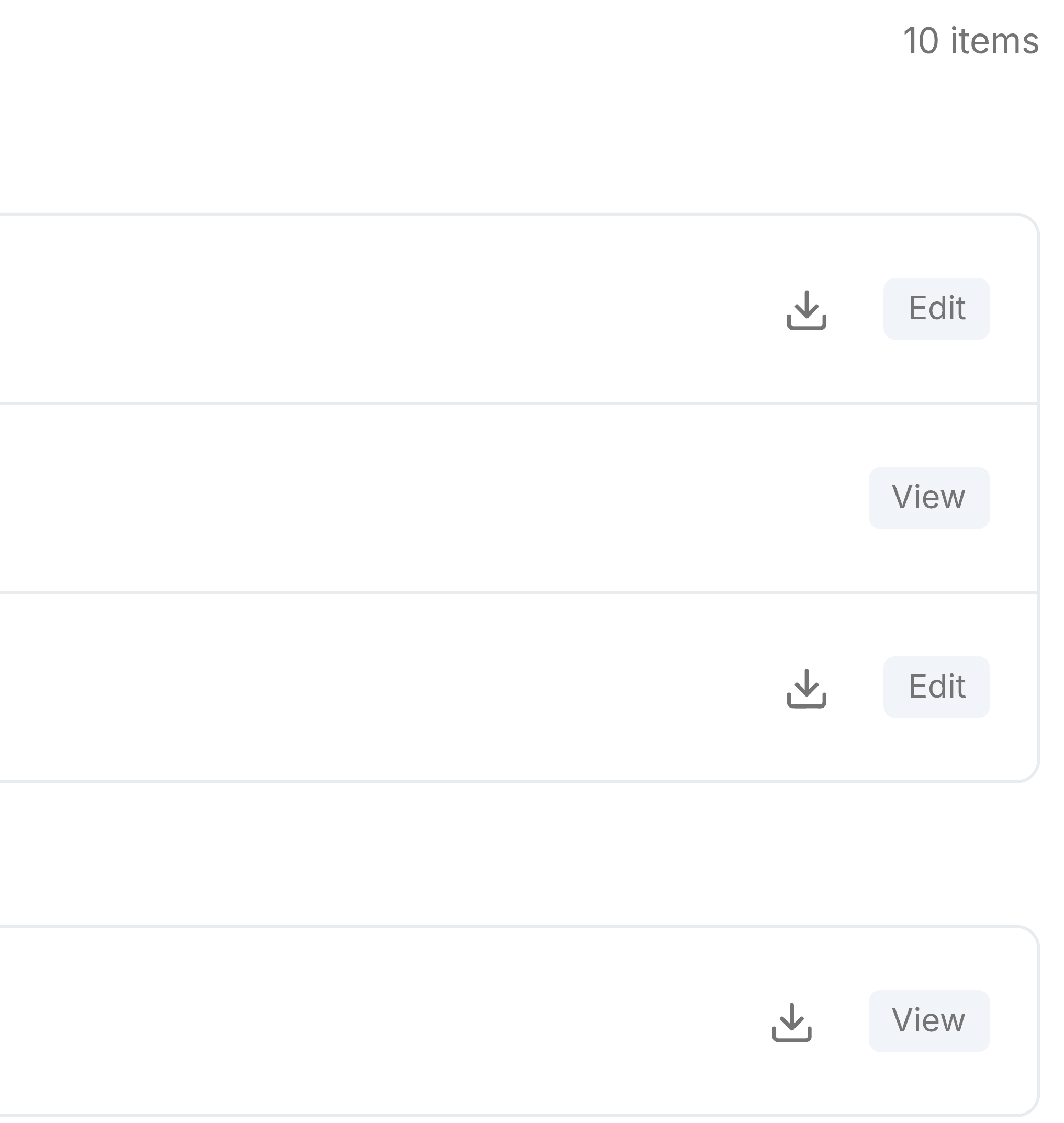
The right-hand end of Shared with Me. At the top the count 10 items. Below it three rows from the first group: a download arrow with an Edit tag, a folder row with a View tag and no arrow, and a download arrow with an Edit tag. Under the next group, one more row with a download arrow and a View tag.
Files carry the download arrow; folders don't. The tag at the end is the permission the colleague chose.

The count

The number at the top right is every item shared with you, across all the groups, files and folders together.

Was this document helpful?