
A team folder action is refused
Why Nest refuses to create a team folder, add a member, change a role or delete one, and what to do about each.
Most refusals in a team folder come down to the role you hold in it. Each heading below is a message or a situation you might meet, with the reason and the fix.
Only admins can create team folders
Why: creating team folders is limited to administrators, and that includes folders created inside a team folder. Your role's Create subfolders permission doesn't override it.
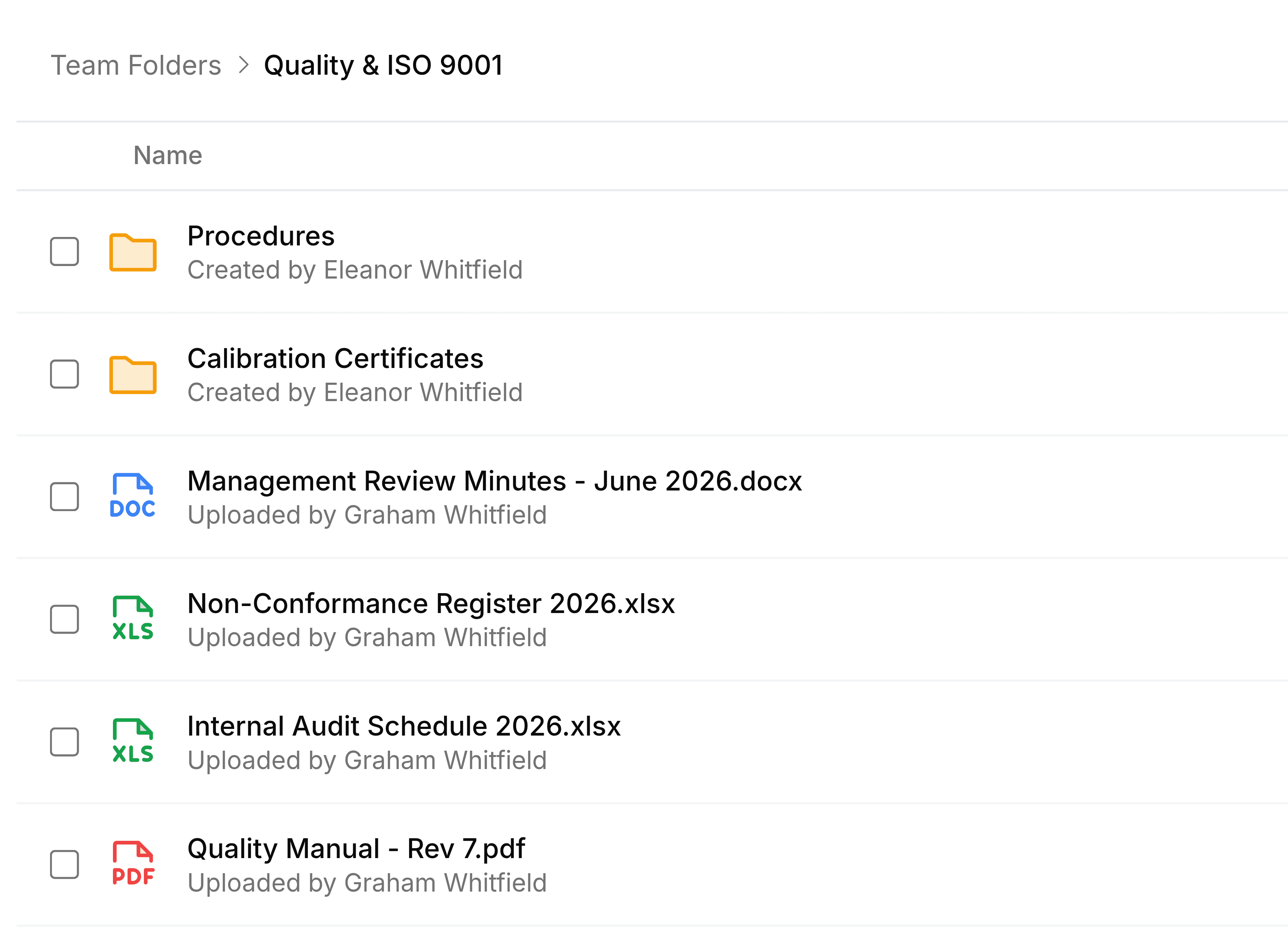
What to do: ask an administrator to create the folder, or to turn on Allow all users to create team folders in Nest's settings.
Permission denied
Why: your role in this team folder doesn't include what you tried, such as Manage members for adding someone or Manage roles for building a role.
What to do: check your role on the Members tab of Manage, then ask a member with Manage members to change it.
A colleague isn't in the list of people to add
Why: they're already a member, so the list leaves them out, or their SorviAI account has been switched off.
What to do: look for them in the members list and change their role there. If they aren't a member, ask an administrator whether their account is active.
Cannot delete a role that members are using
Why: at least one member still holds the custom role. The message says how many.
What to do: move each of them to another role, then delete it.
A colleague can't find the team folder
Why: they aren't a member. Team Folders shows people only the folders they belong to, so it doesn't appear locked; it doesn't appear at all.
What to do: add them from the Manage panel. If they need only one file, sharing that file with them is the lighter option.