
Read search results
What each part of a search result tells you: where the item lives, who added it and when, your labels on it, and how close a match it is.
The results page puts folders first and files second, each group in its own section with a count. Within each, the closest match to what you typed is at the top.
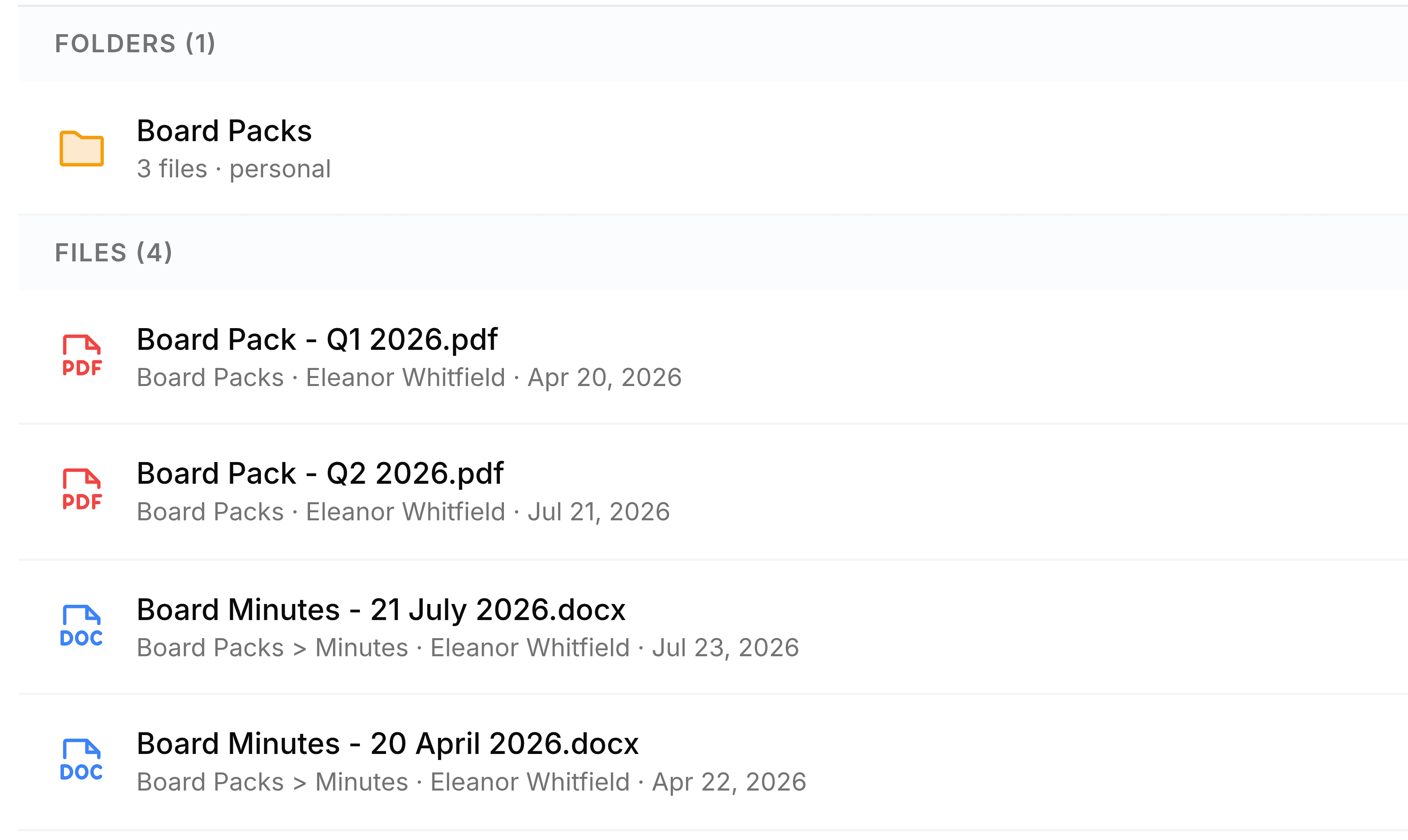
| Field | What it does |
|---|---|
| Name | The file's name, with an icon for its type. |
| Folder | The first part of the grey line: the folder it's in, with each level separated by an arrow. |
| Uploaded by | Who added the file to Nest. |
| Date | When it was added. The date filter works on this date. |
| Label dots | One coloured dot for each of your own labels on the file. |
| Size | How large the file is, or Link for a saved web link. |
| Match | The percentage at the far right: how closely the name matches what you typed. Higher is closer. |
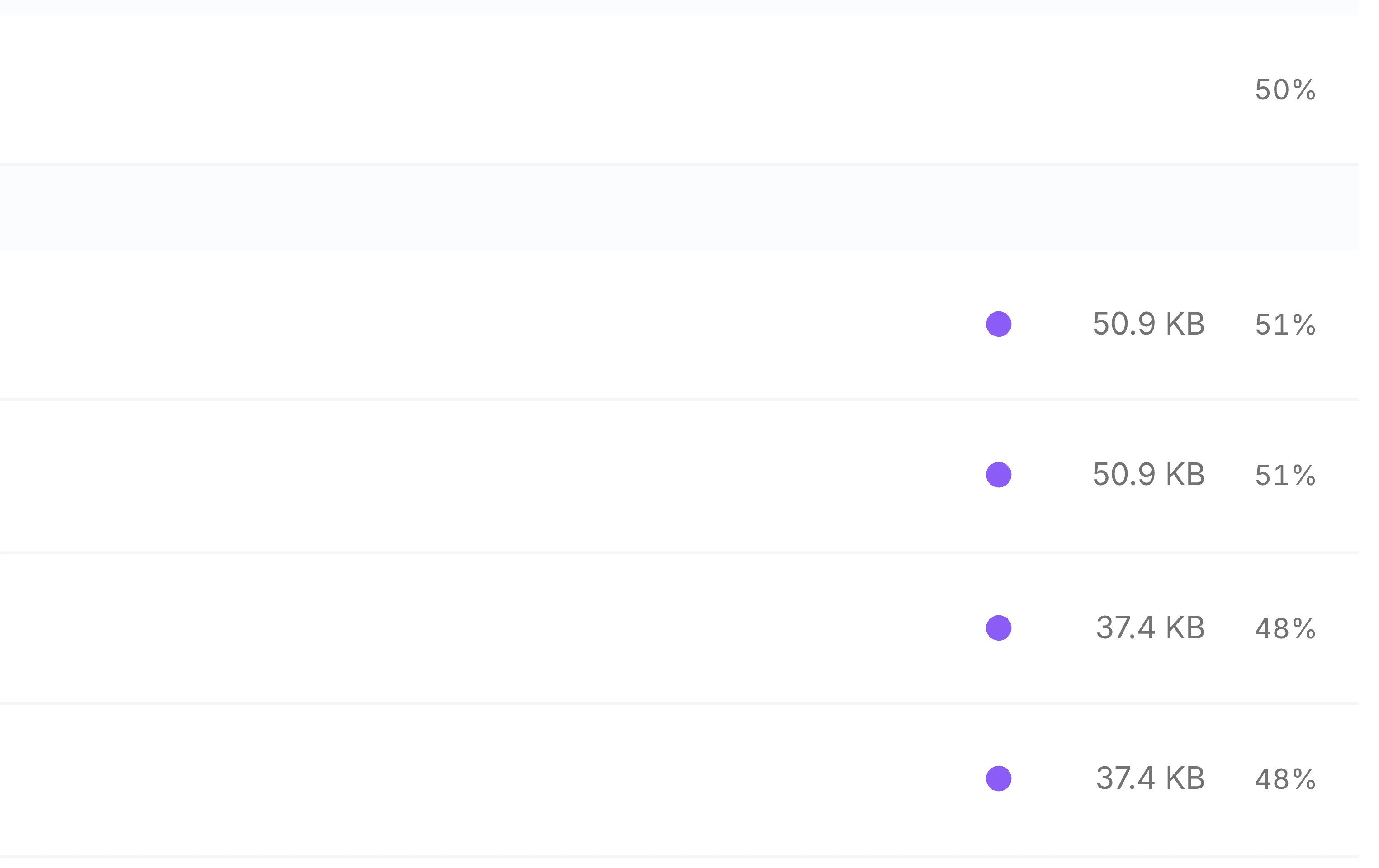
A folder result is shorter: its name, where it sits, how many files it holds, whether it's a personal or a team folder, and its match.
What's searched
- Your folders
- Everything in My Folders.
- Your teams' folders
- Every team folder you belong to, including the folders inside them.
- Files shared with you
- Files colleagues have shared with you directly. Folders shared with you aren't searched.
- Not Trash
- Deleted items never appear in search.