
Restore from Trash
Put a deleted file or folder back in the folder it came from, one at a time or several together.
Restoring puts an item back exactly where it was deleted from, with everything that belonged to it: its labels, its shares, its star and its place in Recent Files. A restored folder brings back everything that was inside it.
Restore one item
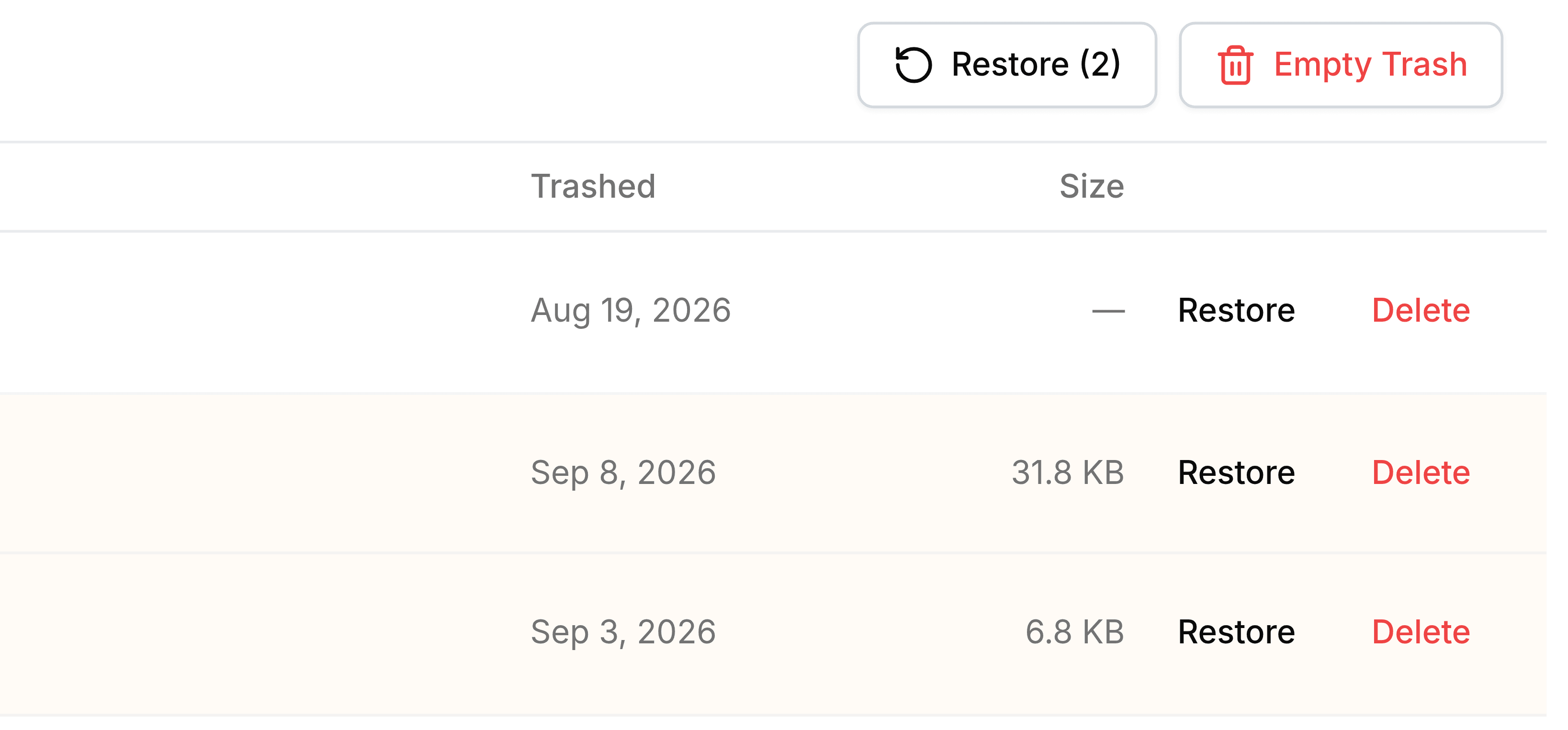
Go to Trash and select Restore at the end of the item's row. It leaves the list straight away and is back in its folder.
Restore several
Tick the checkbox at the start of each item you want back. The checkbox in the column header ticks everything.
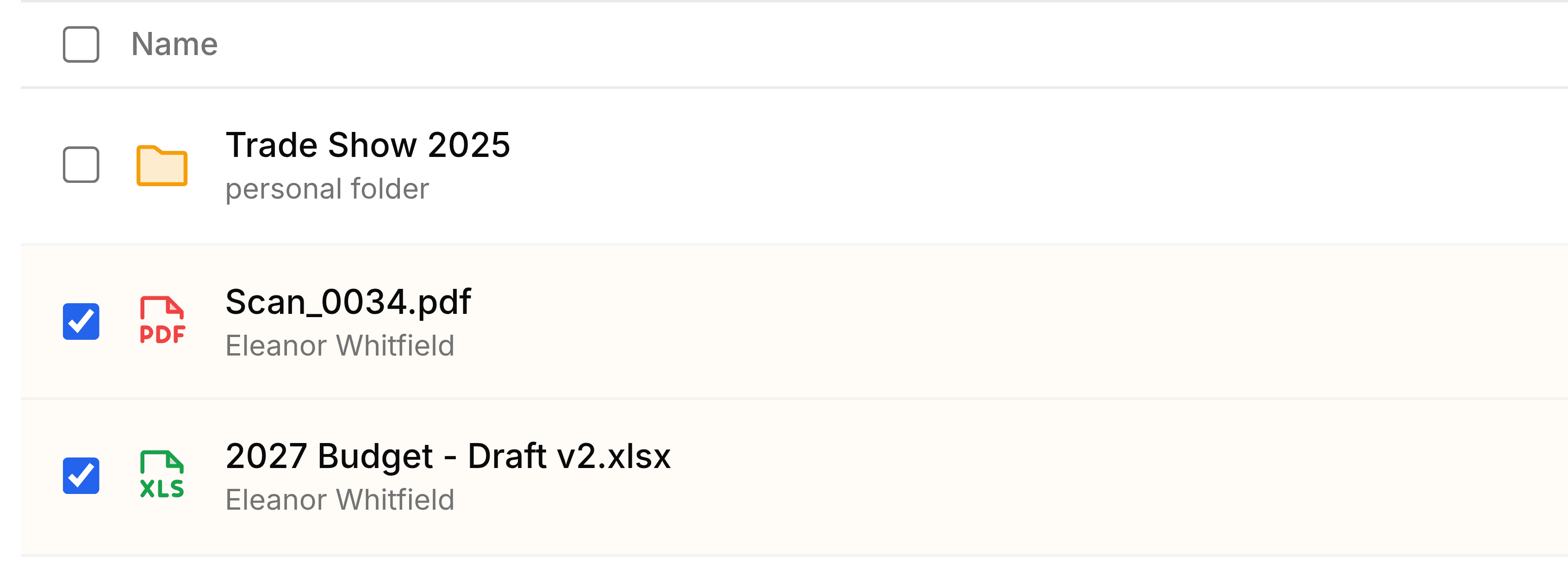
Select Restore at the top right. It counts what you've ticked, such as Restore (2).
Who can restore
- In My Folders
- You can restore anything of your own.
- In a team folder
- Your role there needs Move to trash. Whoever uploaded a file can always restore it.