Add a link
Keep a web address in a folder beside the files it relates to. Selecting the link opens the page in a new tab.
Not everything worth keeping is a file. A link stores a web address in a folder, next to the documents it belongs with, so the government guidance or the supplier's portal is one select away from the paperwork that needs it.
Open the folder the link belongs in, select New, then Link.
Enter a name you'll recognise, then the full web address, starting with
https://.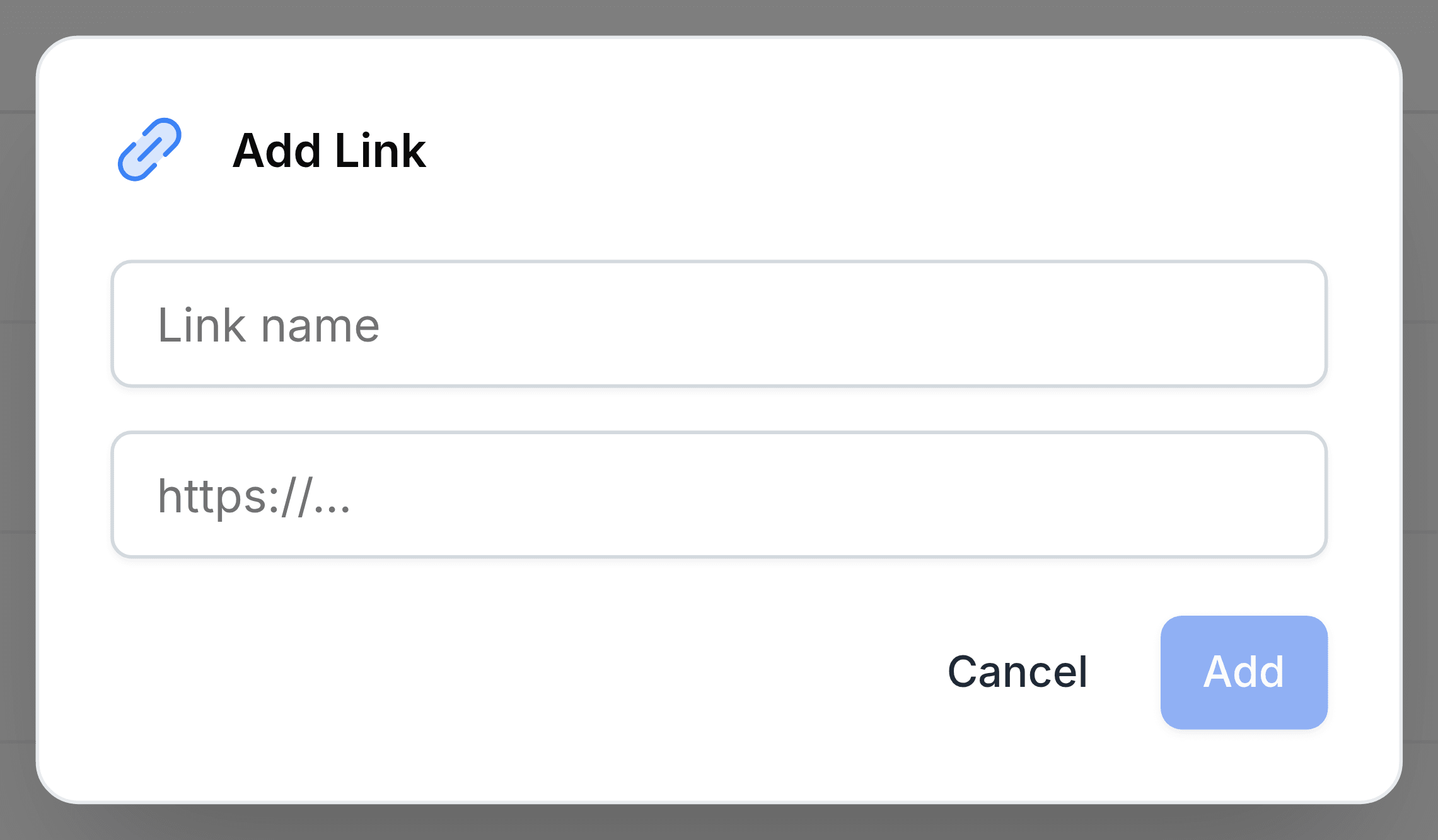
Select Add.
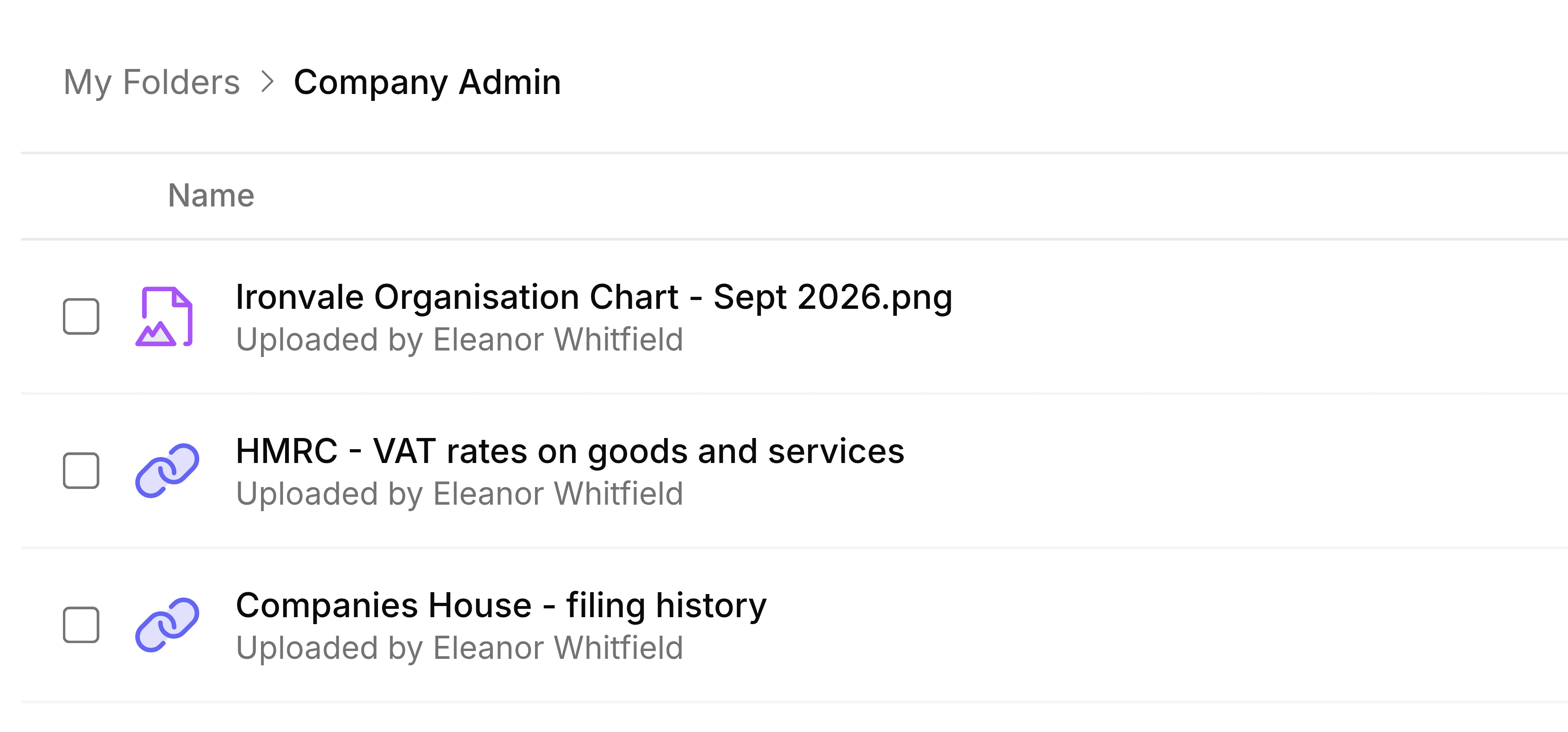
The link joins the folder's list with a chain icon, and the word Link where a file would show its size.