
General settings
The order files are listed in when a folder opens, for everyone in the organisation.
The General page holds the display defaults for folders. Of its two settings, the sort order is the one that changes what people see.
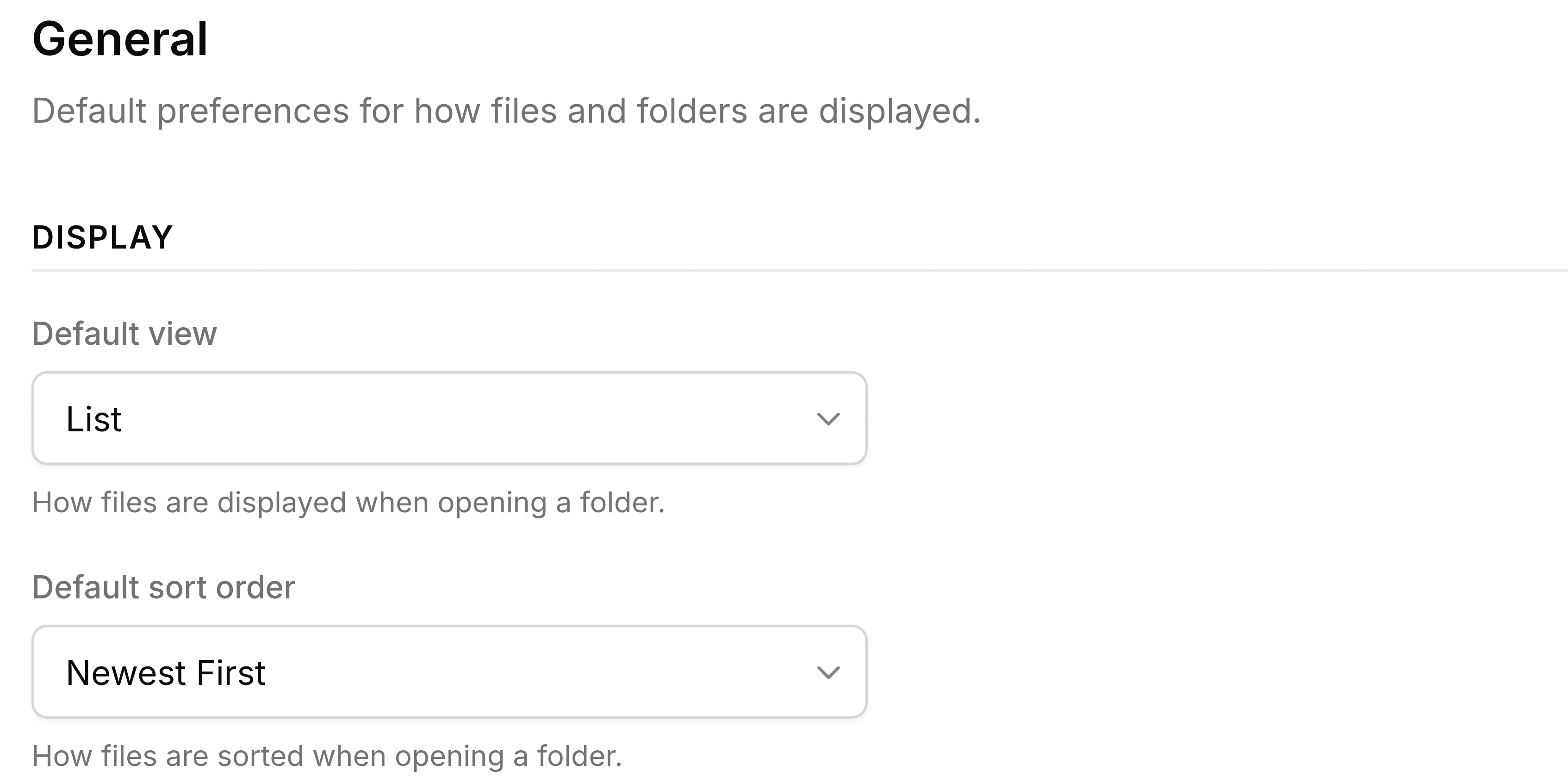
| Field | What it does |
|---|---|
| Default sort order | The order of the files in every folder, for everyone: newest first, oldest first or largest first. |
| Default view | Offers List or Grid. Folder lists open in whichever view each person last chose in their own browser, so this setting doesn't change what they see. |
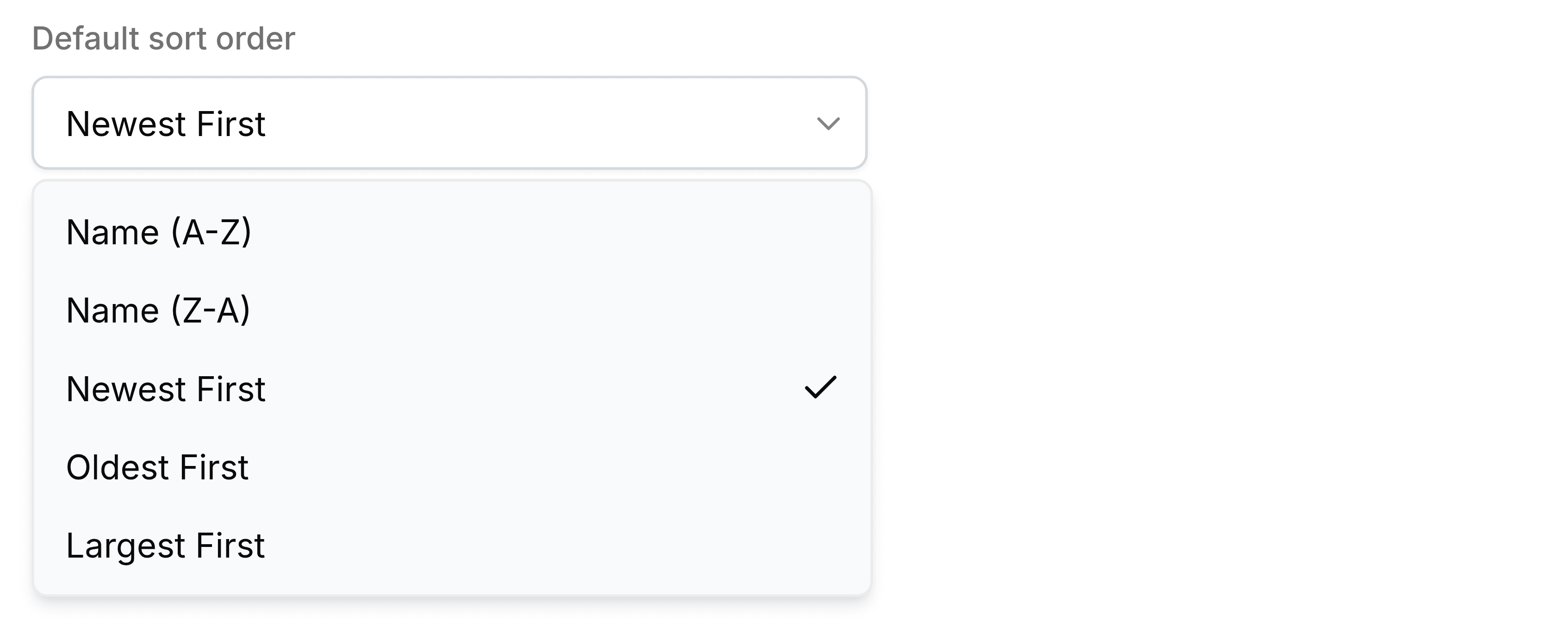
The sort order applies to files. Folders inside a folder keep their own order above them.