
Read your Favorites
What each row in Favorites tells you, which item types it holds, and the order they appear in.
Favorites is one plain list with no columns to sort and no views to switch between. Each row is one starred item, and the newest star is always at the top.
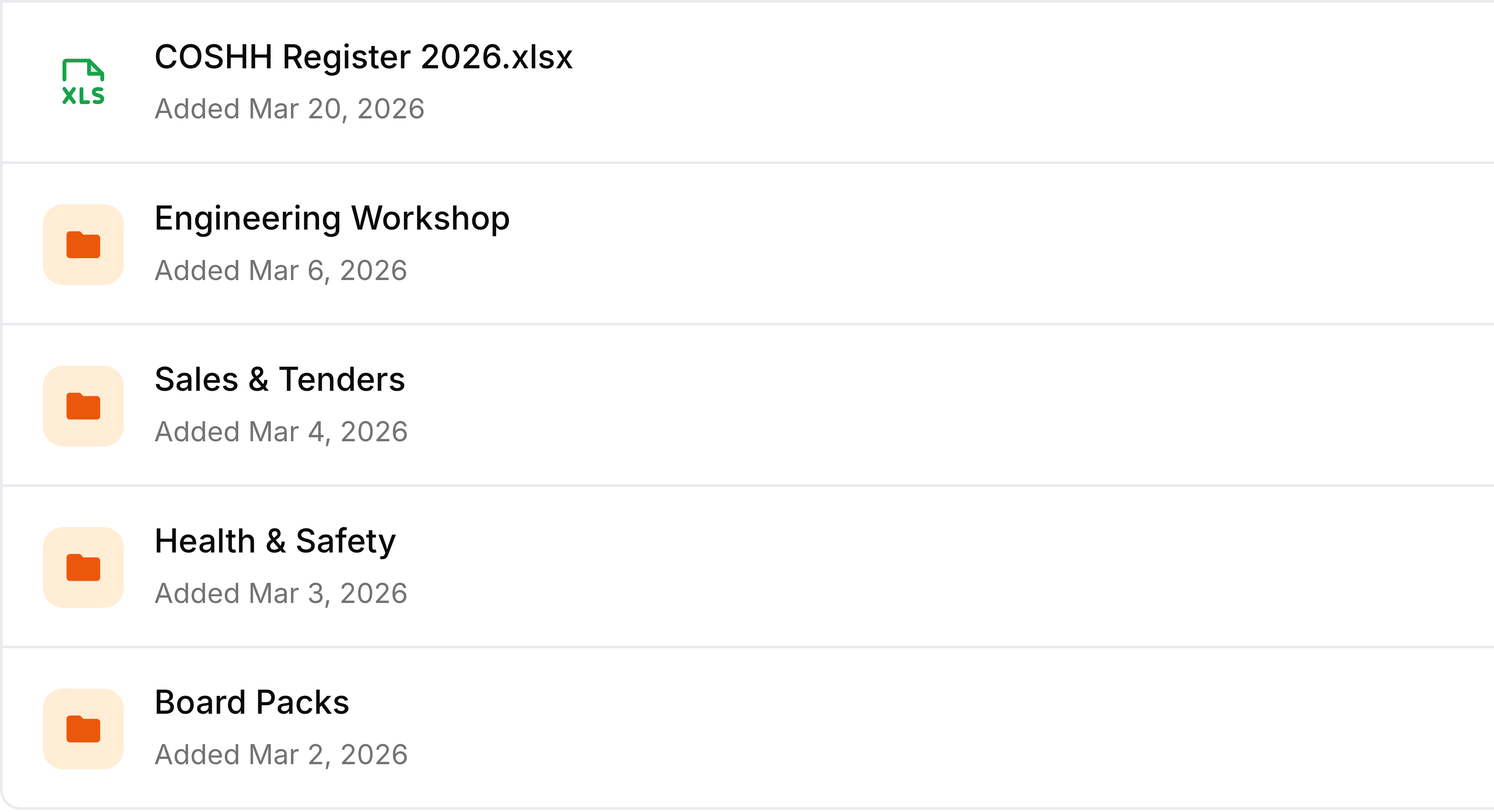
| Field | What it does |
|---|---|
| Icon | The file's type, such as XLS, DOC or PDF, or an orange folder for a folder. |
| Name | The item's current name. Rename the file or folder anywhere and the new name shows here too. |
| Added | The day you starred it. It is not when the file was uploaded or last changed. |
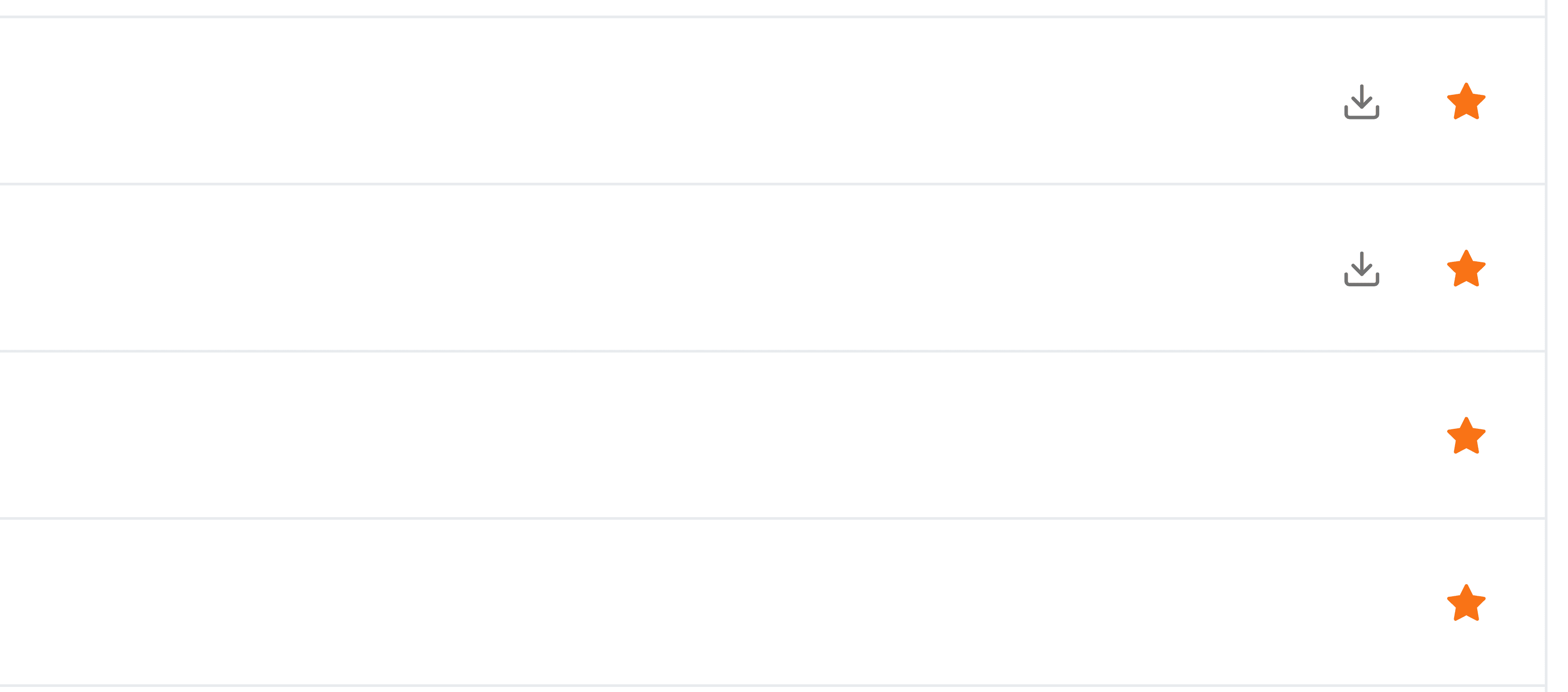
| Download | The arrow at the right-hand end, on files only. A folder has nothing to download. |
| Star | The filled orange star on every row. Selecting it takes the item off the list. |
What can be on the list
- Files
- From your own folders, from team folders you're a member of, and from Recent Files.
- Folders
- Your own and team folders alike, at any depth. A folder inside a folder can be starred on its own.
- Your stars only
- Favorites is personal. A colleague who stars the same file has their own list, and yours never changes because of theirs.