
Users and Roles
Inviting somebody into Repairs, and the role that decides what they may open. Being a user is not the same as being a technician.
Access to Repairs is granted in two pieces: a user is somebody who can sign in, and a role is the list of things they may do once they are in. Access Repairs explains how roles behave across apps; this page is the screen that edits them.
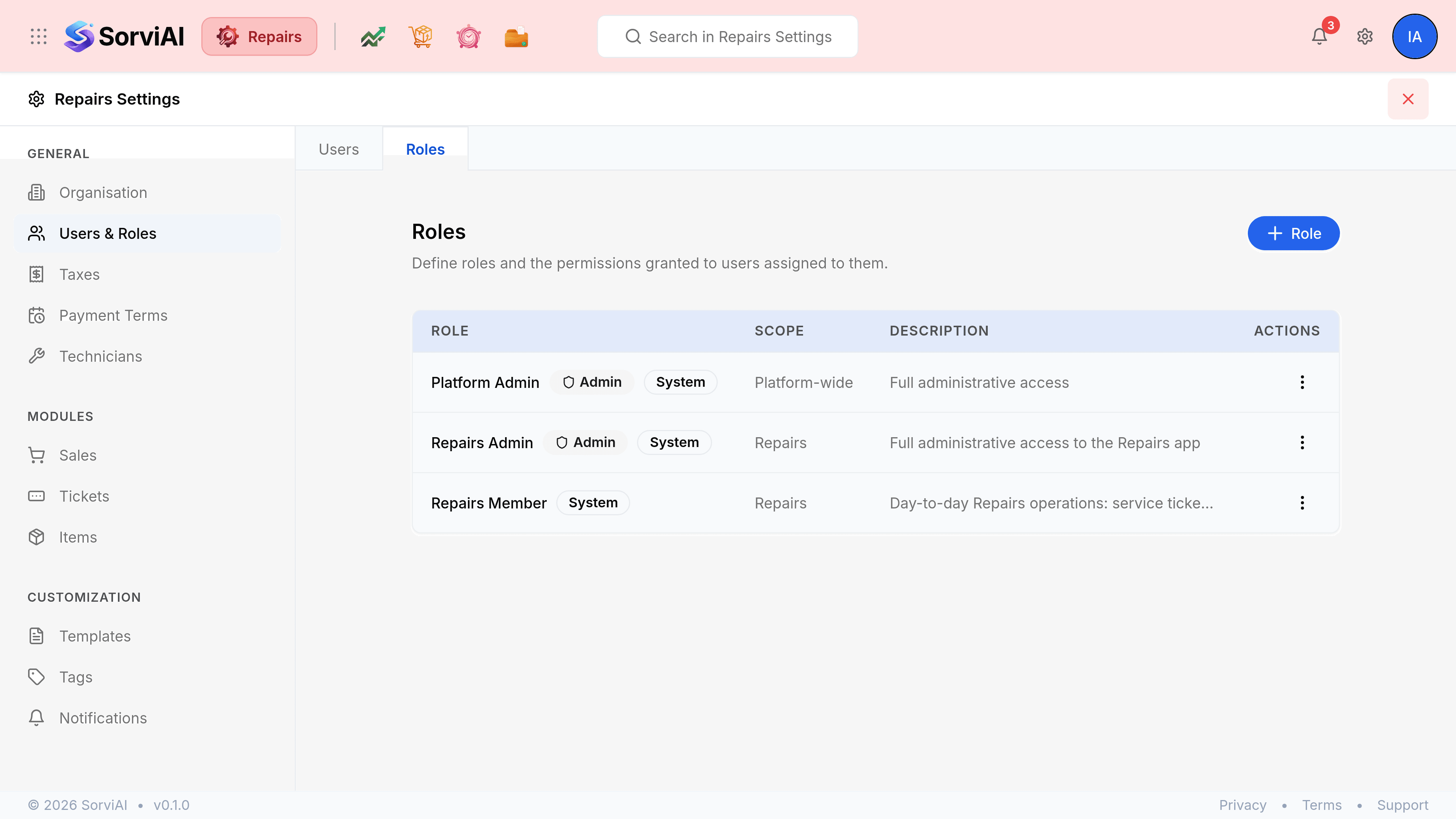
Go to SettingsUsers & Roles. Two tabs: Users and Roles.
Users
The people who can open Repairs, with the role each of them holds.
Go to Settings, Users & Roles.
Select Invite User.
Enter their first name, last name and work email address.
Choose a role.
The roles offered are the ones on the Roles tab. Somebody invited with no role signs in and finds an empty menu.
Select Invite User to send the invitation.
They join the workspace by following the link in the email.
The three-dot menu on a row edits the person's name and role, or makes them inactive. An inactive user keeps their history and stops being able to sign in.
Roles
A role has a name, a description, and a permission for everything the app can do.
| Field | What it does |
|---|---|
| Role nameRequired | What the role is called, such as Service Manager. It is what the Users tab offers when somebody is invited. |
| Description | What the role is for, in your own words. It shows on the Roles list. |
| Permissions | One row per module, set to No Access or to the actions the role may take. Full access and No access set every row at once. |
| Reports | Which reports the role may run, granted the same way. |
| Settings | Which settings sections the role may change. |
System roles are marked as such on the list and are not editable. Build your own beside them rather than trying to bend one.