
Items
Custom fields on the parts and services a repair consumes, and where the rest of an item's settings live.
Items in Repairs are the parts and services a ticket consumes. This screen adds fields to them, and that is all it does.
Go to SettingsItems. One tab, Custom Fields.
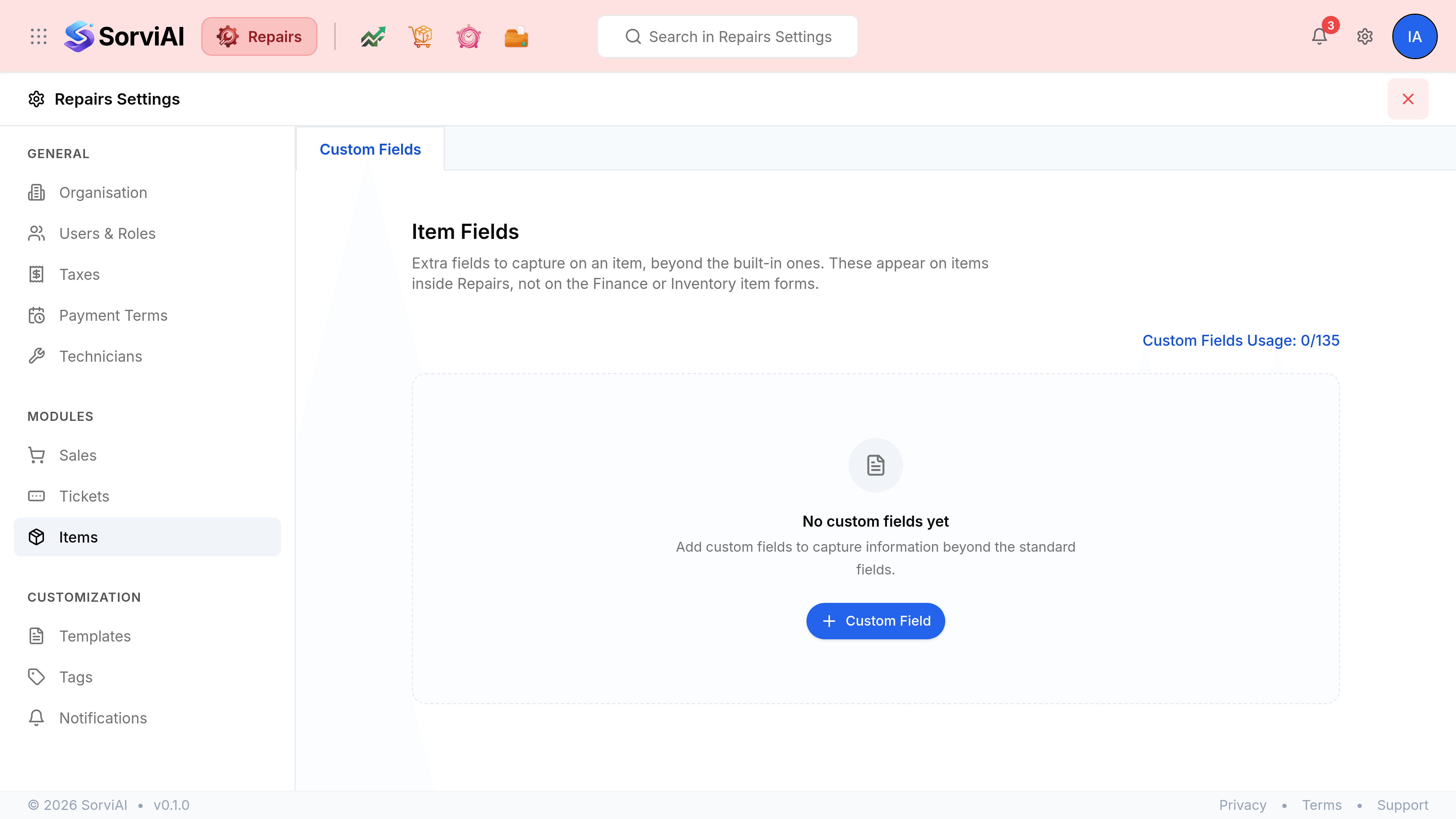
Custom fields on an item
Add a field here and it appears on the item form, ready to capture what the standard fields do not: a manufacturer part number, a shelf location, a rebuild interval. The Custom Fields Usage counter runs against the limit for the workspace, shared with every other custom field you have created.