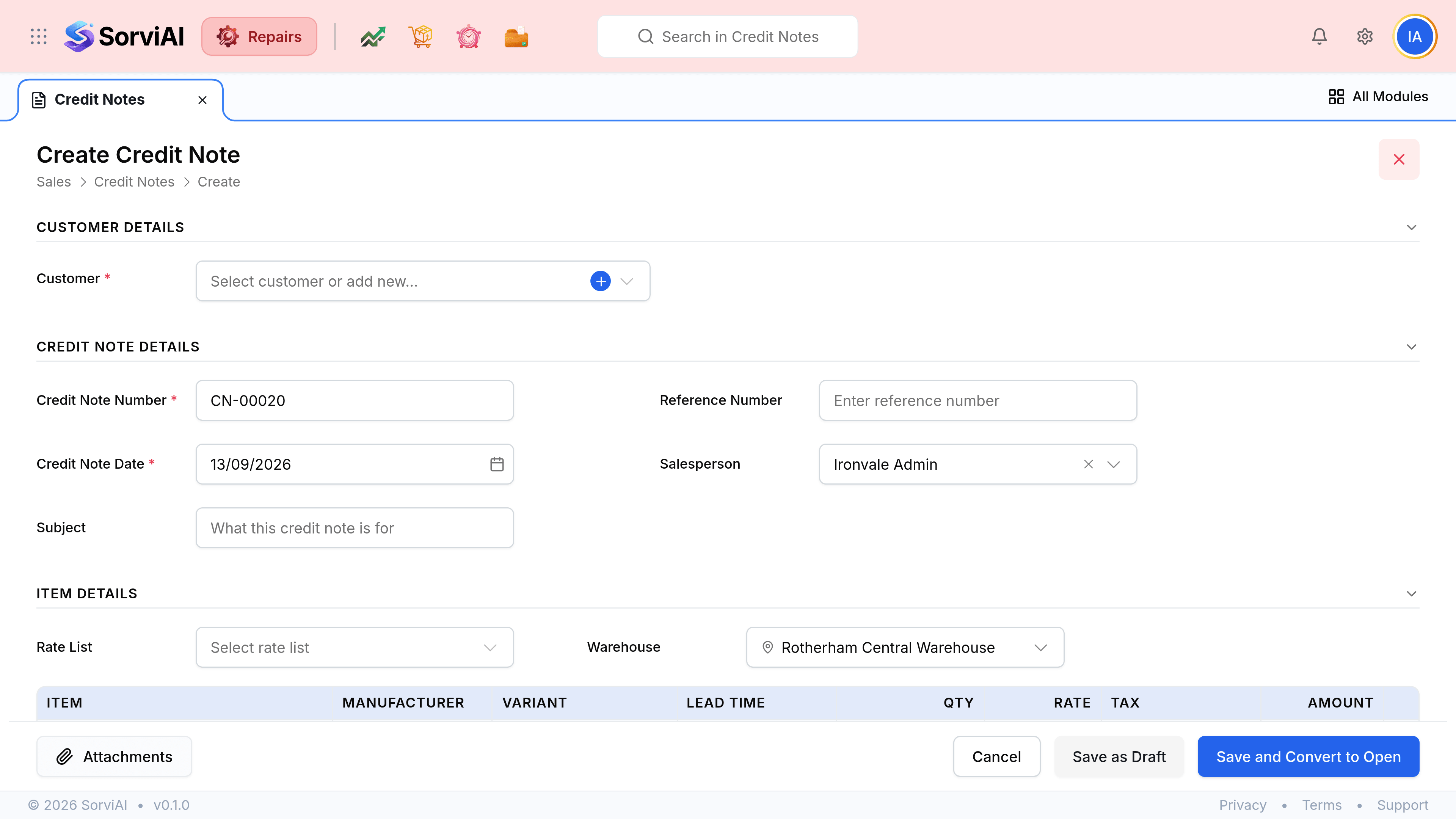
Create a credit note
Crediting a repair invoice the customer should not have to pay, in full or in part.
The best way to raise a credit note is from the invoice it corrects. That way the lines, the customer and the amounts come across on their own, and the two documents stay connected.
Highlights
- Start on the invoice, using Create Credit Note in its menu.
- Credit only what is wrong. A single bad line does not need the whole bill reversed.
- Two save buttons: keep it as a draft, or open it and make the credit usable.
- A draft credits nothing. Only an open note carries a usable balance.
- The subject field explains why, which matters more here than on any other document.
From the invoice
Open the invoice that was wrong
Go to Invoices and select it.
Select the three dot menu, then Create Credit Note
The form opens carrying the invoice's customer and lines.
Remove or reduce the lines you are not crediting
Crediting one bad part means deleting the rest of the rows, not reducing them all.
Write what it is for in the subject
Gearbox rework, no charge is worth ten times more than a blank field when somebody reviews this in six months.
Select Save and Convert to Open
The note now carries a usable balance. Save as Draft parks it instead, crediting nothing until you open it later.