
Technicians
Which of your users actually do repair work, the skills each one carries, and why the assign dropdown on a ticket is shorter than your user list.
Technicians is a Repairs-only screen and the answer to "why can I not assign this ticket to her?". It is the list of people who do repair work, drawn from your users, and only these people appear in the assign dropdown on a ticket.
Go to SettingsTechnicians. One tab, All Technicians, showing active and inactive together.
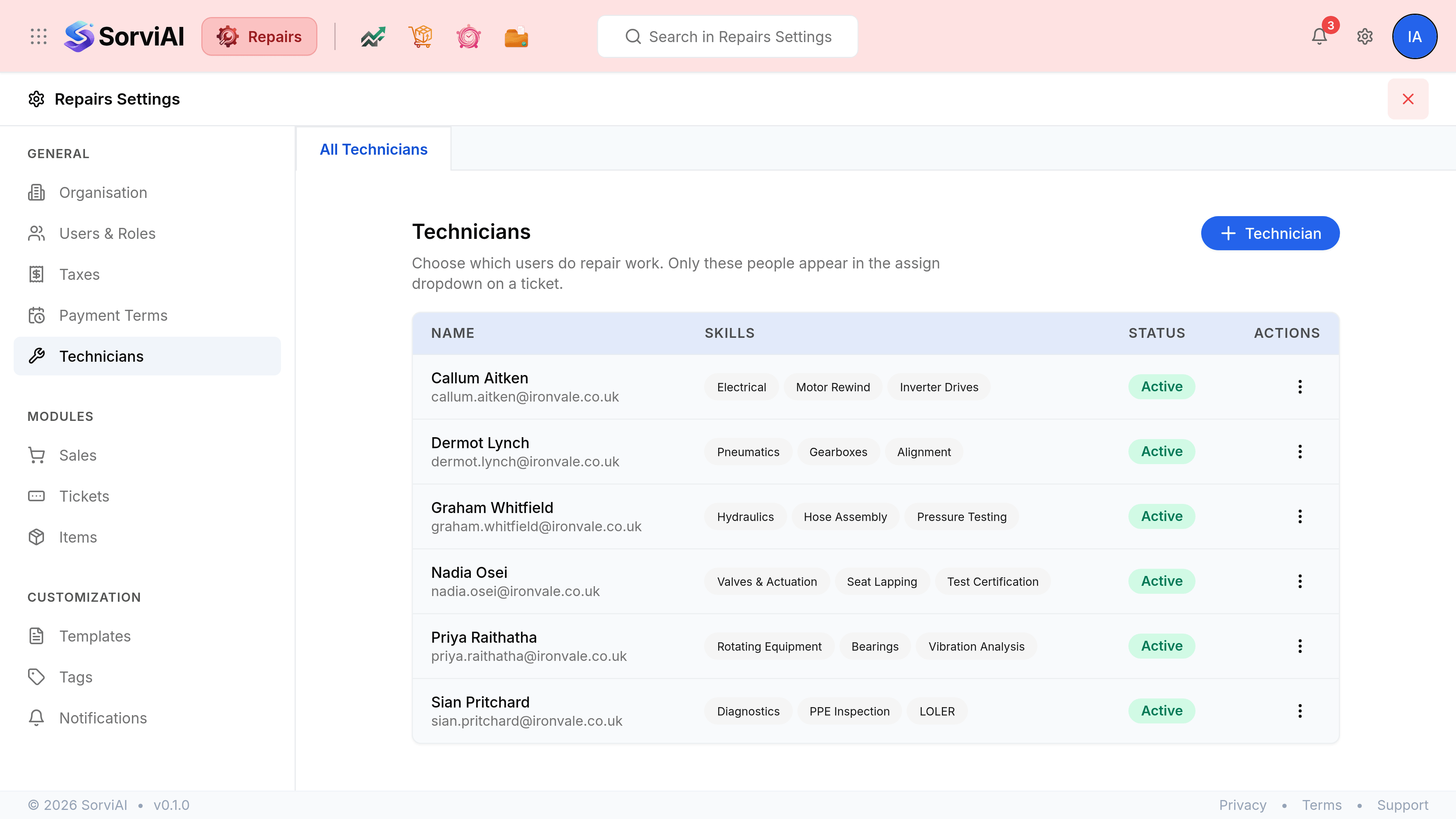
| Field | What it does |
|---|---|
| NameRequired | The user this technician record is for. They must already be a user in the workspace. |
| Skills | What this person is qualified or equipped to work on, as chips on the row. They describe the person; they do not gate what you may assign. |
| Status | Active or Inactive. An inactive technician leaves the assign dropdown and keeps every ticket they have worked on. |
Add a technician
Go to Settings, Technicians.
Select Technician.
Choose the user.
Only people who already have access to the workspace are offered. Invite them under Users and Roles first if they are not there.
Add their skills, then select Save.